
How to Audit an Etsy Product Feed Before a Seasonal Sale
A practical preflight for checking an Etsy catalog feed before you rely on it in Instagram and Facebook Shops.

If a seasonal sale is coming, your product feed is probably not the first thing on your list. It should be. A broken feed can leave new listings out of your catalog, show yesterday’s price, or make a product impossible to tag just when a post starts getting attention.
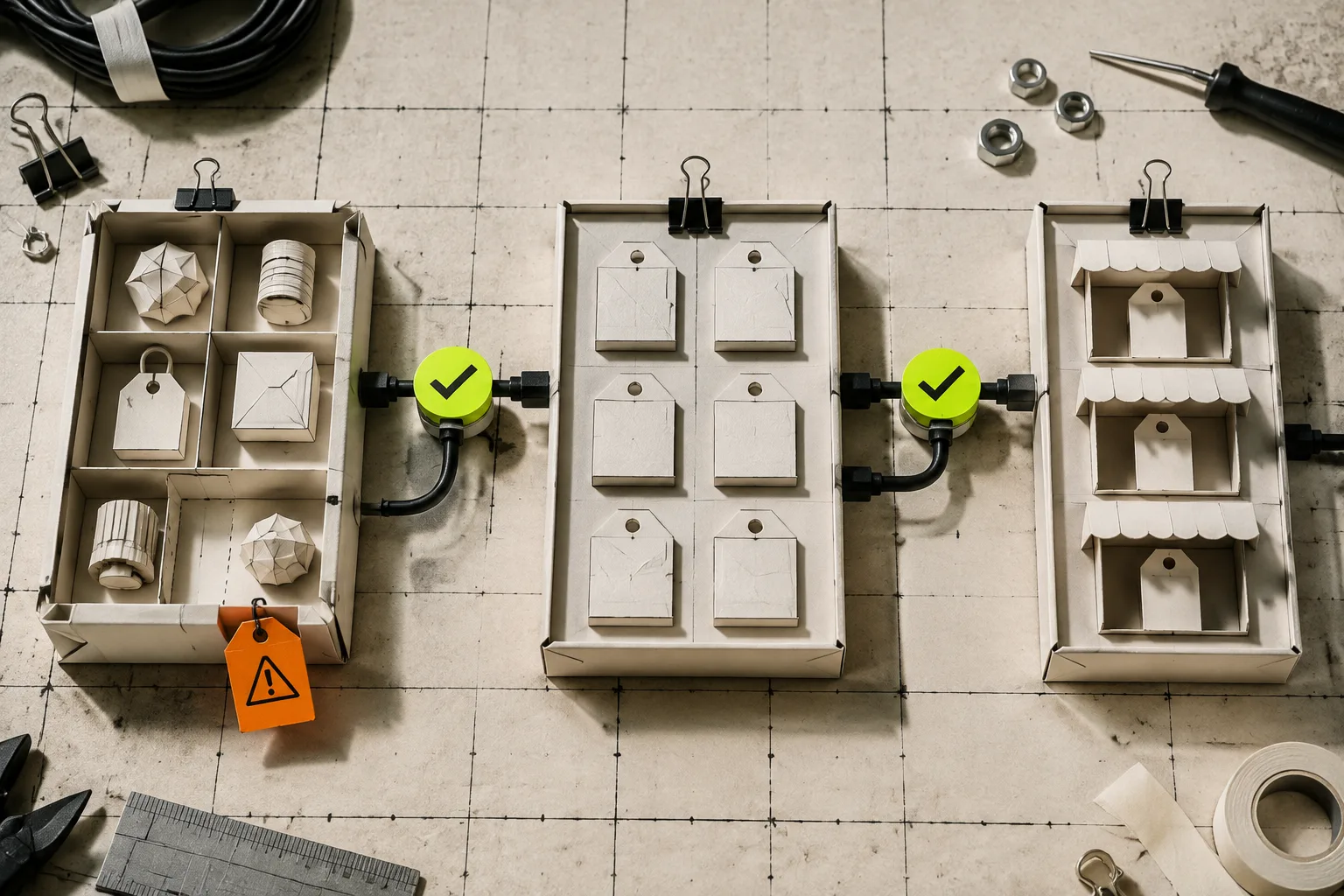
The useful mental model is simple: your Etsy listings are the source of truth; the catalog is a copy that a social-shopping system reads on a schedule. Treat that copy like any other dependency. Check it before you need it.
Catalog Generator for Etsy gives an Etsy shop a feed URL that can be used as a data source for a catalog, so you are not exporting and uploading a new file every time a listing changes. The app has a seven-day free trial and then costs $5 per month, which makes it sensible for a shop that is already getting real use from product tagging.
Start With the Listings, Not the Feed
A feed cannot repair messy listing data. Before changing anything in Meta Business Manager, make a short change list: products being added, products being retired, new variations, price changes, and image swaps. Then open a few listings on Etsy as a buyer would. Check that the product title distinguishes the item, the lead image actually represents the selectable variation, the price is current, and inactive listings are not the ones you plan to promote.
This is especially important if you have done a batch update. If you are changing a sale price, tags, or variations across a collection, use a controlled batch rather than editing at random and hoping the catalog catches up. This Etsy bulk-editing guide is a good companion: it separates the work that belongs in a repeatable edit from the work that needs an individual decision.

Check the Data Source Configuration
In Meta Commerce Manager, confirm that the catalog is using the feed URL—not a one-off spreadsheet from last season. The point of a feed is that the catalog can retrieve the current listings repeatedly. Catalog Generator’s setup flow provides that URL after you connect the Etsy shop; paste it into the catalog’s data-source setup and choose a refresh schedule that matches how often you make meaningful changes.
Do not make the schedule faster just because you can. Daily is usually plenty for a small shop with planned updates. More important: know when the last refresh completed and whether it surfaced errors. If you are setting this up for the first time, the product’s step-by-step walkthrough shows the domain-verification and data-source sequence.
There is one unglamorous prerequisite: the Etsy shop domain must be verified in the business settings before product tagging can work cleanly. Do that before launch week. A pending domain approval is not a fun thing to discover after you have scheduled a product post.
Run a Small, Deliberate Test
Pick three listings that represent risk: one old bestseller, one new seasonal item, and one listing with variations. Find each in the catalog after its next refresh. Then compare four things against Etsy: availability, price, primary image, and destination link. You are not trying to prove that every row is perfect; you are looking for a pattern that says the connection is healthy.
If anything is missing, resist the urge to rebuild the entire catalog. First check whether the Etsy listing is active and complete. Then check the feed’s refresh status and its item diagnostics. Only change one variable at a time, refresh, and retest the same three products. That makes the failure legible.
For a deeper feed-specific checklist, keep this guide to checking an Etsy product feed before connecting Instagram nearby. It is more useful than guessing from a blank product-tag picker.

Make the Feed Part of Your Sale Checklist
Add one line to the launch checklist: “Catalog refreshed; three listings verified.” Put it after listings are final and before social posts are scheduled. This tiny gate avoids the familiar failure mode where marketing is ready but the product tag points nowhere useful.
Also separate feed changes from creative changes. A new Instagram image can be scheduled independently; a new product or variation needs enough lead time to appear in the catalog. That distinction matters when a launch becomes hurried. If you need to clean up many Etsy listings before the sale, this safer bulk-editing workflow can help you make the source data boring and predictable first.
The payoff is not fancy automation. It is confidence that the item you are showing is the item a customer can actually buy. Start by opening your catalog today, choose three representative Etsy listings, and compare them to the source. If the connection is sound, use Catalog Generator for Etsy to keep that feed URL working in the background instead of returning to manual uploads before every campaign.