
How to Build an Approval-Ready AI Video Workflow With VideoJSON
A practical workflow for turning AI video drafts into reviewable VideoJSON, live previews, and safe renders with VideoFlow.

AI video is easy to generate right up to the moment somebody asks, ‘Can I change the caption, swap the product image, and approve this before it renders?’ If the answer is a pile of clips and a one-off prompt, you do not have a workflow yet. You have a fast way to create review debt.
VideoFlow is a practical fit when the job is repeatable: turn a brief or an AI response into structured video data, inspect it in a live preview, let a human adjust the draft, then render only the approved version. Its useful trick is VideoJSON—a portable representation that can move between authoring, preview, editing, and rendering without being rebuilt for each step.
This guide is the lean version of that system. It is aimed at small product teams, agencies, and makers who want useful video automation without quietly building a black box.

Start With a Narrow Video Contract
Do not ask an agent to ‘make a compelling launch video.’ That request hides every decision that later becomes expensive. Give it a bounded job instead: duration, aspect ratio, approved assets, scene count, copy limits, CTA, and what it must not alter. For a product clip, that might mean 12 seconds, vertical 1080×1920, three product images, one benefit per scene, and a final URL card.
Use the contract to produce a draft in VideoJSON or build the same structure through VideoFlow Core. Core is a TypeScript builder that compiles layers, timing, effects, captions, and transitions into the portable format. That is the important handoff: the agent can suggest structured scenes, while your application still owns the allowed schema, assets, and render rules.
A good contract also separates facts from creative choices. Product title, price, and approved claims should come from your catalog or CMS. Hook wording, scene order, and motion can be proposed by the agent. That split makes it much easier to audit why a video says what it says.
For a catalog-scale example, see how to build a reviewable product video queue from catalog data. The same principle applies whether the source is a product feed, CRM event, or weekly metrics report.
Make VideoJSON the Checkpoint, Not the MP4
An MP4 is a delivery format. It is a poor place to negotiate a change. Treat VideoJSON as the reviewable draft instead. Store it with a template version, source-data version, asset references, and a status such as draft, needs-review, or approved.
That gives reviewers concrete questions: Is this the right product image? Does the price match? Does the disclaimer fit? Is the CTA in the allowed wording? It also makes revision cheap: change a scene object, preview again, and render later. You do not need to reverse-engineer a finished file.
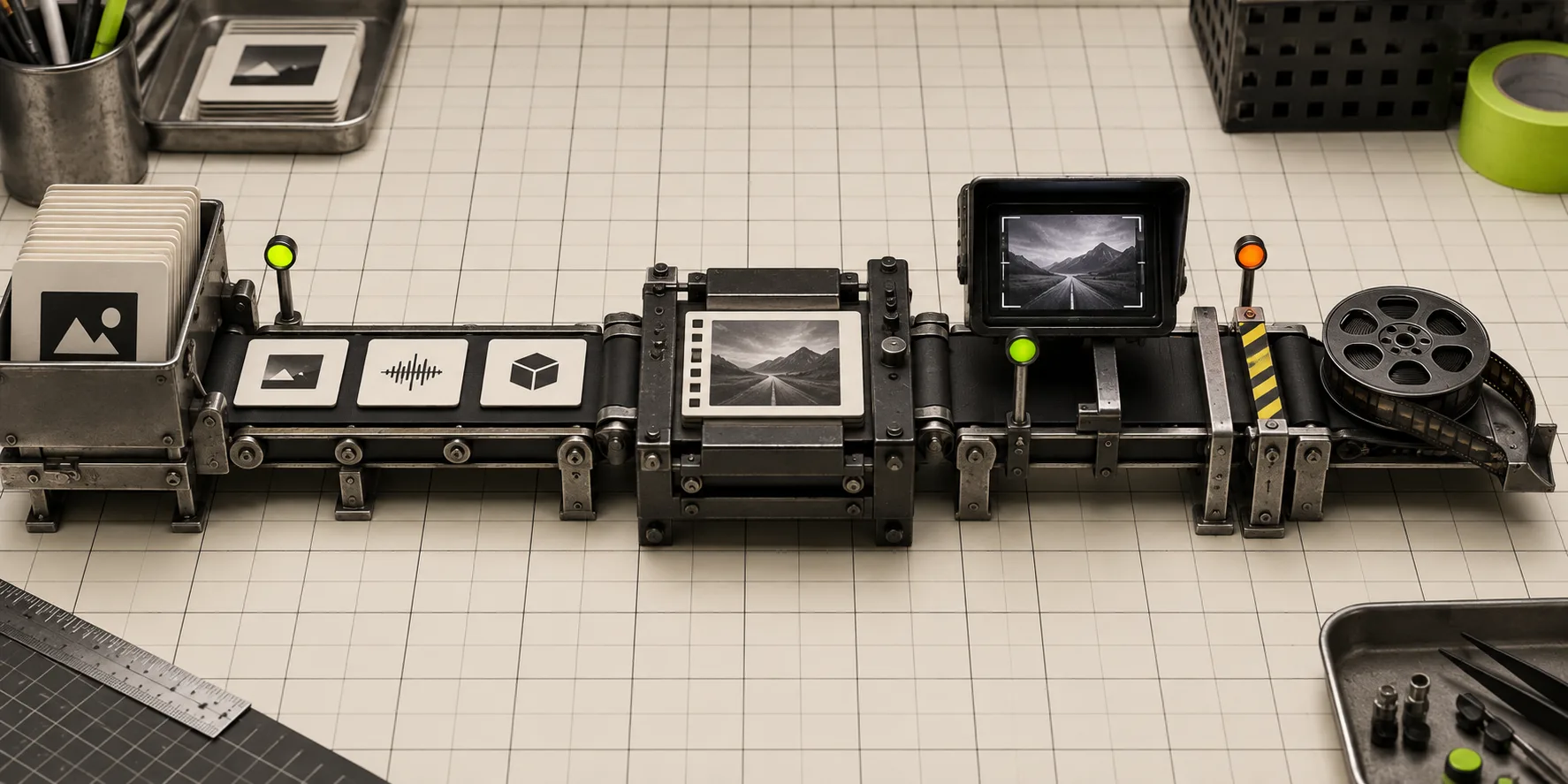
VideoFlow’s DOM renderer is useful here because the same JSON can become a live, scrubbable preview in your app. The reviewer gets a frame-accurate visual check, rather than guessing from a payload. If you need a fuller editing surface, the React video editor can expose a multi-track timeline, type-aware controls, keyframes, and export while your app persists the edited JSON.
This is also why a structured draft is friendlier to AI systems than a traditional timeline. An agent has a defined output target. Your validator can reject a missing asset, too-long caption, unknown transition, or an unapproved claim before it reaches a human.
Put Validation Before Rendering
Rendering is where queue time and compute spend start to matter. Run a simple preflight first:
- Validate the VideoJSON against the template and schema.
- Confirm every media URL is approved and resolvable.
- Enforce duration, aspect ratio, caption length, and safe-area rules.
- Compare any product facts against the current source record.
- Require a human approval state before a production job is dispatched.
Keep the validator boring. A handful of explicit rules beats a clever agent that sometimes ships an incorrect price. This is especially important when you generate many variants. A recent guide on turning one launch brief into five video jobs shows why each variant needs one clear job; validation ensures those jobs do not drift into five unrelated messages.
Render Where the Work Belongs
After approval, choose the renderer based on the job rather than habit. VideoFlow can use the same VideoJSON in a browser, on a server, or as the live DOM preview. Browser rendering can be a sensible option for a small user-initiated export where avoiding an upload is valuable. Server rendering makes more sense for scheduled jobs, APIs, batch queues, and heavier exports.
Make render status visible: queued, rendering, completed, failed. Keep the approved JSON next to the resulting MP4 and record the renderer, template version, and source-data version. When someone asks why a clip changed, you will have an answer that is better than ‘the automation ran again.’

For creative testing, this discipline keeps the test meaningful. If you are exploring hooks, test Shopify UGC ad hooks before committing to a shoot as separate controlled variants—not as a single vague request that changes the hook, product image, voice, and CTA all at once.
A Small Workflow Worth Shipping
Start with one template and one trigger. For example, when a product manager marks a launch brief ready, generate three VideoJSON drafts: feature, comparison, and reminder. Validate the drafts, show a preview, approve one, then render it through the server queue. Save the JSON and the final file together.
That first version is enough to prove the system. Once it is steady, you can add localization, CRM personalization, batch generation, or an embedded editor. If you need a deeper queue pattern, this reviewable VideoJSON guide is a useful next read.
The practical next step is simple: take one video that your team repeats every month, write its constraints as a small template contract, and make VideoJSON the artifact that gets reviewed. Try VideoFlow when you are ready to turn that approved draft into a portable preview, editor, and render pipeline.