
Shopify Bulk Edits: The Three Checks I Run Before Touching a Catalog
A practical preflight for selecting products, testing an update, and keeping a rollback path before making a Shopify catalog change at scale.
Bulk editing is one of the most useful ways to save time in Shopify, and one of the fastest ways to create a large cleanup job. Changing a title, tag, price, SKU, description, image, or variant setting across a catalog is easy to describe. The difficult part is confirming that the update will reach exactly the records you meant to touch.
I use a three-check preflight before I run any wide catalog update. It is deliberately plain: verify the selection, test the operation, and prepare the way back. These checks work whether you are changing twenty listings or two thousand. Ultimator Bulk Editor makes the actual Shopify update faster; the preflight is what keeps the speed useful.
Check 1: Can you explain the selection in one sentence?
A bulk update should start with a filter, not a field. Before you decide what to change, define the exact group that should receive the change.
For example:
- Active products in the summer collection, excluding gift cards.
- Variants from one vendor with empty SKU values.
- Products tagged
new-arrivalthat need a title suffix removed. - Items in a discontinued collection that need a status change.
If your selection is “the products that probably need this,” stop there. That is not a filter. It is a future support ticket.
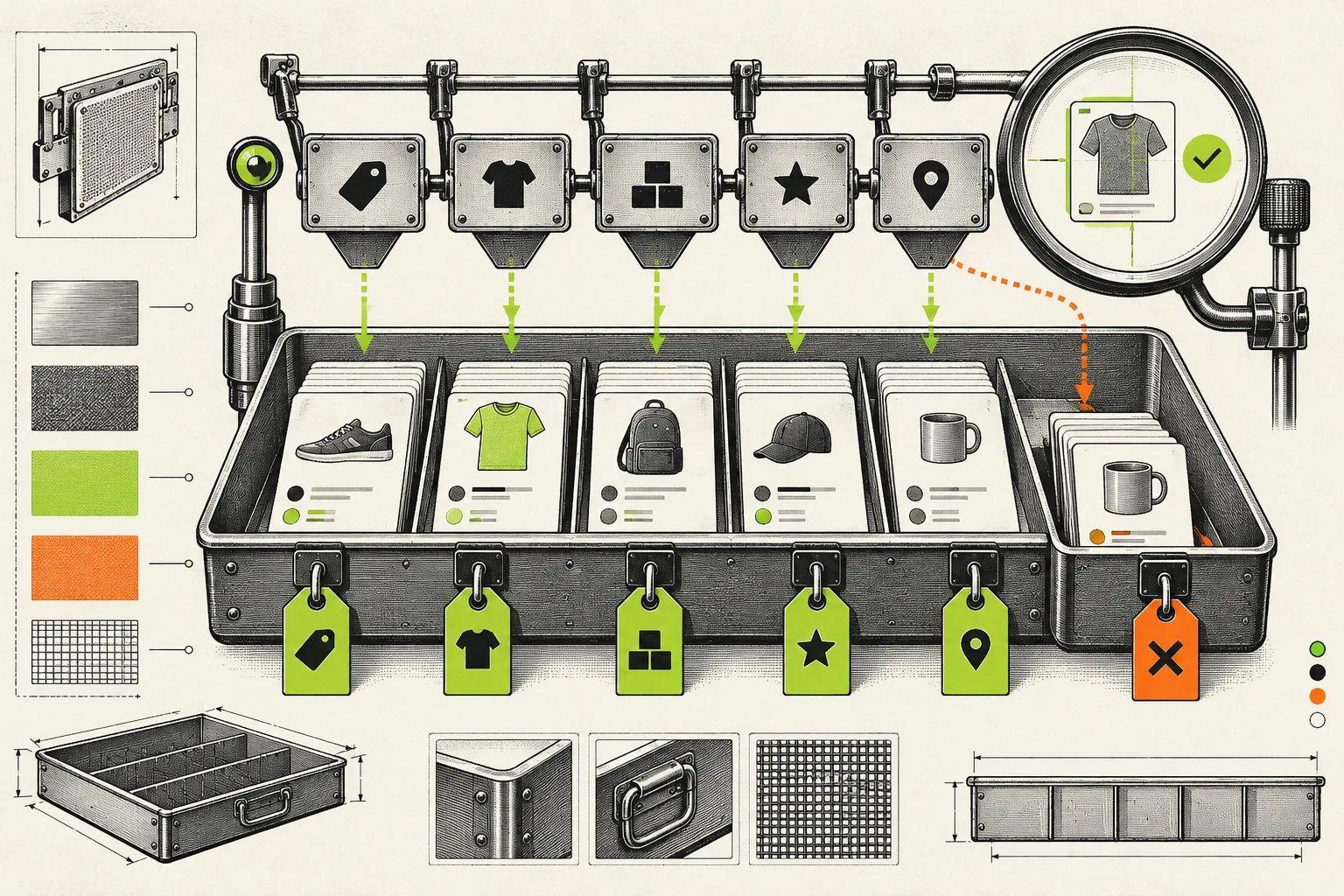
Ultimator Bulk Editor lets you search for the products or variants first, then select the records you want to modify. Use that separation. Review the resulting count and inspect a few entries from the beginning, middle, and end of the list. Look for products that should be excluded because they are bundles, locked to a campaign, handled by a different vendor, or simply unusual.
What good looks like: you can tell a teammate exactly which products the task affects without opening the editor.
Check 2: Does the operation work on a small sample?
The second check is where most “obvious” changes become real. Choose a small sample that represents the different shapes inside your catalog: a single-variant product, a product with many variants, a high-priced item, a low-priced item, and a product with a long description or unusual title.
Run the intended operation on that sample first. Then inspect the result in Shopify Admin and, when relevant, on the storefront.
For a price update, check price, compare-at price, and the customer-facing display. For a title search-and-replace, check punctuation, capitalization, and handles. For a tag operation, make sure the new tag appears once and the old tag is actually removed. For images, confirm the intended ordering and make sure no product unexpectedly loses a key photo.
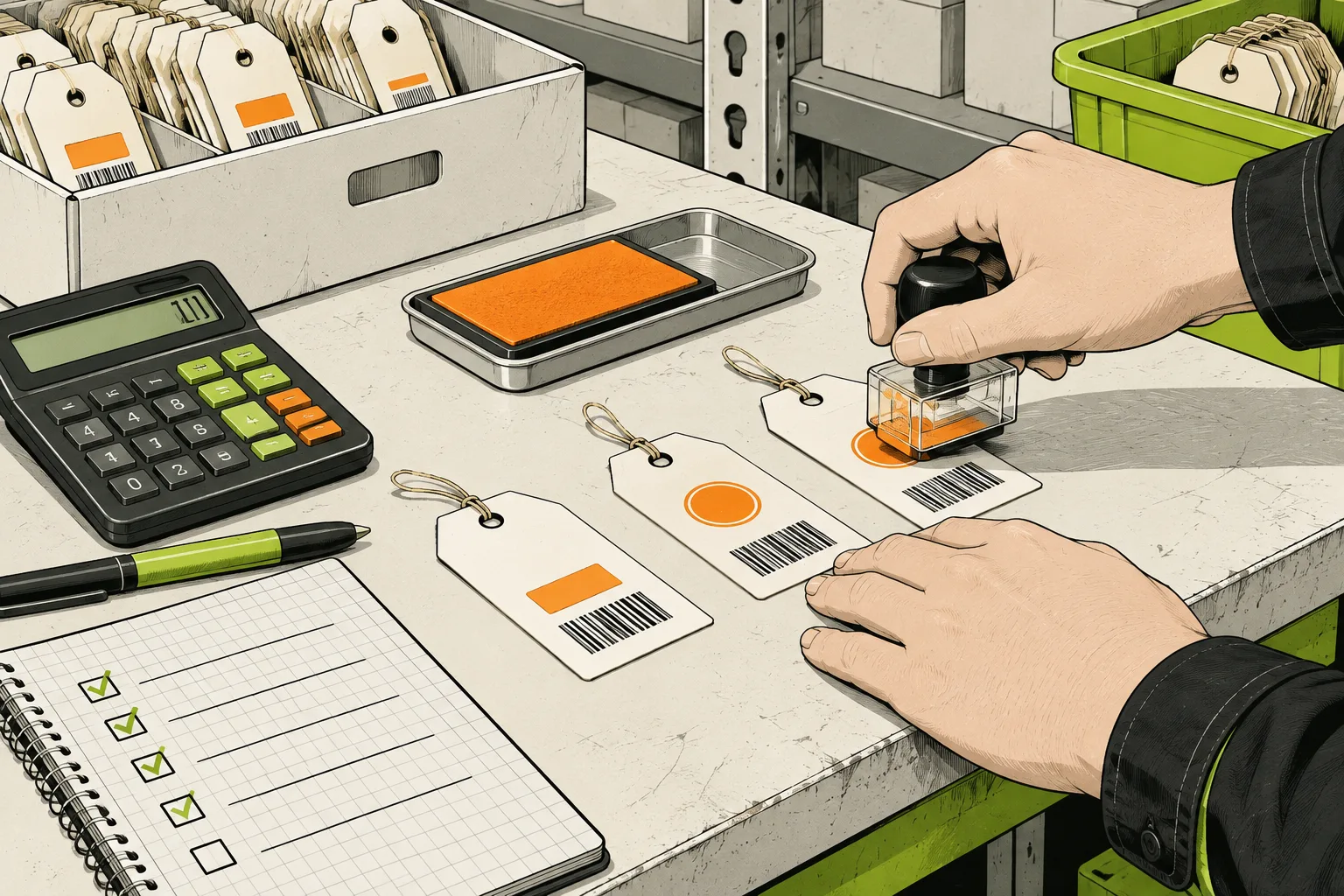
Ultimator Bulk Editor supports different operations by field, such as setting a new value, appending or prepending text, searching and replacing text, adjusting prices by amount or percentage, and rounding cents. The operation is not interchangeable with the outcome. A 20% decrease followed by rounding does not always match a manually chosen sale price, so test the exact rule before extending it across a catalog.
What good looks like: the sample change produces an outcome you are happy to repeat.
Check 3: What is the rollback path?
A rollback plan is not pessimism. It is a way to make a bulk task reversible before it becomes urgent.
For some updates, the rollback is easy: you have the previous values in an export, or you can run the inverse operation on a narrow group. For others, it needs more thought. Search-and-replace changes can be hard to reverse when the old phrase appears in several contexts. Variant deletions deserve extra caution because they change the catalog structure, not just a field value.
Before running the task, write down one answer to this question: if the result is wrong, how will I restore it? You do not need a formal change-management system for a small store. A saved export, task notes, and a named restoration task can be enough.

For scheduled work, prepare the reverse task at the same time. This is especially helpful for seasonal price changes and temporary tags. A sale should not depend on someone remembering to repair the catalog after a weekend.
Where the workflow can fail
The filter catches a product it should not. Add an explicit exclusion rule and rerun the sample. Do not repair one exception manually and assume the next catalog update will be safer.
The change looks correct in Admin but not on the storefront. Check the theme, price display logic, search indexing, and any app that transforms product data. The update may be correct while the frontend needs its own review.
The job tries to solve too many problems. Split it. A title cleanup, a price update, and an image reorder are easier to verify as three focused tasks than one large operation.
The values differ across variants. Treat variants as a separate population. Test products with the most complex option setup before expanding the selection.
The field-manual version
You do not need elaborate process to make bulk edits safer. Write one sentence for the selection. Prove the operation on a sample. Keep a route back. Then use a tool like Ultimator Bulk Editor to apply the same deliberate change across the records that genuinely need it.
The point of a bulk editor is not to let you change more things. It is to let you make one correct decision once, instead of making it hundreds of times by hand.