
How to Build a Shopify AI Agent Without Giving It Too Much Access
A practical, guarded way to start Shopify AI automation with read-only reports, scoped integrations, and human review.

Your Shopify admin probably has plenty of work that is repetitive but not harmless: watching inventory, finding odd orders, cleaning product data, and preparing a daily snapshot. That makes an AI agent appealing—and it also makes a blank-cheque setup a bad idea.
The useful question is not, ‘What can an AI agent do?’ It is, ‘What is the smallest useful job I can give it with a clear boundary?’ That is the practical route to an AI Agent for Shopify. Clawly is built around that idea: assistants can connect to Shopify and other tools, while you decide which operations and integrations are available.

Start with observation, not action
The first automation should be read-only and time-boxed. A morning report is the obvious candidate: yesterday’s revenue, top sellers, stock that crossed a threshold, and anything unusual worth opening in Shopify. It produces a useful habit without letting software alter a product, tag, discount, or customer conversation.
Write the instruction like an operating brief: check these metrics, summarize them in this destination, and escalate only these conditions. Do not phrase it as ‘manage my store.’ Vague goals create vague outcomes. A small, inspectable brief gives you something to tune.
This is the same reason a safe bulk-edit workflow starts with scope and a sample rather than a grand update. If you already maintain catalog hygiene, bulk-updating Shopify product tags without breaking the catalog is a good reminder that a neat rule can still misclassify real products.
Make each connection earn its place
An agent can be more useful when it spans Shopify, a spreadsheet, a support tool, or a marketing channel. But every integration changes the blast radius. Start with the fewest connections that make the first job viable. For a daily report, that might be Shopify data plus one notification destination. You do not need product write access, an ad account, and an inbox on day one.
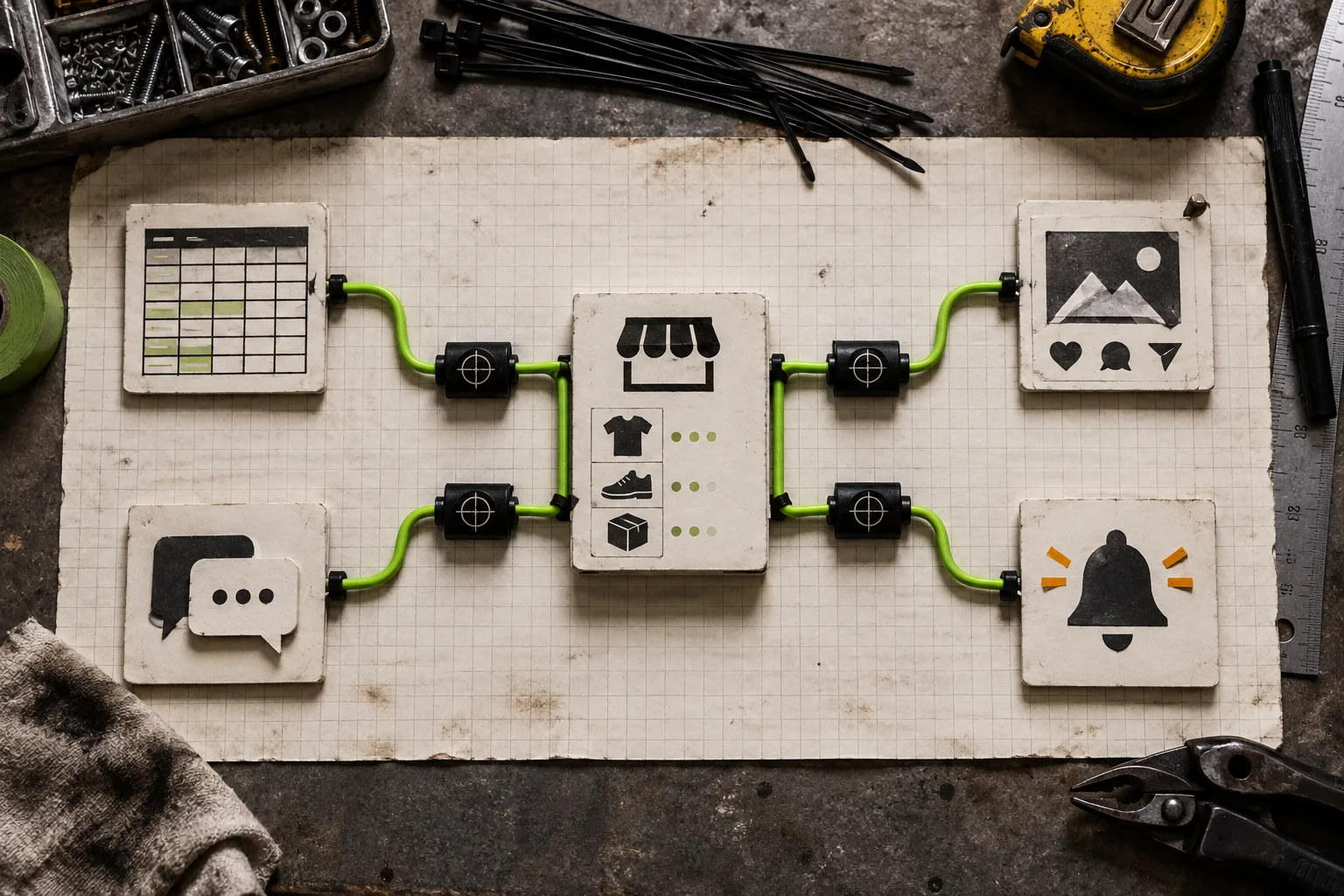
Before enabling an integration, answer four plain questions:
- What exact information can this assistant read?
- What exact action, if any, can it take?
- Where does it send its result?
- How will someone notice a bad result quickly?
Clawly’s Shopify App Store listing describes Shopify Admin access and a broad set of integrations. Treat that breadth as a menu, not a setup checklist. A connection is justified when it removes a handoff you can name and you can still explain its permissions in one sentence.
Promote one permission at a time
Once a reporting agent has been reliable, give it a draft task—not a publish task. For example, it can suggest product titles and tags for new items, then send the result for review. That is a much safer first step than changing a collection automatically. The same staged approach works for content: a recurring Shopify blog workflow is easier to trust when drafting and approval are separate, as in this reviewable recurring Shopify blog setup.
Only promote a permission after you have seen enough normal and messy cases. Keep a short test list: a product with variants, an out-of-stock item, an unusual order, and a record with incomplete information. If the agent cannot handle the edge cases, the fix is usually a narrower instruction or a clearer escalation rule—not more access.

Put humans at decision points
A useful pattern is: agent detects, agent drafts, human decides, automation records. Let the agent flag a low-stock risk or draft a support reply; keep the final discount, product change, refund, or public response behind a human checkpoint. This gives a small team speed without pretending that operational judgment has vanished.
The same discipline applies to visual work. If you use automation around product media, run a QA pass before scaling it—this Shopify 3D media checklist is a useful model for testing representative cases before rolling a system out.
A first-week setup that stays boring
For the first seven days, keep the agent to one job: create a weekday store report and alert you to a small set of thresholds. Review every output. Note false positives, missing context, and questions that require a person. In week two, revise the instructions and add one draft-only task, such as proposed product metadata for new products.
That pace may sound unexciting. It is also how a Shopify AI assistant becomes dependable enough to save time. A quick win is not an agent with access to everything; it is a workflow you no longer have to remember, whose boundaries you can audit.
If you want to try the pattern, install Clawly and build the smallest assistant that can deliver a useful daily report. Keep it read-only, give it one destination, and decide the next permission only after a week of real outputs.