
How to Keep an Etsy Product Catalog Synced to Meta Shops
Build a low-maintenance Etsy-to-Meta catalog workflow, check the data that matters, and catch listing changes before they confuse shoppers.
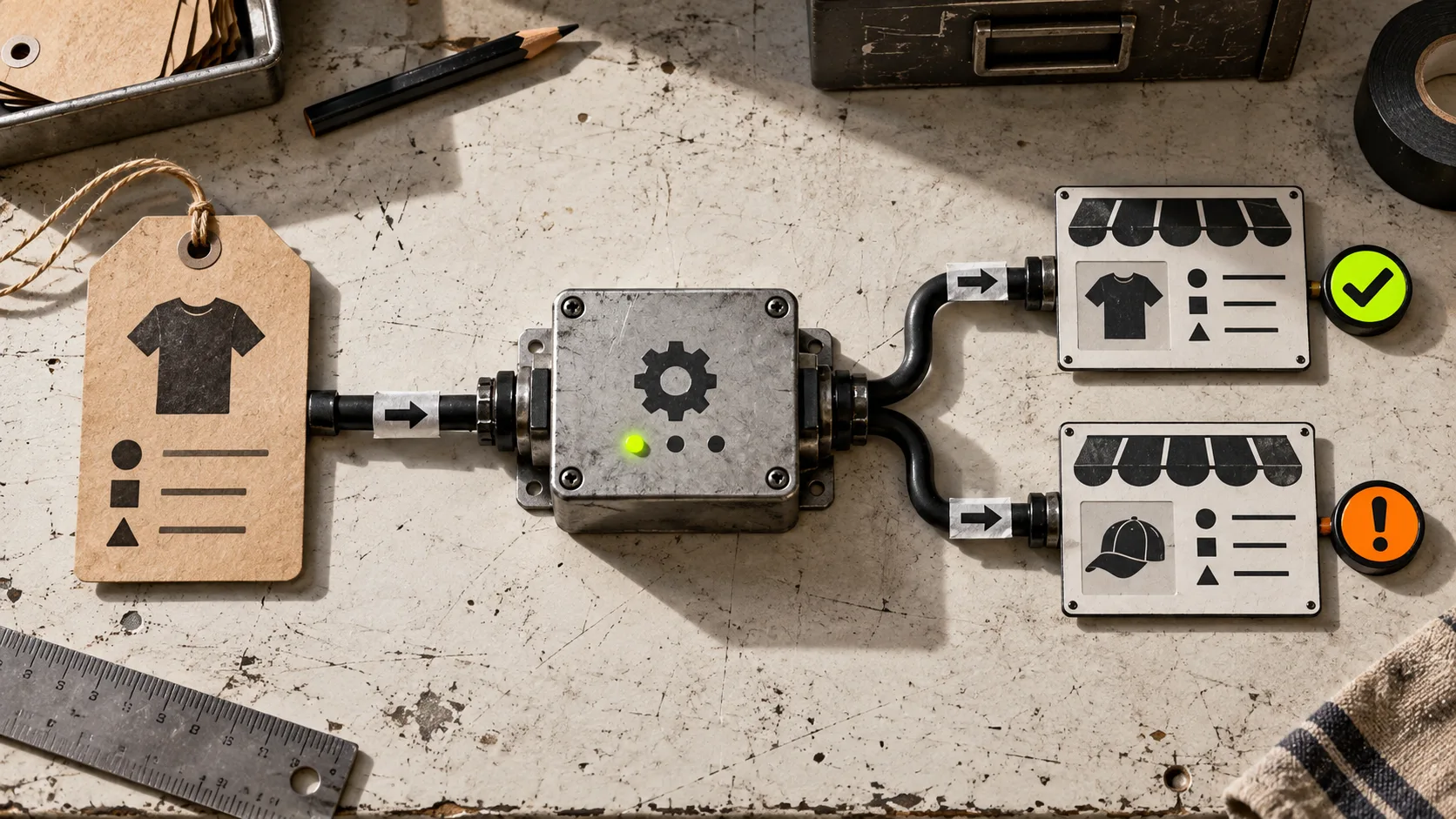
If you sell on Etsy and want to tag products in social posts, the tedious part is not making the post. It is making sure the product behind that tag still has the right photo, price, availability, and destination. A catalog that gets stale quietly turns a useful shopping post into a bad handoff.
The small, durable fix is to treat Etsy as the source of truth and give Meta a feed it can revisit on a schedule. Catalog Generator for Etsy provides a catalog-feed URL for that job, so you can connect Etsy listings to a Meta catalog instead of uploading items one at a time. This guide is the operating routine I would use before relying on that connection.

Start with the right definition of “synced”
A feed is not magic. It is a repeatable handoff: Etsy listing data goes into a catalog feed, and Meta’s Commerce Manager retrieves that feed on its chosen schedule. The practical payoff is that listing updates can be reflected without rebuilding a spreadsheet or re-uploading a product batch.
That makes the job split cleanly. Etsy owns the listing. The feed carries the listing data. Meta owns the catalog review and the surfaces where shoppers see or tag products. If something looks wrong, inspect it in that order instead of editing the same item in three places.
Before connecting anything, decide which listings deserve to be promoted. Drafts, one-off custom orders, and products with unreliable stock are poor candidates. For the rest, check the same basics you would check before a sale: clear primary image, a customer-facing title, price, availability, and a working Etsy destination. If you are changing many listings first, this small-sample bulk-edit test is the safer place to start.
Build the connection in five deliberate moves
-
Prepare the Meta side. Create or open the business account, make sure the Facebook Page and Instagram account are connected, and use a business Instagram account if you intend to use shopping features.
-
Verify the Etsy shop domain. In Meta Business settings, use the Etsy shop-domain pattern described in the product’s setup guide, then place the verification meta tag in Etsy Shop Manager’s Facebook Shops area. Domain verification is not glamorous, but it is the part that keeps product destinations tied to your shop.
-
Generate the feed URL. Sign in to Catalog Generator, connect the Etsy shop, and copy the feed URL it supplies. The service is positioned as a monthly tool with a seven-day free trial, so test with a representative set of live listings before treating it as production plumbing.
-
Add a data-feed source in Commerce Manager. Choose the route for importing items by data feed, paste the URL, and select a refresh schedule. Daily is a sensible default for a shop where prices, stock, or listings change regularly; slower refreshes make sense only when your catalog barely moves.
-
Wait for the first import, then inspect items. Do not jump straight to product tags. First confirm that items appear, then submit the domain for approval where required. The first import is your best chance to catch a naming, image, or availability problem while the scope is still small.

Use a refresh rhythm that matches your shop
The most common mistake is choosing a schedule and never looking again. A scheduled feed reduces manual upload work; it does not replace a lightweight review loop. Give yourself a five-minute check after a meaningful listing change, a price campaign, or a new collection. Open a few catalog items and compare them against Etsy, especially the image, price, availability, and destination.
For a larger refresh, make one controlled change, let the feed update, and inspect the affected items before touching everything else. The same principle shows up in preparing an Etsy catalog for a safe bulk edit: an easy rollback matters more than a dramatic one-click change.
Run this preflight before you promote a listing

Use this short list whenever a product is about to appear in a tagged post or shop collection:
- Is the Etsy listing live, purchasable, and pointed at the right variation?
- Does its main image make sense at the smaller crop shoppers will see in a catalog?
- Does the price match the offer you mention in the post?
- Is availability credible, especially for limited handmade stock?
- Does the destination take a buyer to the exact listing rather than a general shop page?
- Has the catalog refreshed since the change?
This is also why it helps to separate a catalog change from a content change. If the product data is in good order, you can focus on the post itself. If you are still deciding whether your feed is ready, the earlier guide on checking an Etsy product feed before connecting Instagram is a useful companion check.
Know where the workflow can fail
Three failure modes show up repeatedly. First, a listing changes but the refresh has not run yet; fix that with a documented refresh cadence and a small spot check. Second, the feed imports but an item is not eligible for the way you want to surface it; inspect the catalog status and required approvals rather than repeatedly reconnecting the feed. Third, a bulk listing edit accidentally changes a field customers depend on. Test that edit on a narrow slice first, particularly when variations are involved—this guide on deciding whether an Etsy change belongs in listings or variations is worth keeping nearby.
The goal is not to make your Etsy shop and Meta catalog identical by hand. It is to establish one trustworthy source, one dependable feed, and one quick review habit. Start the Catalog Generator for Etsy free trial, connect a small set of clean listings, and use the first successful refresh as your baseline. Once that handoff is stable, every new social shopping post has much less to break.