
How to Run a Shopify Size Chart Audit Before a Collection Launch
A practical pre-launch audit for checking Shopify size charts, measurement instructions, and catalog rules before a new collection goes live.

A new collection can look ready long before it is fit-ready. Photos are approved, variants are loaded, and the launch date is in the calendar—yet a shopper on a product page still has to guess whether the chart applies to that particular fabric, silhouette, or bundle. That is where avoidable returns and “what size should I buy?” tickets begin.
Before publishing a collection, run a small size-chart audit. The goal is not to rebuild every table. It is to catch gaps between the product, the measurement instructions, and the chart assignment while the work is still cheap. A tool such as Supra Size Chart makes this much easier because charts, measurement guides, and rules live in one place rather than scattered through product-description HTML.
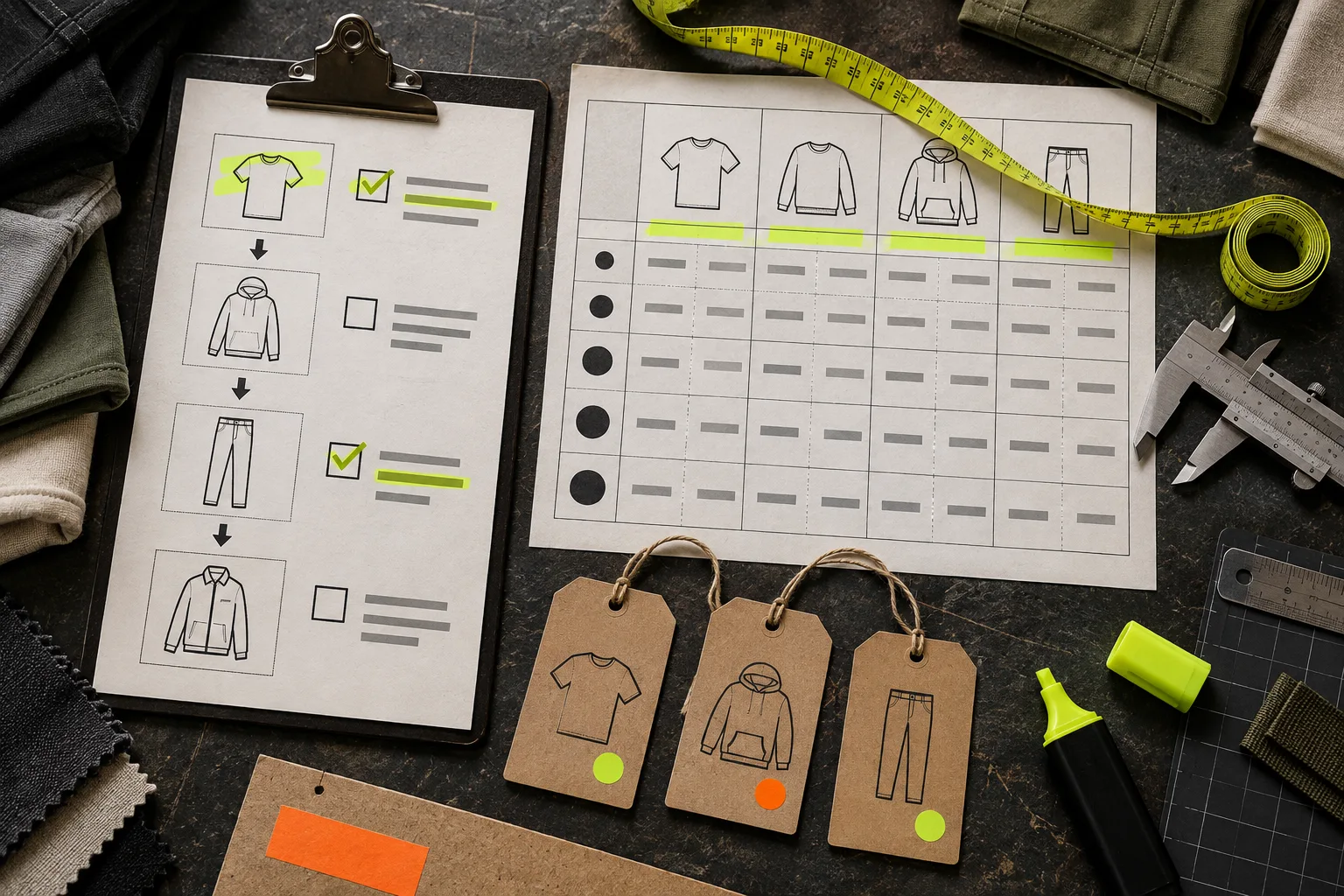
Start With a Product-to-Chart Map
Export your launch list or make a simple sheet with four columns: product name, product type or collection, intended chart, and exception. You are looking for places where the merchandising structure and the sizing structure disagree.
For example, a relaxed tee and a fitted rib tee may share a product type, but they do not necessarily deserve the same chest allowance or measurement notes. A jacket that comes in both regular and tall lengths is another obvious exception. Do not let the word “apparel” become a charting strategy.
Mark every SKU as one of three things:
- A clean fit with a shared chart
- An item that needs a separate chart
- An item that needs a specific note, such as stretch, inseam, or intended oversized fit
This map also tells you whether a bundle-specific size-chart setup needs its own review. A bundle that combines a top and bottom should not inherit a single-garment chart by accident.
Check the Measurement Model, Not Just the Numbers
A correct table can still mislead shoppers when it never says what the numbers describe. First decide whether each chart lists body measurements, garment measurements, or both. Then make the choice explicit near the chart.
Garment measurements are especially useful when a customer can compare a favorite item laid flat. But they need a brief measurement instruction: where the chest is taken, whether the waist is measured flat, and how you handle a range. Body measurements need similarly clear language about fit ease.
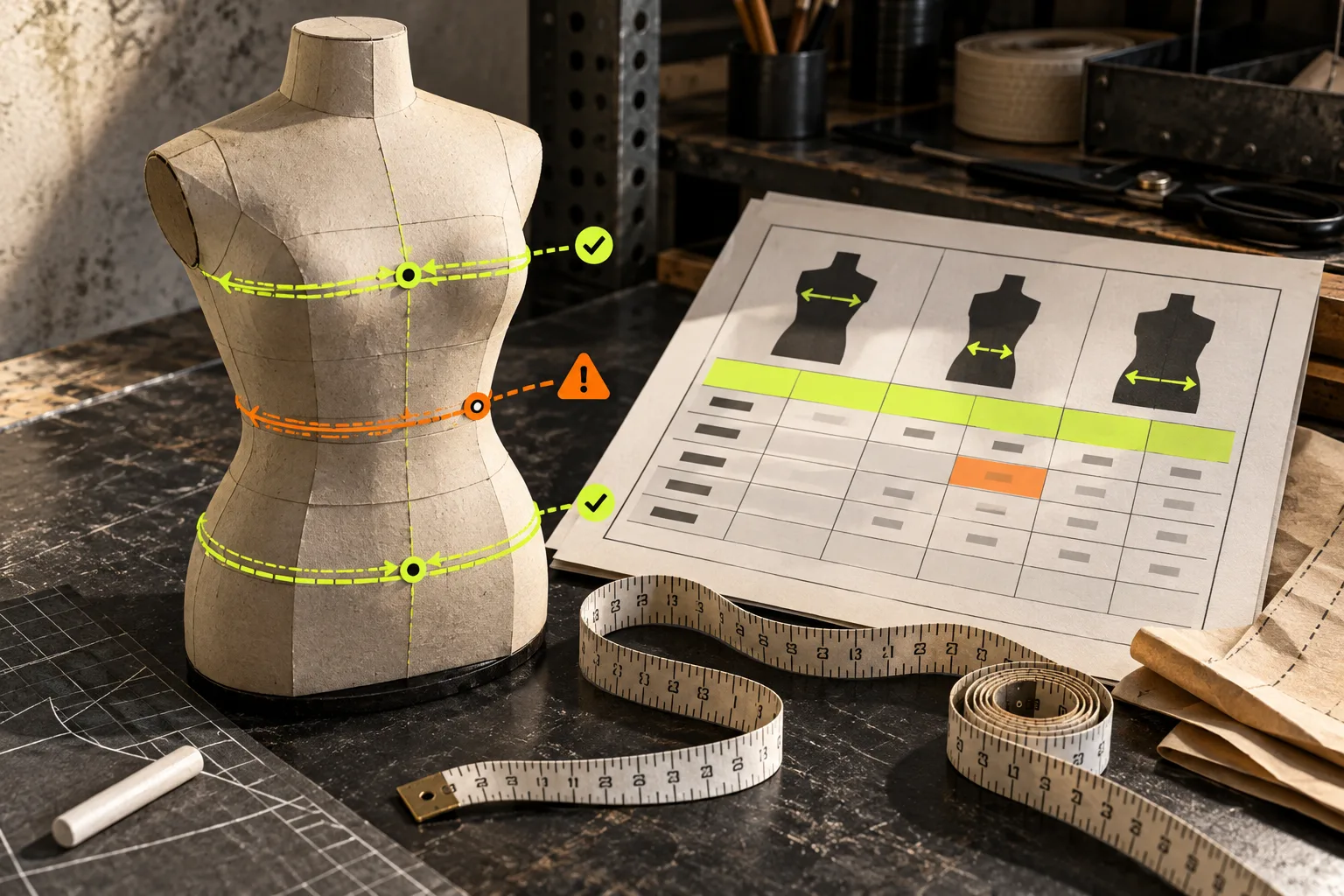
Run this quick test on every chart: can a first-time visitor identify the measurement, find that location on the garment or body, and compare it with the right column without leaving the page? If any answer is no, add or revise the guide. Supra Size Chart supports labelled measurement guides alongside its tables, so a chart can show shoppers where chest, waist, or hip measurements belong instead of asking them to decode a grid of numbers.
For a useful adjacent check, review how you organize other product-page information. A metafield-based product-content system is a good reminder that repeatable data belongs in structured fields, not in one-off description edits.
Test Units and Mobile Presentation
Open a few launch products on a phone, not just in the theme preview on a desktop. A size table can be technically present and still be hard to scan when columns overflow or a modal hides the essential instruction. Check the three things a shopper needs in order:
- The fit note appears before they choose a size.
- The table stays legible at a narrow viewport.
- The unit they expect is available and clearly named.
For stores serving more than one market, test the metric/imperial toggle with actual sample values. You are looking for sensible conversions and consistent labels, not a vague promise to be international. Supra Size Chart can display per-column units and offer conversion between metric and imperial counterparts.
The display itself should match the page. An inline table works well when sizing is part of the buying decision; an accordion suits pages that need a quieter layout; and a modal can work when its trigger is unmistakable. Keep the choice consistent within a product family. If color is also a launch dependency, fold the test into your Shopify swatch-label audit so customers do not have to resolve color and fit uncertainty separately.
Audit Rule Coverage and Exceptions
The time-saving part of a centralized chart system is rule-based assignment. It is also where silent misses happen. A collection rule can cover hundreds of products, but only if new products actually enter that collection and exceptions have a more specific rule.
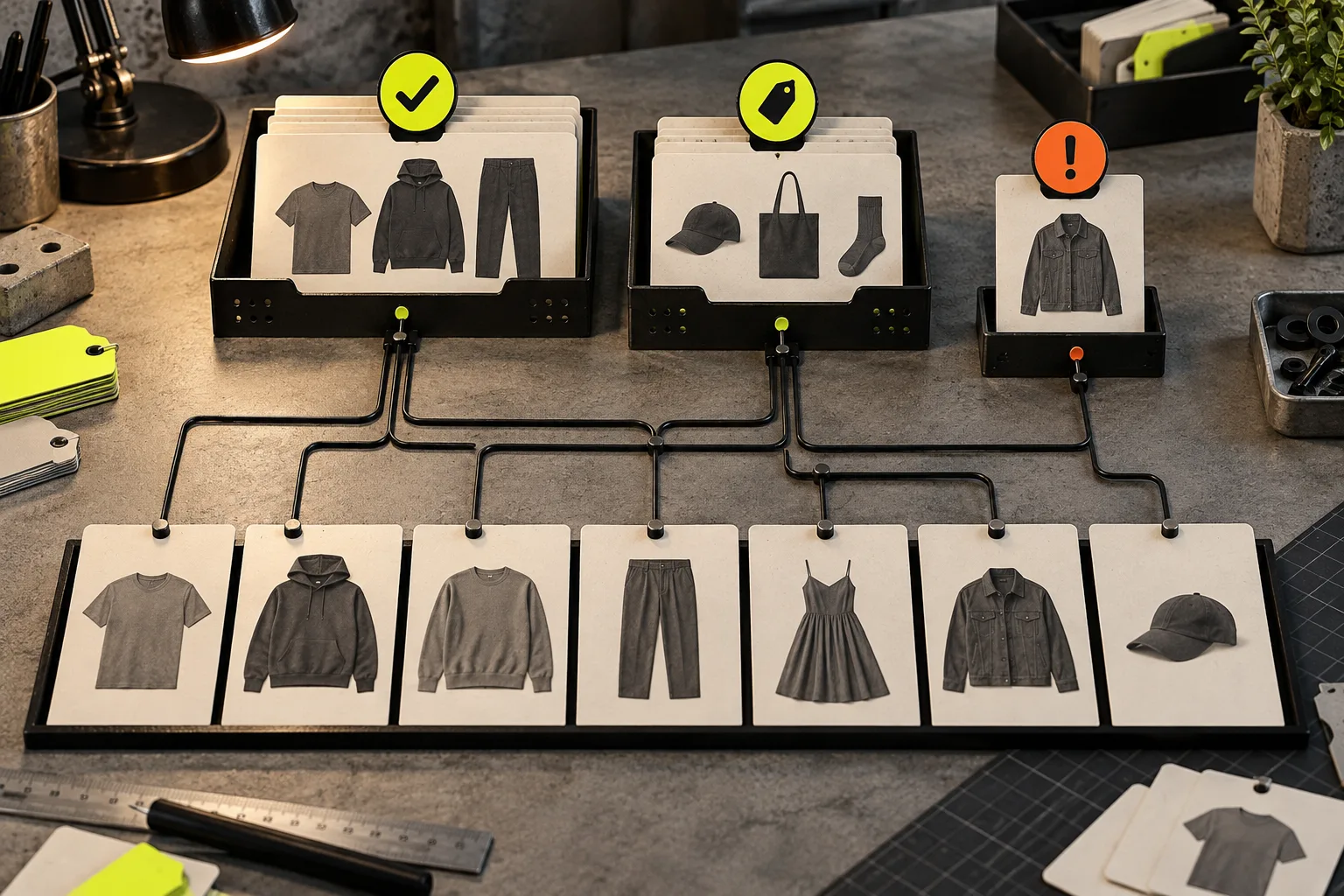
Pick one product from every launch group and inspect the live product page. Then pick the awkward cases: a new vendor, a tag-based seasonal item, a product with a special fit, and one item added late. In Supra Size Chart, rules can target a product, collection, product type, vendor, or tag; the most specific match wins, with a store-wide default underneath. That gives you a useful audit order: default first, broad group second, exceptions last.
If you are nervous about changing a large catalog, use the same restraint as a catalog pilot test: validate a representative slice before relying on the rule across everything.
Make the Audit Reusable
Save the audit sheet with the collection launch brief. The next season, duplicate it rather than starting from memory. Keep a small change log for new silhouettes, revised measurements, and exceptions that became common enough to deserve a shared chart.
This is also where portability matters. Supra Size Chart stores chart data in your Shopify metaobjects and supports CSV or JSON import and export, so your working data is not trapped in another vendor’s format. That makes a practical routine possible: export before a major seasonal rewrite, review the changes, then keep the approved version with the launch files.
A size chart should be one of the least dramatic parts of a collection launch. Take thirty focused minutes before go-live: map products, verify the measurement model, test on mobile, and probe the rules with real edge cases. Then add Supra Size Chart free and manage the next collection from a single, reusable sizing system.