
How to Build a SaaS Demo Video Brief That Survives Revision
A practical brief for turning a SaaS launch idea into a reviewable demo video that can absorb real feedback.
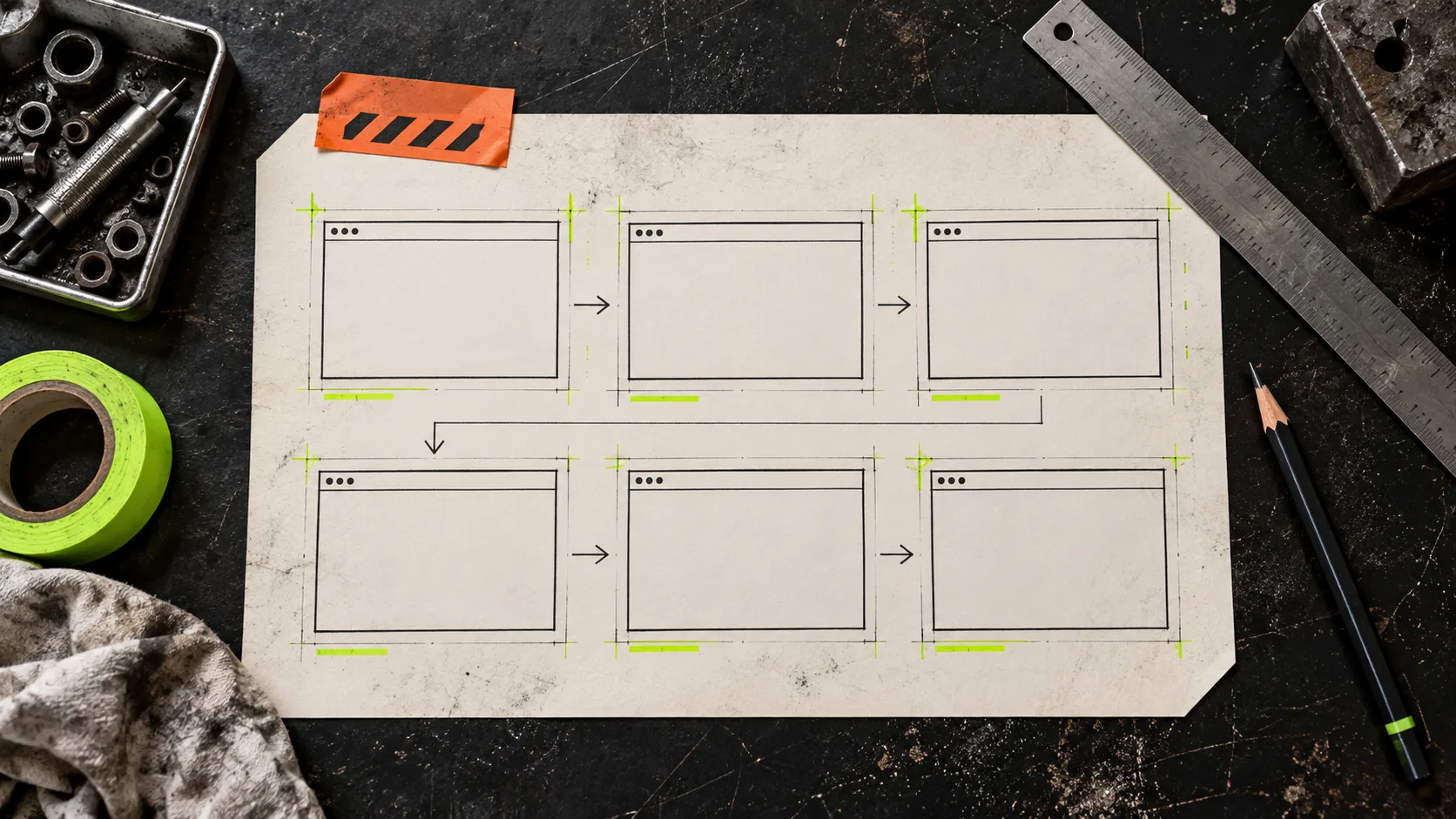
Most SaaS demo videos do not fail because the team lacked a clever visual idea. They fail because the brief is just a pile of hopes: show the dashboard, mention the new feature, make it feel premium. That is enough to start a conversation, but not enough to judge a first cut or make a clean revision.
A useful brief turns a launch video into a small production system. It tells the maker what the viewer must understand, what can change later, and what must not get lost in revision. That is especially useful when you are working from a landing page and need a first draft quickly. VideoFlow Studio is built for that job: give the agent a URL from your terminal, direct changes in plain language, then keep editing the structured motion-graphics result instead of treating the first render as final.

Start with one viewer decision
Write the brief around a decision, not a product tour. A viewer should finish the video knowing one thing they can do next: join a waitlist, book a demo, try the new workflow, or understand why a change matters.
Use this compact opening block:
- Audience: the person who already feels the problem.
- Moment: where they encounter the video: launch page, update email, social clip, or sales follow-up.
- Decision: the one action or belief the video should earn.
- Proof: the product moment that makes that decision credible.
For example: “A product lead sees this on the release page and understands that approvals now happen in one place; the proof is the before-and-after handoff, not six dashboard tabs.” That statement does more work than a request to “show the platform.” It also gives you a way to cut scenes later without losing the narrative.
Specify the spine, not every frame
A revision-proof brief has three to five beats. Each beat needs a job, a source, and a change boundary. A simple table in your notes is enough:
| Beat | Job | Source material | Safe to change |
|---|---|---|---|
| Problem | Name the friction | landing-page copy | visual metaphor |
| Shift | Show the new approach | product URL and screenshots | order of supporting detail |
| Proof | Make the claim believable | one real workflow | pacing and labels |
| Action | Tell viewers what to do | CTA copy | transition treatment |
The important column is “safe to change.” It prevents a common review failure: stakeholders rewrite a scene because they dislike its color, then accidentally remove the only proof point. If the proof is named separately, you can change its staging, timing, or camera move while protecting the message.
Give the first cut a testable assignment
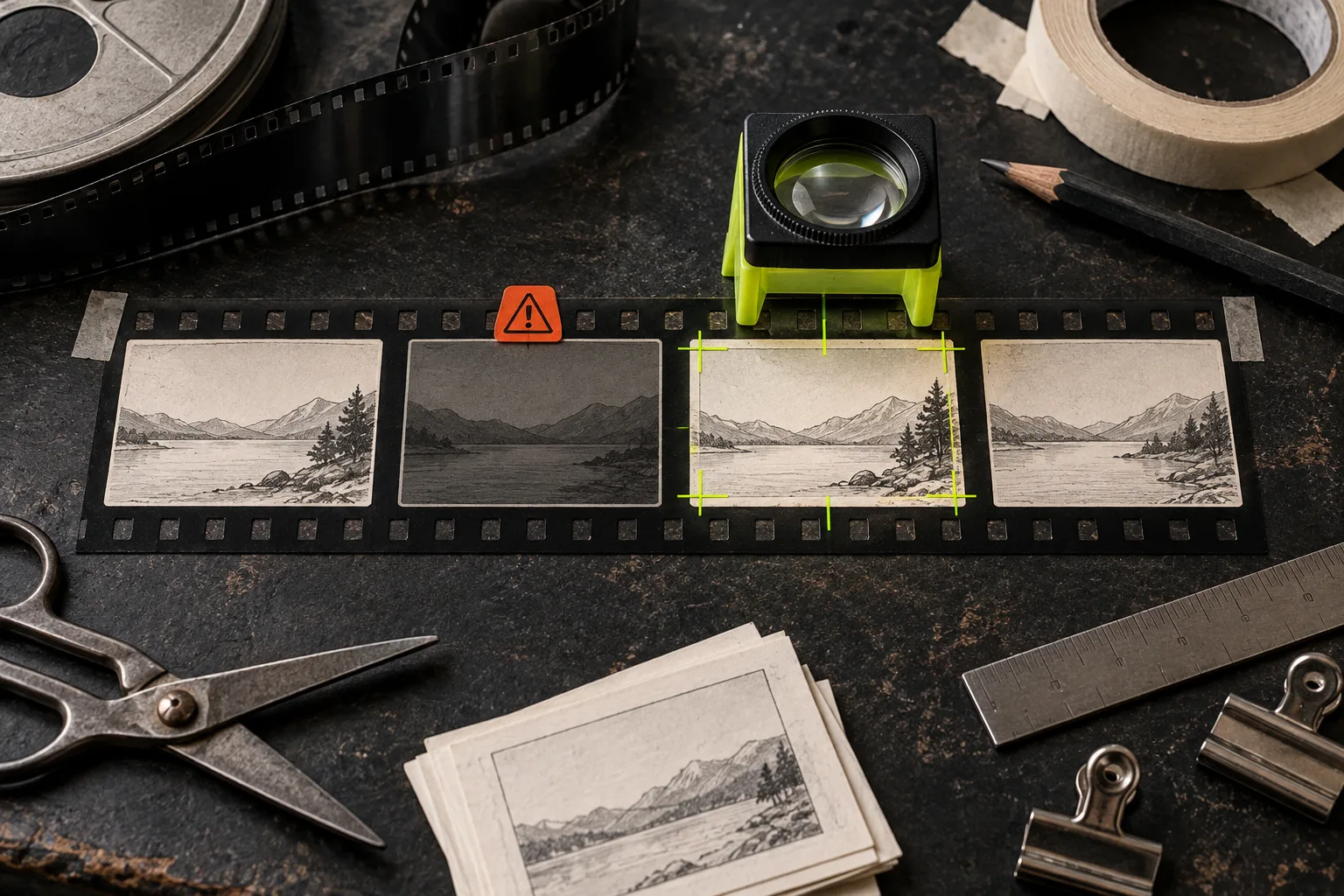
Before generating anything, define what the first cut must answer. It does not need to be perfect; it needs to be reviewable. Ask for a draft that lets you test these questions:
- Can a first-time viewer identify the product and the problem in the opening moments?
- Does each scene advance the decision, or merely repeat brand language?
- Is the product proof legible at the intended viewing size?
- Does the CTA match the audience and placement?
This is where an agent-led workflow becomes practical rather than theatrical. With Studio, you can start from a URL, request the motion-graphics treatment, and then revise with a sentence. The product also includes an editor for manual changes while preserving the agent context. The result remains editable through the open-source VideoFlow engine rather than becoming a one-off clip.
If the video has several product states or data-backed scenes, borrow the discipline of a rendering queue built from product data: identify the inputs and approval point before the render. For an explicit launch-page checklist, the companion product-page-to-launch-video guide is useful even if you do not read French—the structure translates cleanly.
Turn feedback into revision tickets
“Make it punchier” is not a revision ticket. It hides the evidence, the desired outcome, and the constraint. Replace it with a sentence that has all three:
In the proof beat, show the approval handoff before the dashboard because the current order makes the benefit unclear; keep the CTA and overall runtime.
Good tickets identify a location, a change, and an invariant. Keep feedback in one list and mark each request as narrative, visual, or technical. Narrative changes affect the decision; visual changes affect how the message reads; technical changes cover aspect ratio, audio, timing, or export. This avoids mixing a legitimate contrast issue with a late-stage argument about positioning.
It also gives you a natural review gate. A previous field note on adding a review gate to a launch-video workflow is a good reminder: do not send feedback downstream until someone has confirmed the story, proof, and CTA. Once that is approved, the remaining revisions are cheaper and less risky.

Review the render, not just the plan
A clean storyboard can still produce a weak export. Review the rendered frames for clipped UI, low-contrast labels, abrupt type changes, and scenes that ask viewers to read too much at once. Then watch once at the size and speed your real audience will use.
This final pass matters because video is consumed as an object, not as a brief. VideoFlow Studio is designed to visually inspect and revise renders before delivery, which makes it a stronger fit for a founder who needs a reviewable first cut than a tool that only produces an opaque result. If your need is to author a whole video application in React, a code-first framework may still be the better fit; if the task is turning a launch page into a structured, revisable motion-graphics demo, Studio keeps the path shorter.
A brief is the cheapest editing tool
The goal is not to predict every frame. It is to make the first cut easy to judge and the next cut safe to change. Start with one viewer decision, protect a small set of proof points, and write feedback as bounded tickets.
Open VideoFlow Studio, give it the page you are launching, and ask for a first cut built around your single strongest proof point. You will have something concrete to review—and a better chance of keeping revisions useful instead of endless.