
A No-Upload JSON Review Workflow for API Handoffs
Format, validate, and compare JSON before handing an API payload to another person or service—without sending sensitive data to a converter.
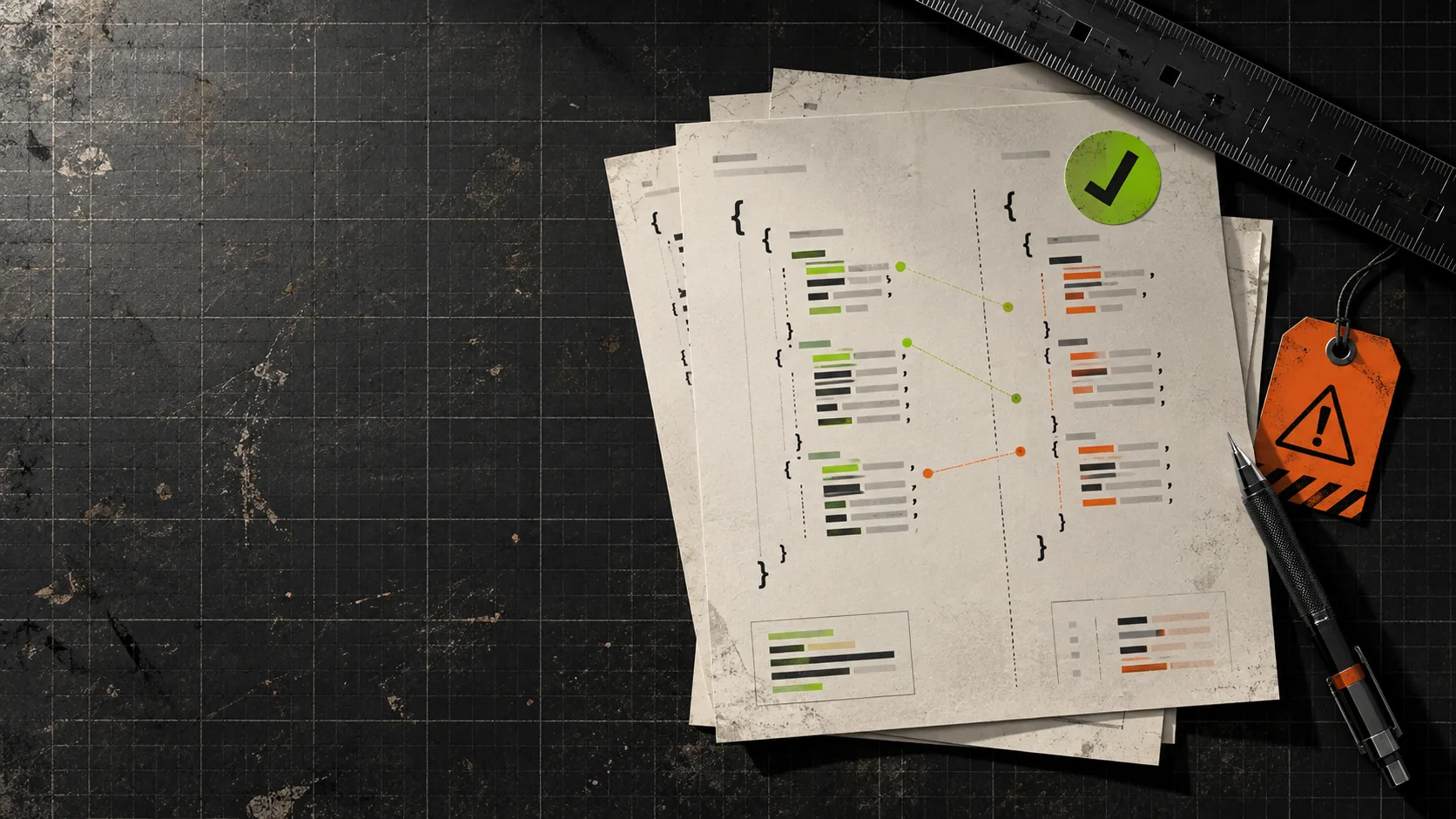
An API handoff goes wrong surprisingly often before anyone sends a request. A payload gets pasted into chat as one dense line. Someone changes a field, removes a comma, and shares the edited version with a teammate. The receiving side has to guess whether the structure changed, whether the JSON is valid, and whether any private sample data has just been sent to a random converter.
My low-ceremony answer is a three-pass review: format, validate, compare. It takes a few minutes, makes a handoff legible, and keeps the inspection focused on the file rather than on whoever is debugging it. For this workflow, Tiny Online Tools is useful because its browser tools are free, require no account, and state that processing happens locally in the browser.

1. Format the copy you intend to hand off
Start with the exact payload or config you plan to share—not a stale example from a ticket. Paste it into the JSON Formatter, choose a consistent indentation style, and format it. The point is not cosmetic neatness. Indentation turns a wall of punctuation into a shape a reviewer can scan: nested objects, array boundaries, and adjacent fields stop hiding from each other.
If the handoff requires predictable ordering, use the formatter’s key-sorting option deliberately. It can make a review easier, but it also changes the presentation of the object. Do not use sorting as proof that the payload is semantically identical; use it to make the fields easier to inspect.
The formatter also reports syntax errors. That is helpful, but I still treat formatting as the readability pass—not the final gate. Save or copy the formatted output into the handoff note, along with a one-line statement of what it represents: request body, fixture, config, or captured response.
2. Validate the version that actually changed
After any edit, run the final copy through the JSON Validator. It checks syntax and identifies the line and column when a comma, quote, bracket, or brace is out of place. That small checkpoint is cheaper than making a teammate discover the typo through a vague API or build failure.
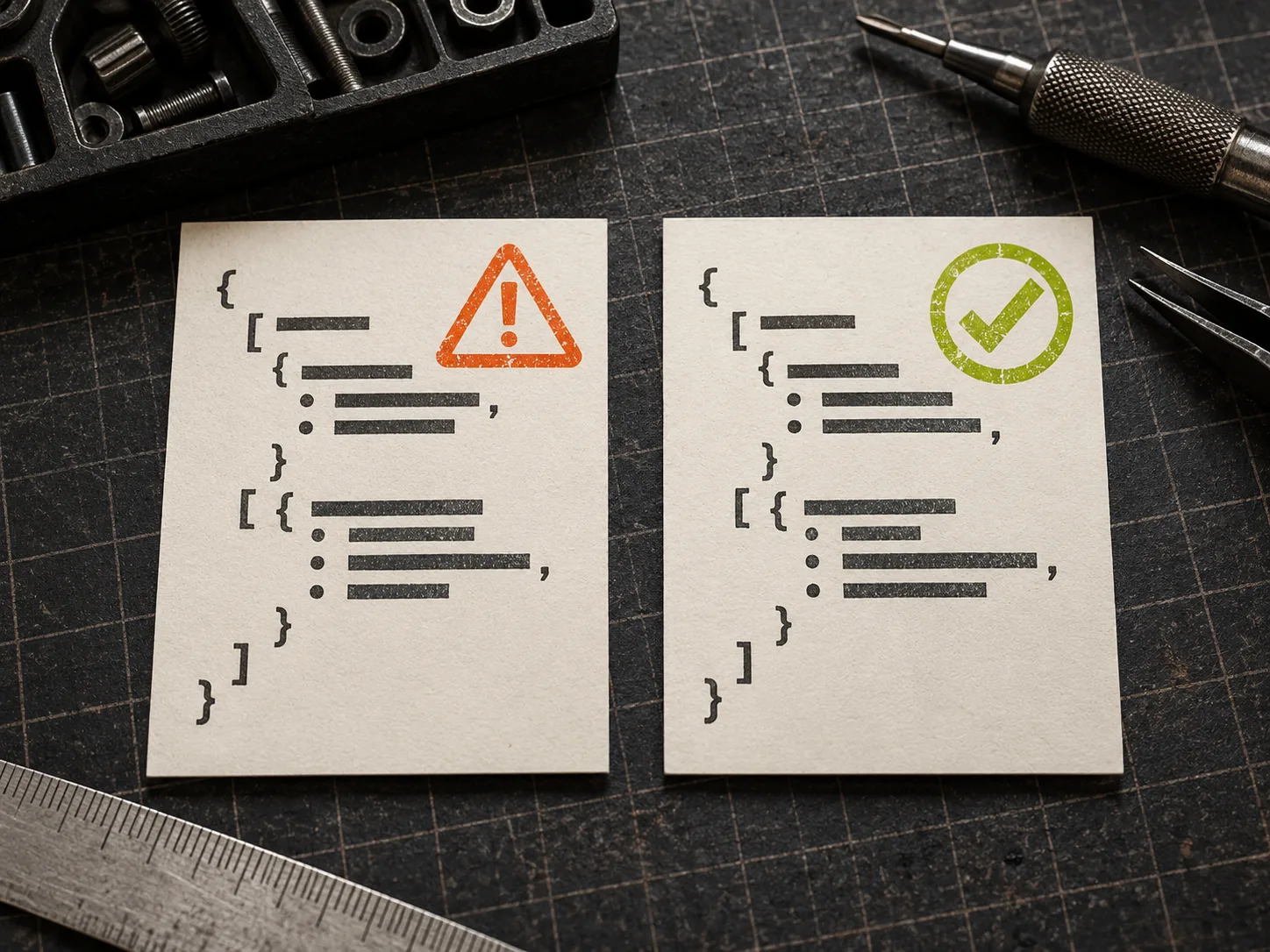
This step matters most when the sample contains internal IDs, test-user records, or configuration details. The validator page says the check runs entirely in the browser, so it is a sensible alternative to pasting sensitive snippets into a site whose handling you have not verified. Still, local processing is not a license to overshare: remove secrets, tokens, and production personal data from a handoff whenever a minimal reproducible example will do.
For a more deployment-oriented companion checklist, see How to Validate a JSON Launch Config Before It Breaks. The same principle applies here: validate the artifact that will move next, not merely the earlier draft that looked right.
3. Compare the before and after objects
When someone says “I only changed one field,” stop relying on memory. Put the baseline on the left and the proposed version on the right in JSON Diff. It normalizes the structures and highlights additions and removals, which makes it much easier to distinguish a real data change from harmless formatting noise.
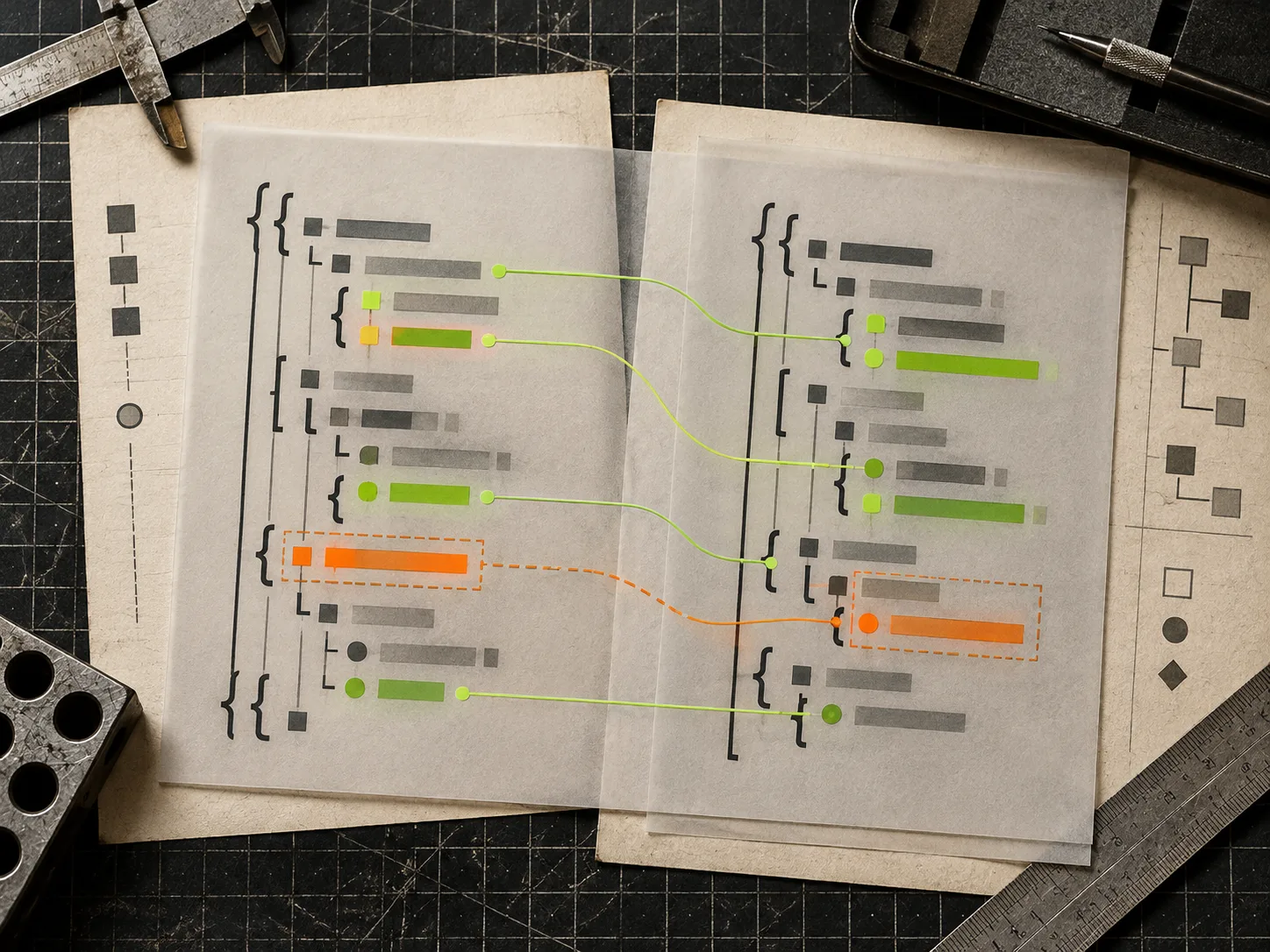
A good review question is: Can I explain every highlighted difference in one sentence? If not, the handoff is not ready. A renamed key, dropped array item, changed number type, or surprise null can be the whole bug. The diff pass gives the next person a compact audit trail instead of a promise that nothing important moved.
A tiny handoff template
Use this in the issue, pull request, or message that accompanies the JSON:
- Purpose: what the payload represents and the endpoint or consumer it targets.
- Source: where the baseline came from and whether values are redacted.
- Validation: “Validated after final edit” plus any known schema limitation.
- Changes: a sentence for each intentional difference from the baseline.
- Expected result: the response, state change, or test outcome someone should see.
That is enough context for a teammate to test the handoff without reverse-engineering the object. It also prevents the common failure mode where formatted JSON looks trustworthy but belongs to the wrong environment or version.
Where this workflow stops helping
Formatting and syntax validation cannot prove a payload matches an API schema, has the right permissions, or produces the right business result. Use the API’s documented schema, contract tests, and a safe test environment for those questions. If the payload is very large, reduce it to the smallest useful fixture before pasting it anywhere; smaller samples are faster to review and safer to share.
The next time a JSON handoff lands on your desk, do not start by counting braces. Open the JSON Formatter, validate the final version, then run the diff against the baseline. Three small browser checks turn an opaque blob into a reviewable technical artifact—without adding another account or upload to the chain.