
How to Turn Release Notes Into a Reviewable SaaS Update Video
A practical workflow for turning one release into an editable, visually checked product-update video without turning it into a feature dump.
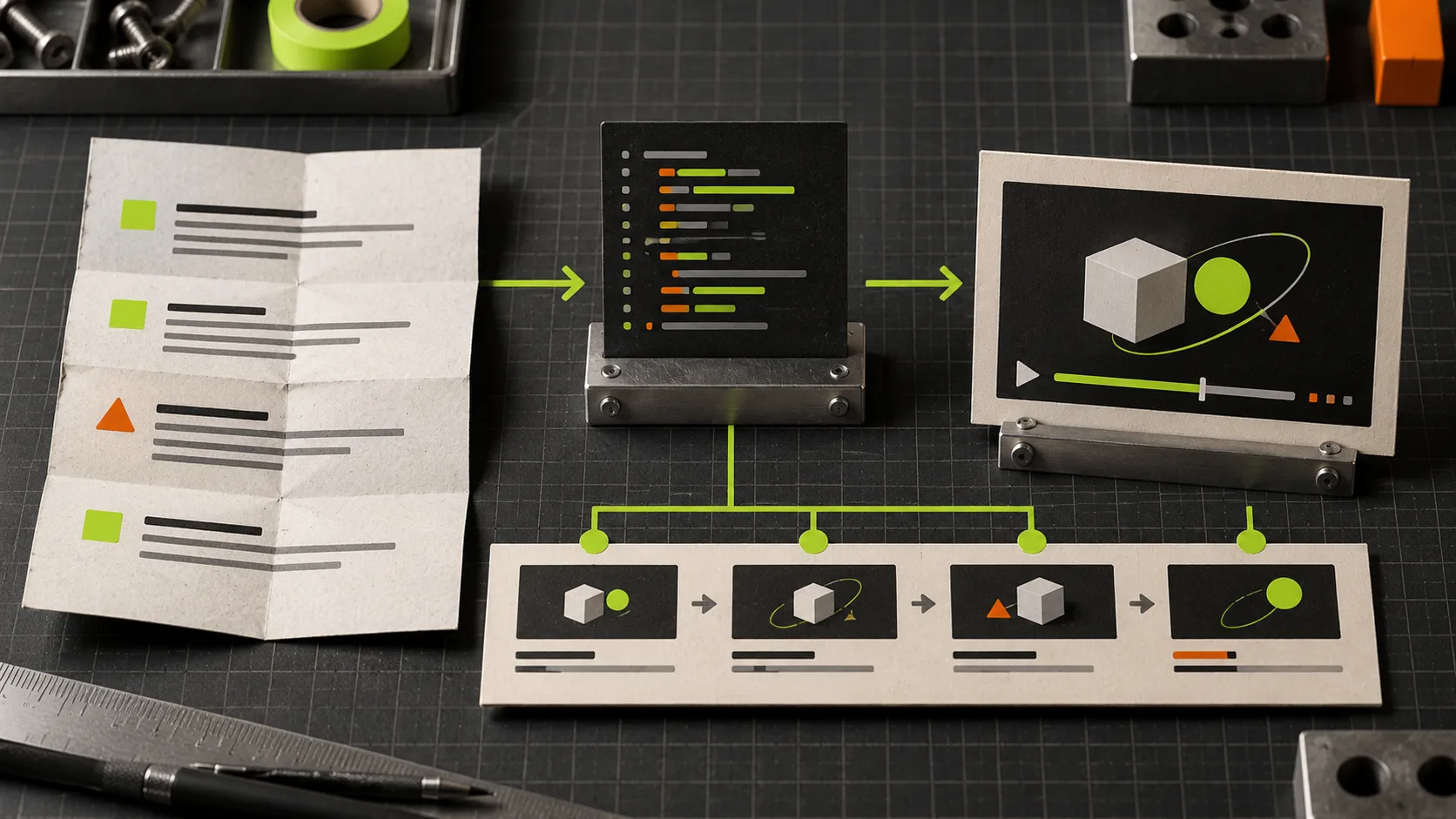
Most release-note videos fail for a simple reason: they try to show every shipped feature. The result is a fast feature dump that nobody remembers and nobody can comfortably revise.
A better job for a product-update video is to make one change feel useful in under a minute, then keep the source flexible enough for the inevitable last-minute wording or visual change. VideoFlow Studio is useful here because it turns a website URL and a plain-language direction into structured motion graphics, then lets you review and change the result rather than treating the first export as final.
Start With One Viewer-Sized Promise
Release notes are source material, not a script. Before opening a video tool, write one sentence that answers: what can a customer do more easily now?
For example, do not lead with “we shipped improved rules, a new filter, and three dashboard changes.” Lead with the outcome: “you can now find the order that needs attention without building a report.” The supporting changes can prove that claim, but they should not compete with it.
Use a three-card outline:
- Before: show the friction in one recognizable moment.
- Change: show the new action or interface state.
- Result: show the saved step, clearer decision, or faster handoff.
That small constraint protects the video from becoming a changelog read aloud. It also makes review much easier: every frame should earn its place in the three-card story.

Turn the Outline Into a First Cut, Not a Commitment
With Studio, give the agent the relevant product URL and describe the one update you want to communicate. Ask for a short motion-graphics update built around the before/change/result sequence. The point is not to write scene code or settle every transition upfront; it is to get a concrete first cut that is still editable.
Be specific about inputs that can be checked: the audience, the action being introduced, the claim you can support, and any terms that must stay exact. If the update depends on a screen or workflow the public site does not show, provide that context in the instruction instead of asking the agent to invent it.
This is where an agent-first workflow has an advantage over a disposable clip: the output remains a structured video document. You can adjust layers, timing, colors, and text in the built-in editor, then export again. If your team is still deciding what the update should say, that flexibility matters more than a flashy first render.
For a complementary way to make the brief decision-ready before generation, see this launch-film decision-sheet workflow.
Review the Render Like a Product Surface
A video can have the right script and still look unreliable. Review the rendered frames, not just the plan or timeline. I use four quick checks:
- Message: Can someone explain the change after one viewing?
- Proof: Does the visual evidence match the promise, without implying functionality that is not there?
- Legibility: Are names, numbers, and calls to action readable at the target size?
- Continuity: Do brand colors, spacing, and the final action remain consistent from scene to scene?
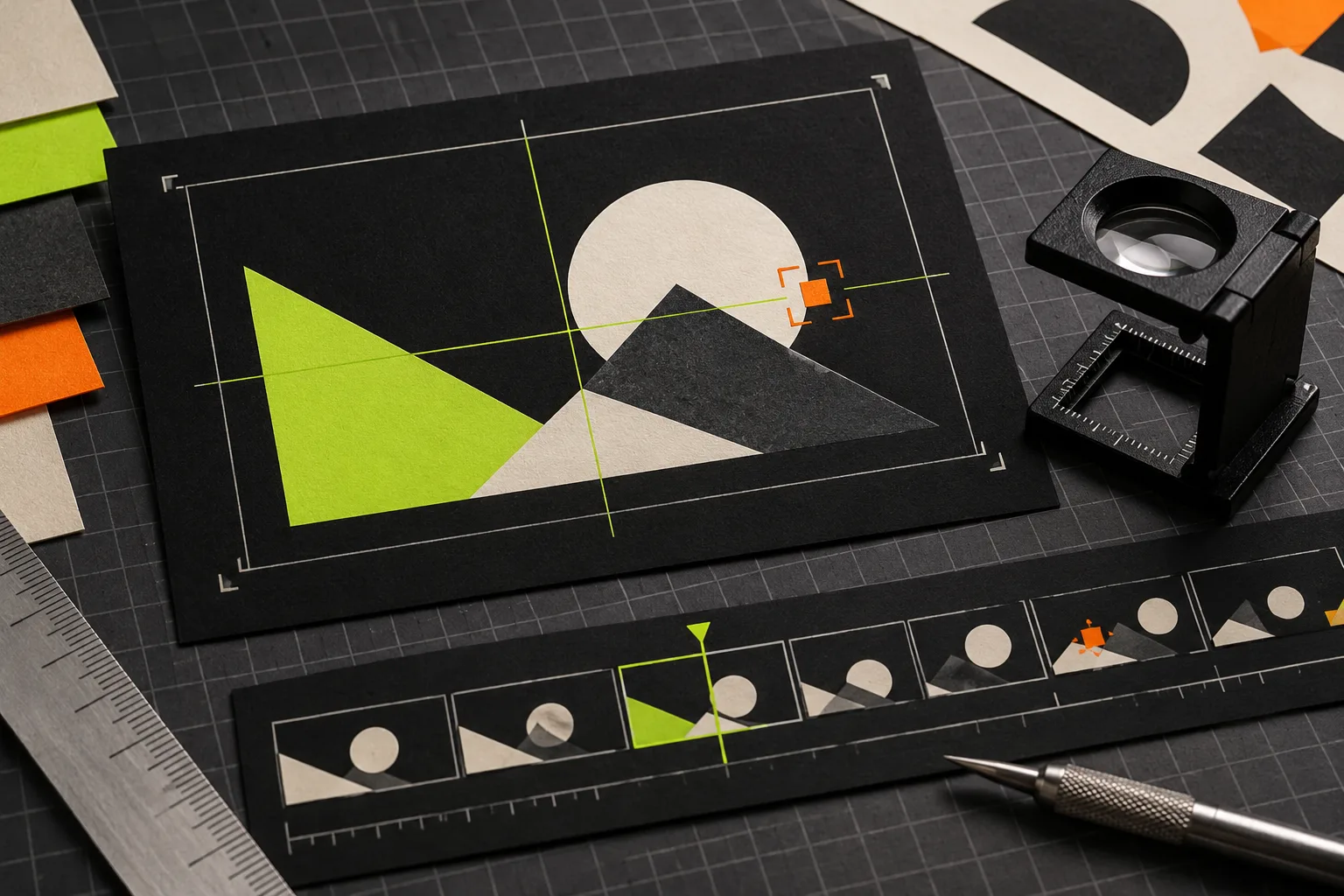
Studio is designed to render, visually inspect, correct issues such as alignment or contrast, and re-render before delivery. Treat that loop as part of production, not cleanup. A detailed product-video review rubric can help when several people need to give focused feedback.
Ask for Changes That Leave No Room for Guessing
“Make it punchier” is a valid reaction, but it is not a useful revision request until you translate it. Name the scene, the observed problem, and the intended outcome. For example:
In the second scene, keep the headline but shorten the setup by two seconds. Increase contrast on the key action, and replace the final line with the customer outcome.
That instruction tells the agent what should remain, what should move, and why. It also prevents the common failure mode where a new version fixes one scene but quietly changes the rest of the film. For changes that need a human eye, make the adjustment directly in Studio’s editor while preserving the surrounding agent context.

Ship a Small Release Gate
Before export, run a final gate:
- The opening names a customer problem, not an internal project.
- The product proof shown is real and current.
- Every on-screen word is readable on the intended channel.
- The final call to action has one clear destination.
- The editable source is saved with the release notes and approved copy.
This is deliberately small. It catches the costly mistakes without creating a committee around a sixty-second video. If you need a broader pre-publish pass, these AI launch-trailer checks are a useful companion.
The Practical Next Step
Pick one recent update with a visible customer outcome. Write the three-card outline, then use VideoFlow Studio to turn that outline and your URL into a first cut you can inspect and revise. You will get a sharper release video—and a source your team can improve when the next detail changes.