
How to Audit Excel Formulas Before a Spreadsheet Import
A practical browser-based workflow for listing, checking, and documenting Excel formulas before an import or handoff.

A spreadsheet can look ready long before it is safe to import. It has the right tabs, the totals appear plausible, and someone has already called it final. Then a formula in a hidden sheet changes a price, a shared formula carries an unexpected reference down 800 rows, or a cached value is older than the logic that produced it.
That is why I do a formula audit before a spreadsheet becomes an import, a client handoff, or a source of truth. The goal is not to rewrite the workbook in a browser. It is to get a compact, reviewable inventory of the calculations it contains. Excel Formula Extractor from Tiny Online Tools is a useful first pass: it lists formulas by sheet and cell, including formulas on hidden and veryHidden sheets.

Start With the Right Question
Do not begin by asking whether the spreadsheet has formulas. Almost every operational workbook does. Ask which formulas can change the rows or values you are about to trust.
For a product import, that usually means prices, inventory, SKU construction, tax, availability, image URLs, and category mapping. For finance or reporting, it may mean dates, currency conversion, totals, allocation logic, or lookups across sheets. A formula is not automatically a problem. An unexamined formula is.
This distinction matters because Excel gives you a sheet-at-a-time view. It is good for editing, but it is a poor inventory. You can miss hidden tabs, formulas outside the active range, or copied formulas whose references quietly shift as they travel down a column.
My Four-Step Formula Audit
1. Preserve the source file
Work on a copy and keep the original untouched. If the workbook will feed an import, name the copy with a clear review state such as catalog-preflight or approved-for-import. This makes it easier to tell a verified file from the file someone sent in Slack three weeks ago.
Before changing rows, load the copy into Excel Formula Extractor. It accepts common Excel workbook formats, including XLSX and XLS, and exposes the formulas it finds with their sheet names and cell references. The tool is browser-based, which is particularly handy for a quick inspection when installing or scripting another utility would be overkill.
2. Scan the inventory before you chase exceptions
Look for patterns first. A column full of the same kind of formula is usually normal. A one-off formula in the middle of a price column is worth investigating. So is a formula that reaches into a staging tab, a hidden lookup sheet, or an external source you do not expect.
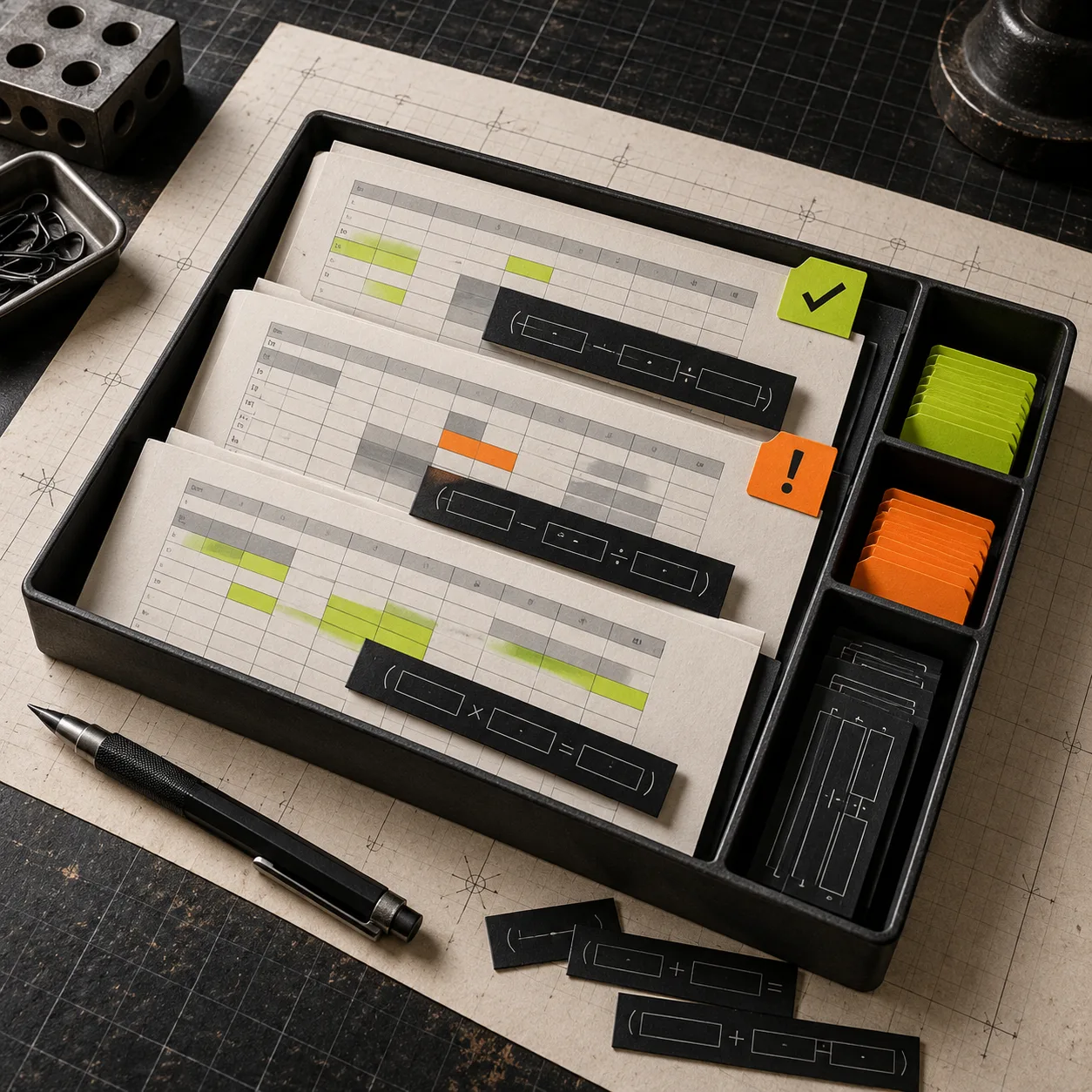
I sort my notes into three buckets:
- Expected calculations: formulas that match the workbook’s stated purpose.
- Needs confirmation: formulas whose inputs, references, or business rule are unclear.
- Import blockers: calculations that should be converted to approved values before another system receives the file.
The important part is that this pass produces questions, not false certainty. Formula extractors show the machinery; they cannot decide whether your team’s discount rule is still correct.
3. Check hidden-sheet logic deliberately
Hidden does not mean suspicious. Many workbooks hide lookup tables, helper columns, or old reporting tabs to keep the main sheet clean. But hidden logic deserves an explicit review because it is easy to forget during a manual walk-through.
Look for formulas that pull values from hidden sheets and ask: is this still the approved mapping? Is it using the intended version of the data? Does the import destination understand the resulting value, or does it need a static result instead?
This is also where shared formulas matter. A formula filled down a range may look repetitive, but the reference pattern can change at boundaries. Inspect the first few, a middle row, and the final row of a sequence. That tiny sampling habit catches plenty of off-by-one ranges and accidental references to a heading row.
4. Turn decisions into a handoff record
Once you know what calculates what, make the next move visible. Keep a short review note with the workbook name, date, reviewer, accepted formula areas, and any cells converted to values. If a colleague needs to reproduce the import next month, this note is more useful than a vague message saying “sheet checked.”
For data that will leave the workbook, export a copy after the formula decisions are made. If the next step is a CSV, inspect the result too—CSV cannot retain formulas, so it should contain the values you intended. Our earlier guide on reducing a CSV export before sharing it is a useful companion when the handoff needs only a subset of fields. And if you are cleaning supplier data for a storefront, this practical note on cleaning supplier CSVs before they become Shopify problems is a good reminder to separate data cleanup from business-rule review.

Where This Method Fails
A formula list is not a spreadsheet calculation engine. It will not prove that every number is current, reveal whether someone entered the correct source data, or replace domain review by the person who owns the pricing or reporting rules. If a workbook uses macros, external data connections, or complicated business logic, add the appropriate subject-matter review before you authorize an import.
Also, do not treat hidden content as evidence of wrongdoing. The point is simple traceability: before the file affects a system downstream, know where its values came from.
A Better Default Before You Import
The reliable routine is short: preserve the original, inventory formulas, inspect hidden references, document exceptions, then export a reviewed copy. It is a small amount of ceremony that prevents the expensive kind of spreadsheet surprise.
Next time a workbook is about to become an import, open Excel Formula Extractor first and spend ten focused minutes learning what is actually calculating your data.