
How to Audit Shopify Size Chart Rules Before a Catalog Launch
Audit Shopify size chart rules before launch so each product gets the right guide, fallback, units, and measurement context.
How to Audit Shopify Size Chart Rules Before a Catalog Launch
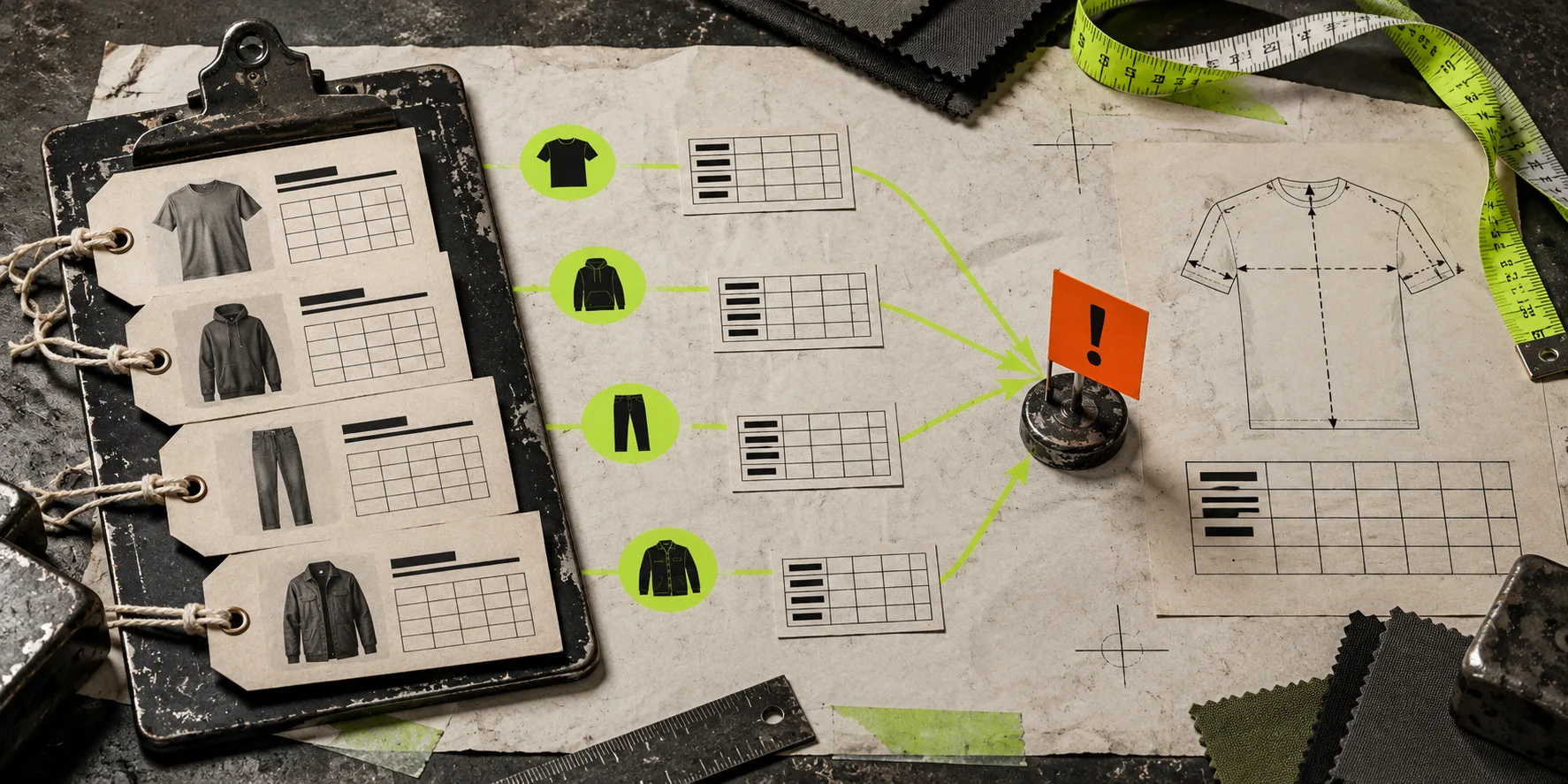
A Shopify size chart is only useful when the right guide appears on the right product. Before a launch, audit a small set of representative products against your assignment rules, then fix overlaps before shoppers discover them. Supra Size Chart makes this manageable by centralizing charts and matching them by product, collection, product type, vendor, or tag, with a store-wide default below them.
This is not a Liquid task. It is merchandising QA: make sure a relaxed unisex tee does not inherit a fitted women’s top chart just because both happen to live in “New arrivals.”
Start with the products most likely to expose a mistake
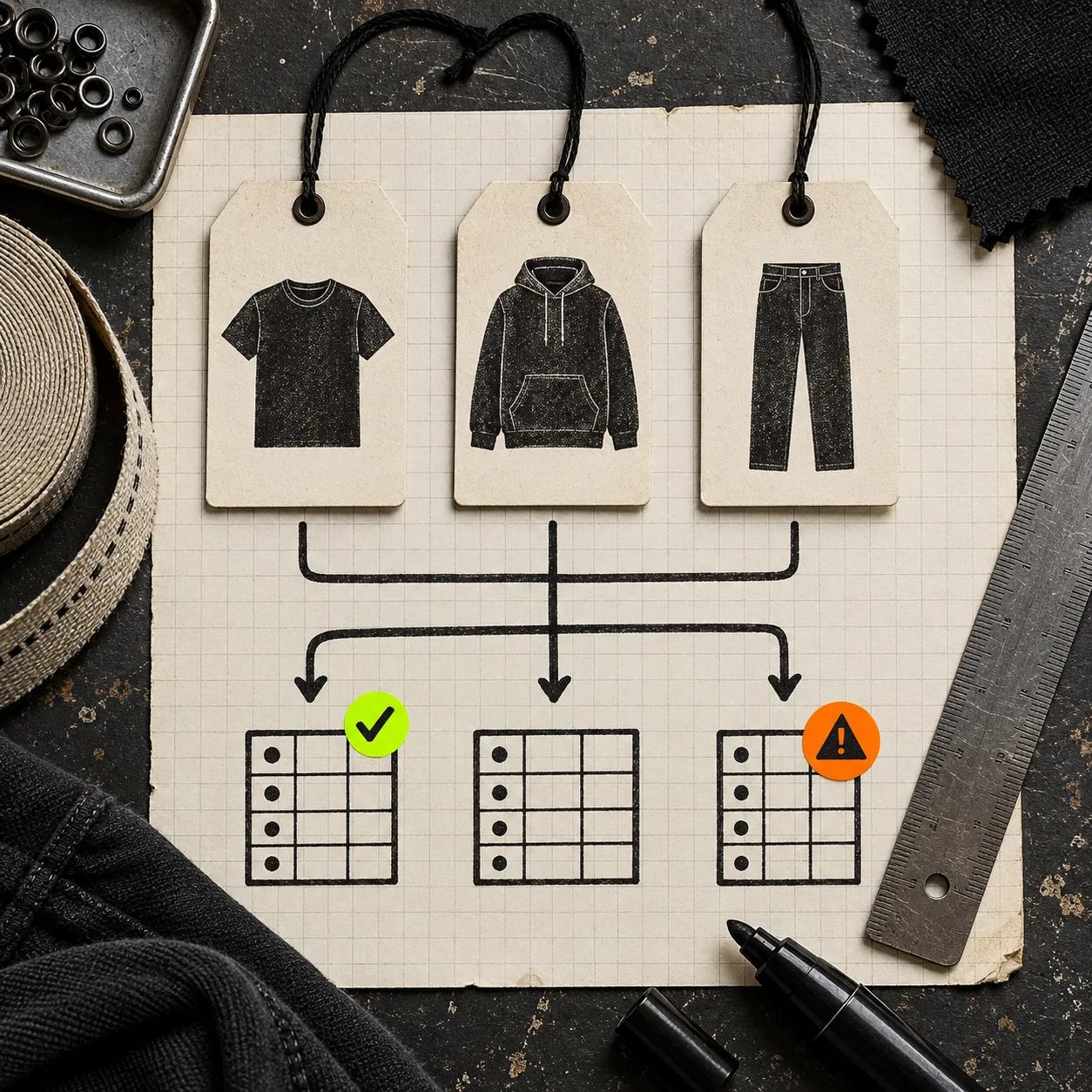
Do not begin by clicking through the entire catalog. Pick six to ten test products that deliberately sit at the edges of your rules: one item in two collections, one with a vendor and a product-type rule, one with a temporary campaign tag, one new product, and one product that should use the default. Include each fit family you sell.
For every test product, write down: product title, type, vendor, collections, tags, intended chart, intended measurement guide, and display mode. This becomes a tiny acceptance sheet rather than a memory test.
The risk is not that rules exist. The risk is that two sensible rules describe the same product differently. A product can be both “tops” and “oversized,” or belong to both a seasonal collection and a permanent fit collection. If the chart is wrong, a clean product page still gives shoppers the wrong answer.
Make a one-page rule map before adding more rules
Supra Size Chart supports assignments by product, collection, product type, vendor, and tag. Its documentation describes the most-specific match winning, with the default chart used as a fallback. Treat that ordering as a reason to be intentional, not a reason to stack exceptions casually.
Use a simple map like this for each size-chart family:
| Product situation | Intended chart | Rule choice | Audit question |
|---|---|---|---|
| All standard-fit tees | Standard tee chart | Product type | Do all included tees share the same garment measurements? |
| Oversized tee capsule | Oversized tee chart | Tag or collection | Can a product carry this marker and the standard type? |
| One special collaboration | Collaboration chart | Product | Does the specific override appear as expected? |
| Anything not mapped | General fallback | Store-wide default | Is this fallback safe enough to show? |
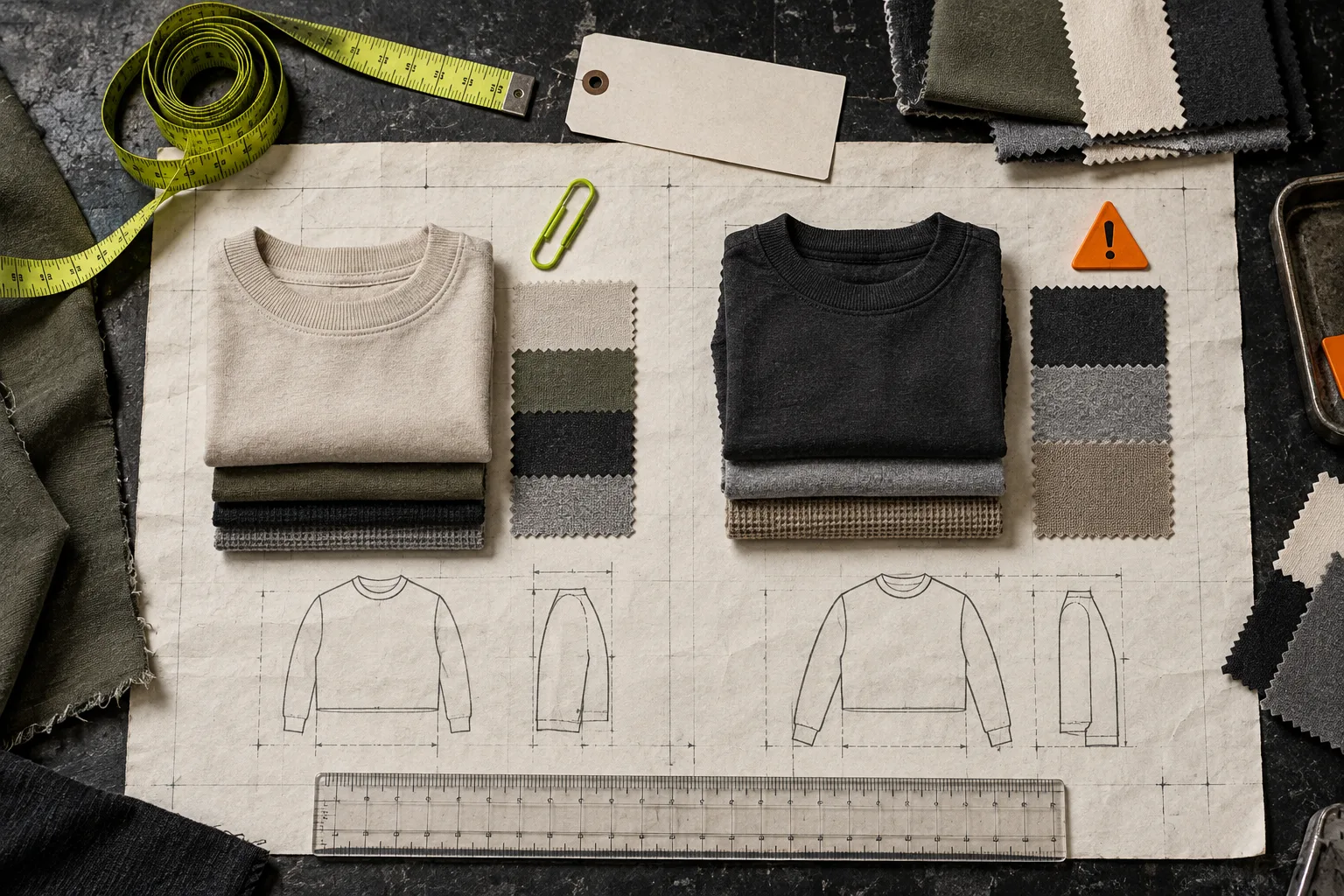
The table makes one useful distinction: a rule is a catalog grouping, not evidence that two garments fit the same. If the same product type includes slim, regular, and oversized cuts, split by a reliable merchandising signal rather than hoping the default chart will be “close enough.” That is the practical extension of splitting Shopify size charts by fit and product type.
Audit precedence with deliberately awkward combinations
Here is the field test I use: take a product that matches two broad rules and one narrow rule. For example, a “Relaxed fit linen shirt” might be a Shirt product type, part of a Summer collection, and carry an relaxed-fit tag. Its product page should show the chart you intended for that exact combination—not whichever broad grouping you created first.
Work through these checks in the theme preview or on a non-public product:
- Open the product page and identify the chart and measurement guide that render.
- Compare it with the acceptance sheet, including the unit shown by default.
- Remove one tag or collection membership temporarily only if your staging process allows it; check that the product resolves to the expected next rule or default. Restore it immediately.
- Test a product that matches no rule. If the default chart would be misleading for that product, revise the default or create a safer explicit rule before launch.
This is also where display choices matter. An inline table can work for a short, high-confidence chart, while an accordion or modal may better preserve a dense product page. The display should not hide the fact that the chart itself needs to be correct; this layout guide is a useful companion once the mapping is sound.
Check the chart, not only the rule
A matching rule can still deliver a bad guide. Open the assigned chart and ask four practical questions:
- Are the measurements explicitly garment measurements or body measurements?
- Does the named fit—regular, relaxed, oversized, compression—match the notes beside the grid?
- Does the measurement guide point to the same places the chart describes?
- If you sell internationally, does the metric/imperial presentation stay understandable?
A compact chart with a clear measurement guide is usually more helpful than a larger table full of unexplained numbers. For the garment-versus-body distinction, see How to Build a Garment Measurement Guide for Shopify Size Charts. For shoppers who may measure themselves first, this plain-language measurement explainer shows why the instruction has to match the data model.
Confirm that newly added products behave safely
Rule-based assignment earns its keep when a new SKU joins a collection or receives a tag and automatically gains the right guide. It can also create quiet errors when your catalog taxonomy is loose. Before launch, add one draft or test product to each rule group and view it through the exact product template customers will use.
Check the theme app block too. Supra Size Chart’s app listing says the chart can display inline, as an accordion, or in a modal through a theme app block. Make sure the block exists on every product template in scope; a perfect rule cannot help if a collection uses a template without the block.
If you import chart data from CSV, include this rule audit after the import. If you edit several charts centrally, re-run it after a major collection or tag cleanup. The goal is not more process. It is a repeatable ten-minute check before a promotion, collection launch, or seasonal catalog release.
The launch checklist
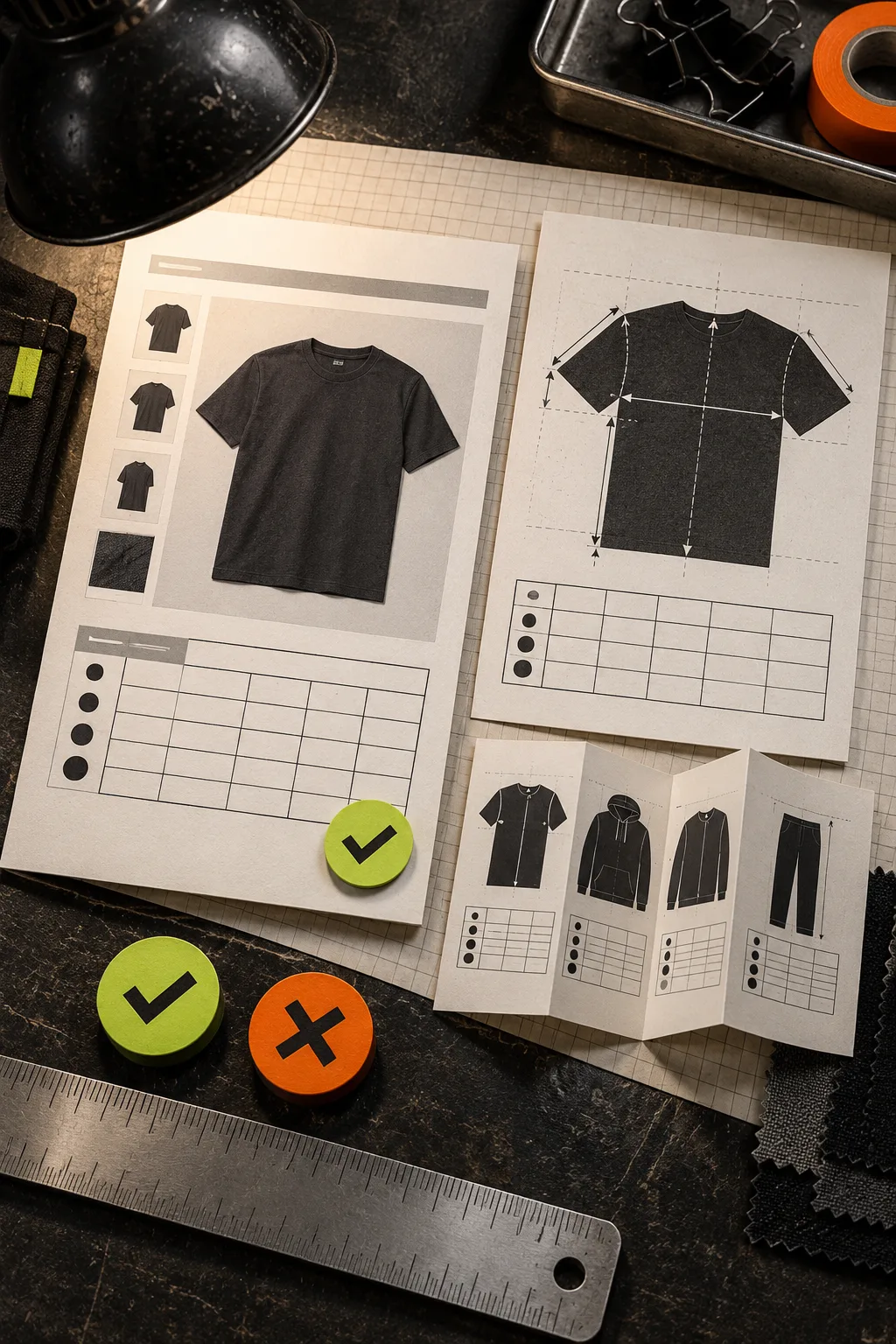
Before calling the catalog ready, confirm:
- Every fit family has an intended chart and measurement guide.
- Your test set includes overlapping rules, a narrow override, and an unmatched product.
- The store-wide default is safe, or unmatched products have explicit coverage.
- The relevant product templates contain the theme app block.
- Each chart says whether it uses body or garment measurements.
- Desktop and mobile views make the selected display mode easy to find and read.
That checklist is short enough to repeat, which is the whole point. Install Supra Size Chart free, put your chart data in one central system, and run the audit before the next catalog change—not after the first sizing ticket arrives.
One clear next step
Choose six edge-case products today and make the four-column rule map. If one product has two plausible charts, you have found the exact decision to resolve before launch.