
Startup Launch Video QA Checklist: What to Check Before You Publish
A practical QA checklist for reviewing a startup launch video before it reaches customers, from message fit to frame-level polish.

A startup launch video can look finished while still being wrong for the job. The logo may be sharp, the transitions may be smooth, and the music may feel suitably expensive—but the first ten seconds might not explain why anyone should care. Or a small text collision might turn into the one thing prospects remember.
That is why a launch film needs a QA pass before it reaches a landing page, a Product Hunt listing, or an outbound sequence. This is a practical checklist for reviewing a short startup video as a communication tool, not just as a render.
If you need a first cut from a site rather than a lengthy production brief, VideoFlow Studio is built for that workflow: give it a website URL, direct the agent from your terminal, review the result, and request revisions in plain language. The output remains editable, which matters when QA finds a real problem.
1. Establish the one thing the viewer should understand
Before you pause on individual frames, write one sentence: After watching, a good-fit viewer should understand that this product helps them do X without Y.
Use that sentence as your control sample. Watch the video once with the sound off. Can you still identify the product, the problem, and the promised outcome? Then watch it with sound on. Does the narration or copy add clarity, or merely repeat what is already on screen?
A launch video does not need to list every capability. It needs a credible through-line. If the team is starting from a web page, the fastest way to protect that line is to make an evidence pack first: the customer problem, the proof points, the one feature worth showing, and the desired next action. That is the same discipline behind turning a startup website into a product video brief.
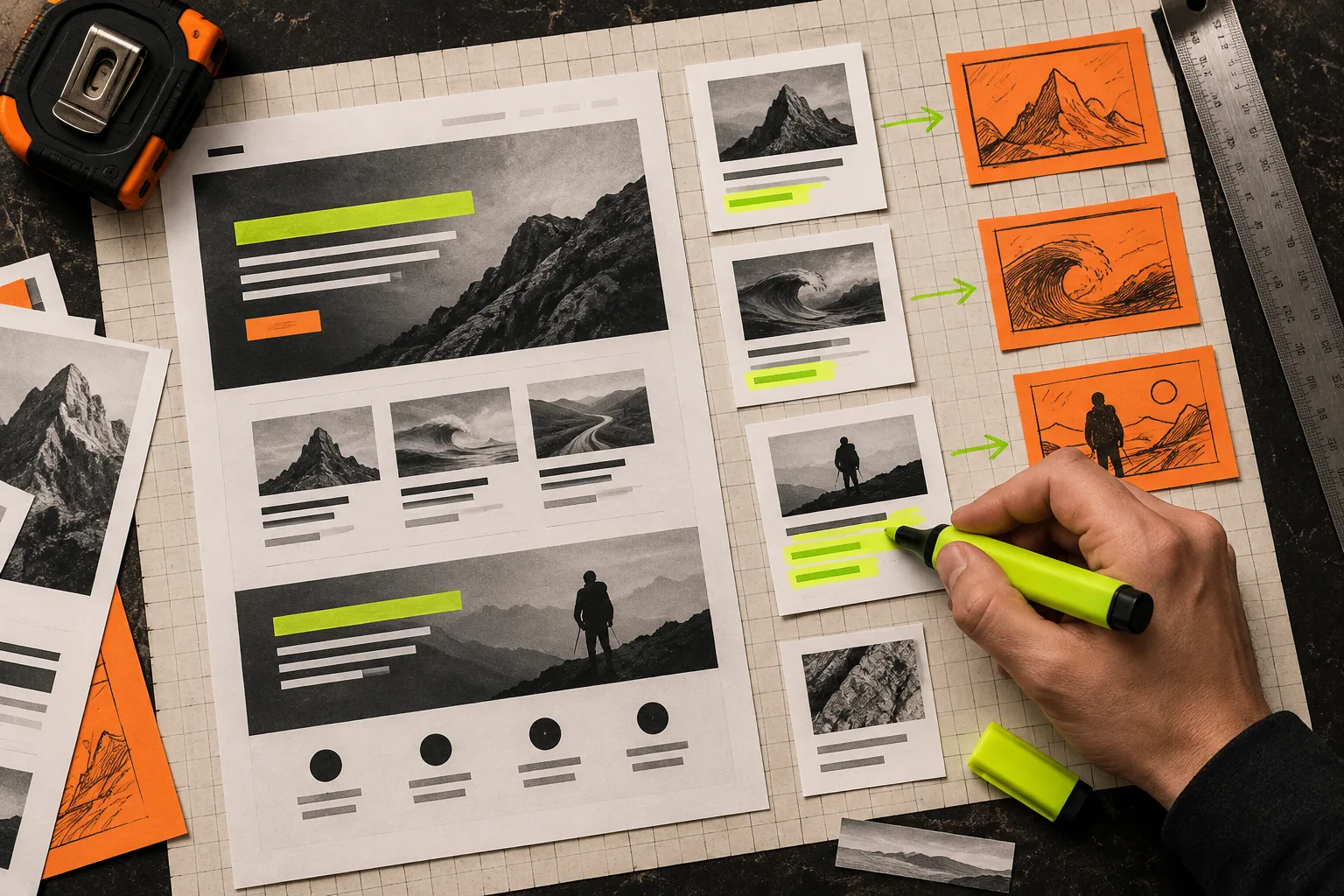
2. Check the opening before anything else
The opening earns the next few seconds. Check it at normal speed and ask four blunt questions:
- Is the product or outcome visible quickly enough?
- Does the first line use ordinary customer language rather than an internal category label?
- Is there one visual focal point instead of competing panels, badges, and motion?
- Would a viewer who has never visited the site know what to do next?
If the answer to any of these is no, fix the opening before polishing later scenes. A cleaner end card cannot rescue a vague premise. For launch work, choose the audience and use case before writing the creative direction; this guide to creating a startup launch video without a long brief is a useful counterpart.
3. Compare the rendered frames against the source material
Generated motion graphics should be judged against real source material, not against the prompt you vaguely remember typing. Put the site, screenshots, product notes, and script beside the render. For each scene, verify:
- Product names, feature claims, and numbers are current.
- The brand colors and logo treatment are recognizable and not distorted.
- UI-like visuals do not imply a feature the product does not have.
- Text stays on screen long enough to read at the intended viewing size.
- Any customer proof is specific enough to stand behind.
This is especially important when the product changes during production. Keep a small scene ledger with the source of each consequential claim, the scene it appears in, and the decision to keep, revise, or remove it. For a deeper version of that habit, see how to keep a startup video accurate when the product changes.
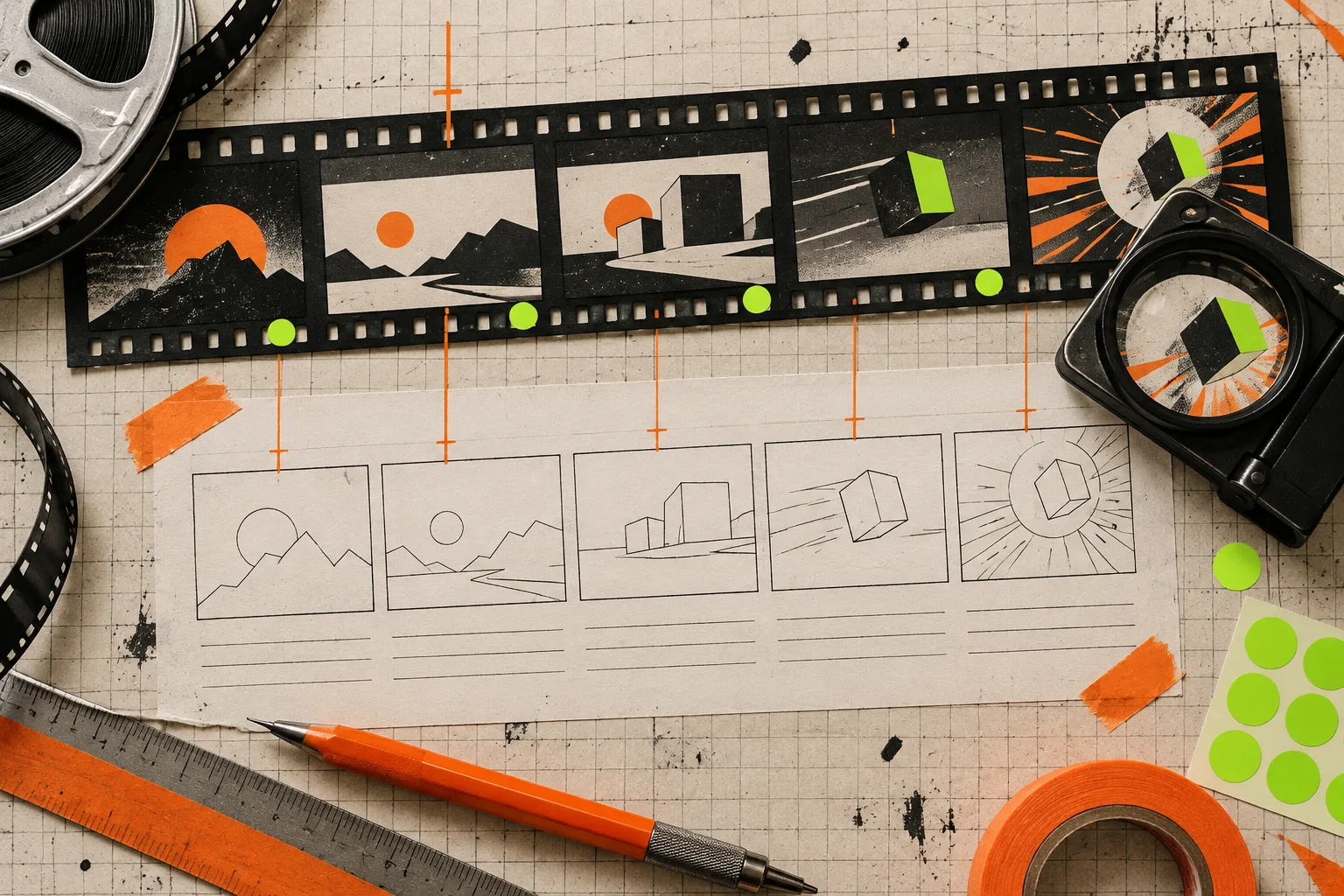
4. Run a frame-level craft pass
Now pause the video. Check scene changes, dense frames, and the end card first. You are looking for practical defects: cropped letters, low contrast, unbalanced alignment, jittery timing, tiny captions, or a logo that feels like an afterthought.
A good review pass distinguishes a taste note from a defect. “Make it more premium” is not actionable. “The headline disappears into the dark background at 00:12” is. “The pricing card claims a feature that is not on the site” is. “The CTA is readable for less than a second on mobile” is.
This is where an agent-driven workflow has a useful advantage. VideoFlow Studio is designed to render, visually inspect, correct, and re-render, while its built-in editor lets you adjust layers, timing, colors, and text without throwing away the agent context. The underlying open-source VideoFlow engine is the structured video and editor stack; Studio is the operator-facing product for getting a reviewable film from a URL and direction.
5. Test the delivery context, not just the master file
Your video will not be watched in a neutral screening room. Check it where it will actually live: a landing-page embed, a social crop, a muted autoplay loop, or a slide deck. Test desktop and phone sizes. Check whether the first frame works as a poster image. Check captions if the piece relies on spoken words.
This context pass also prevents the classic last-minute surprise: a beautifully composed wide scene that becomes illegible in a vertical crop. If the launch needs several placements, decide which scene or claim must survive each crop before requesting variations.
6. Make one revision list, then render again
Do not drip-feed vague notes across five rounds. Build a short correction list with a timestamp, the observable problem, the requested change, and the reason it improves comprehension or credibility. Separate must-fix issues from preferences.
For example:
- 00:06 — replace the generic dashboard animation with the product’s actual workflow; prevents a misleading impression.
- 00:12 — increase headline contrast and hold it longer; improves mobile readability.
- End card — use one URL and one next action; removes decision friction.
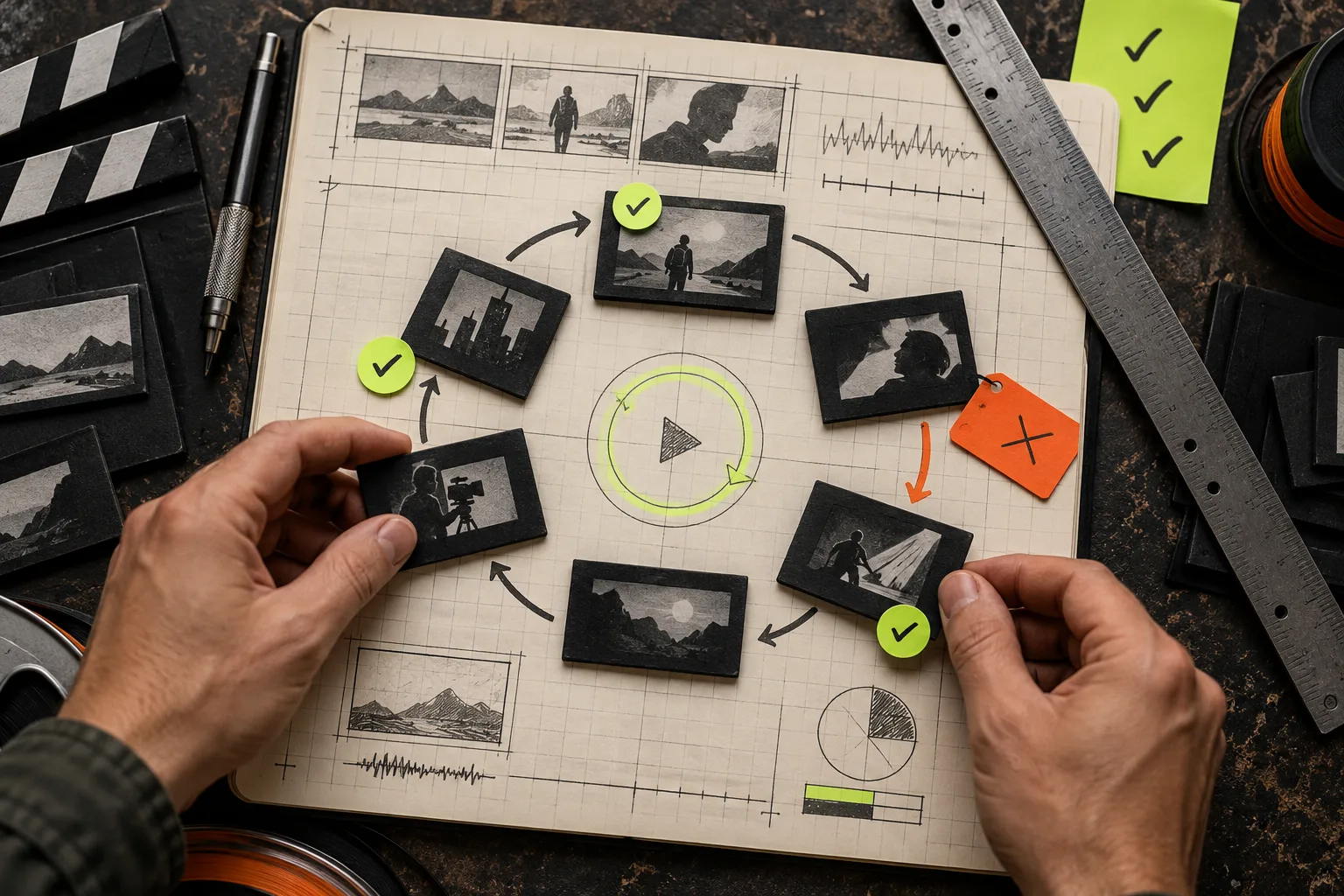
Then rewatch from the beginning. A change that fixes one scene can create a pacing problem in the next. This is also a good moment to use a simple decision sheet rather than memory; this launch-film decision-sheet workflow shows the kind of constraints worth locking before another render.
Publish only when the video earns its claim
The point of QA is not to chase a mythical perfect video. It is to make sure the audience gets a clear, accurate, readable reason to care. If the message works, the claims match the product, the important frames hold up, and the CTA is unmistakable, publish it.
For a practical next step, run this checklist on one 30–60 second cut before commissioning a bigger campaign. Start a reviewable first version with VideoFlow Studio, keep your source evidence nearby, and treat the re-render as part of the creative process—not an emergency repair.