
How to Build Shopify Size Charts for Apparel, Footwear, and Accessories
A practical guide to choosing the right measurements, chart structure, and Shopify display for apparel, footwear, and accessories.
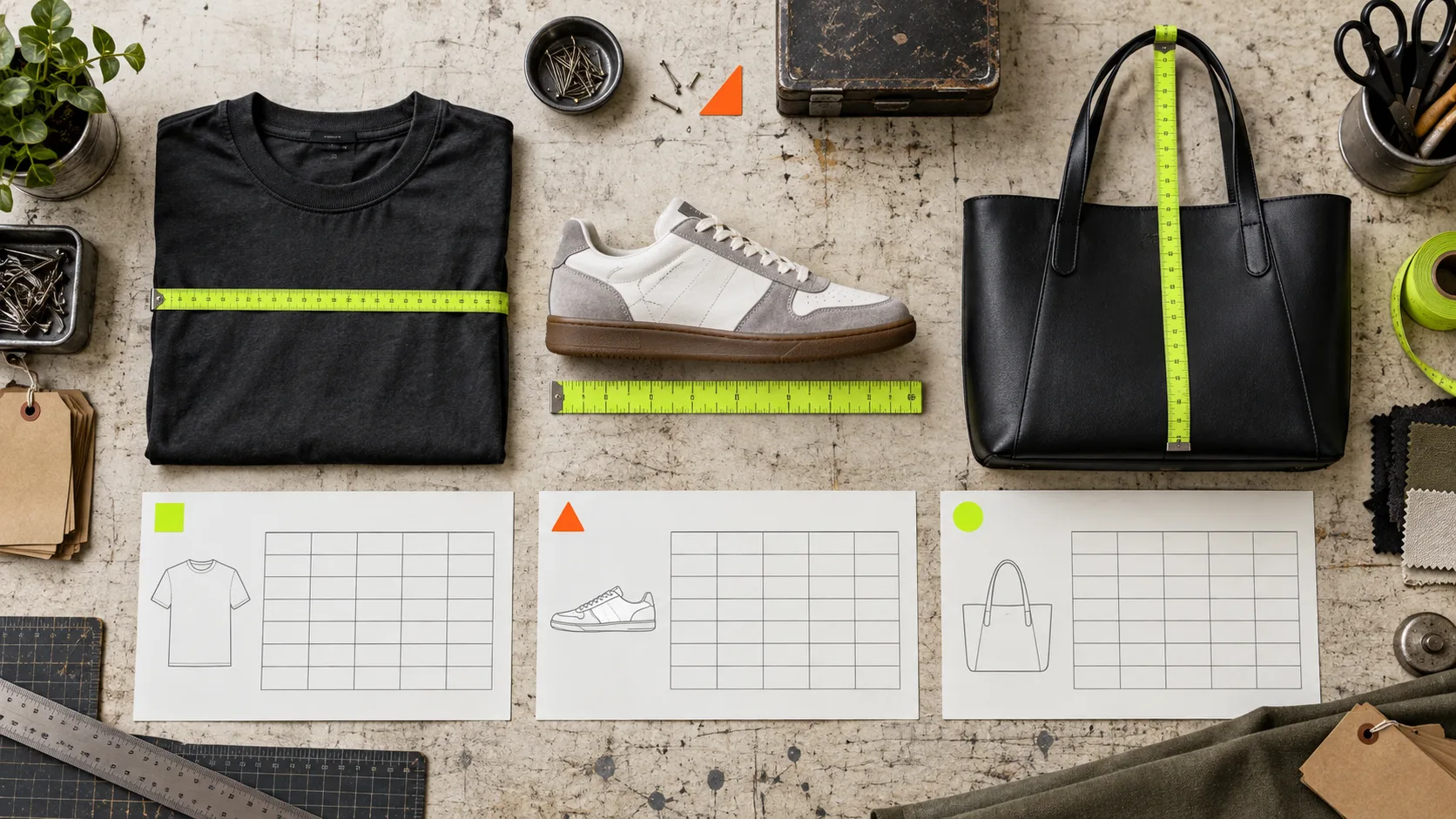
A size chart is not one reusable rectangle of numbers. A tee, a sneaker, and a cross-body bag each ask the shopper a different question. Treating them the same is how a useful product-page tool turns into a polite-looking liability.
The practical job is to make the next measurement obvious, match it to the product’s fit decision, and keep the chart maintainable when the catalog grows. Here is a field-tested way to choose the right chart structure for each category on Shopify.
Start with the decision, not the spreadsheet
Before adding a column, ask: what must the shopper know to choose or use this item? The answer is rarely “every dimension we can measure.” A good chart gives the minimum set of dimensions that resolves uncertainty. A crowded chart makes shoppers compare numbers without knowing where those numbers came from.
Use this working rule:
- Garments: primarily garment measurements, plus a clear note about how the item was measured flat.
- Footwear: foot length and the sizing system used; add width only when the construction or fit makes it material.
- Accessories: the dimension that determines compatibility or wearability: circumference, strap drop, internal width, or device size.
This also tells you when one shared table will fail. A regular-fit cotton tee and an oversized hoodie may belong to different fit families even if they use the same S–XL labels. This fit-family audit is a useful guardrail before assigning a chart across a collection.
Apparel: show the garment and explain the measuring method
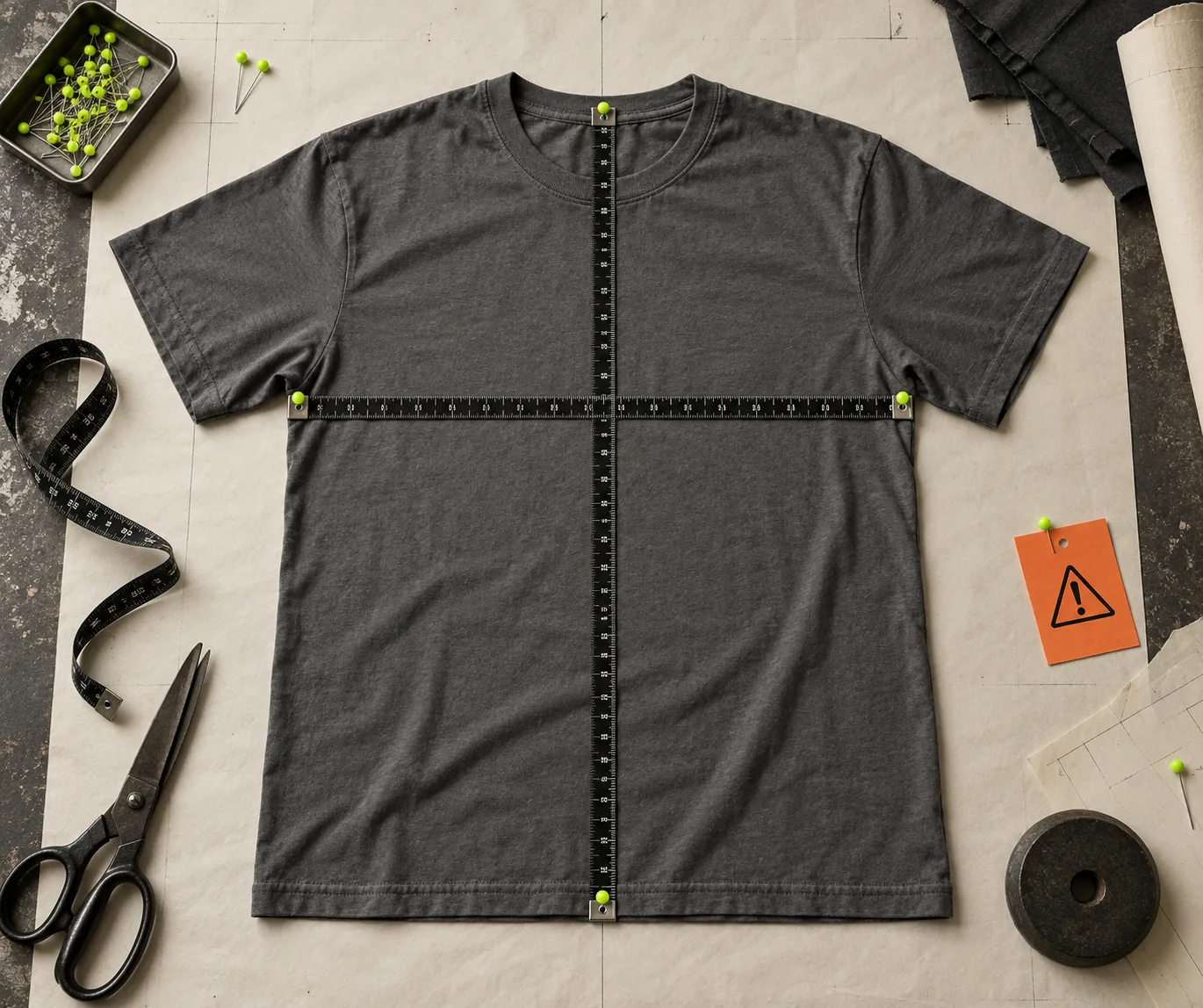
For apparel, shoppers usually need to compare a familiar garment they own with yours. That makes flat garment measurements more actionable than a vague body-size range. For a basic top, start with size, chest width, body length, and sleeve length where relevant. For bottoms, use waist, rise, inseam, and leg opening only if those details affect fit. Dresses may need bust, waist, hip, and length.
The caveat matters as much as the columns: say whether chest is measured pit-to-pit, whether measurements are taken flat, and whether fabric stretch is included. If a dimension is doubled, say so. These are tiny instructions, but they prevent a shopper from comparing unlike measurements.
A labelled measurement guide earns its place here. It turns “body length” from a store-specific mystery into a line a shopper can see. In Supra Size Chart, measurement guides can be shared across charts, so a consistent tee or trouser illustration does not have to be rebuilt for every style.
If your store sells multiple apparel fits, separate the charts first, then automate assignment. A collection, product type, vendor, or tag rule is more durable than pasting tables into descriptions one at a time. That is the same operational move behind adding a dedicated chart only when the product earns it.
Footwear: make length the anchor
Footwear sizing gets complicated quickly because shoppers may arrive with US, UK, EU, or centimetre expectations. Keep the chart anchored to a measurement they can take: foot length. Then show the store’s relevant size labels and the corresponding length in centimetres; offer inches when that serves your market.
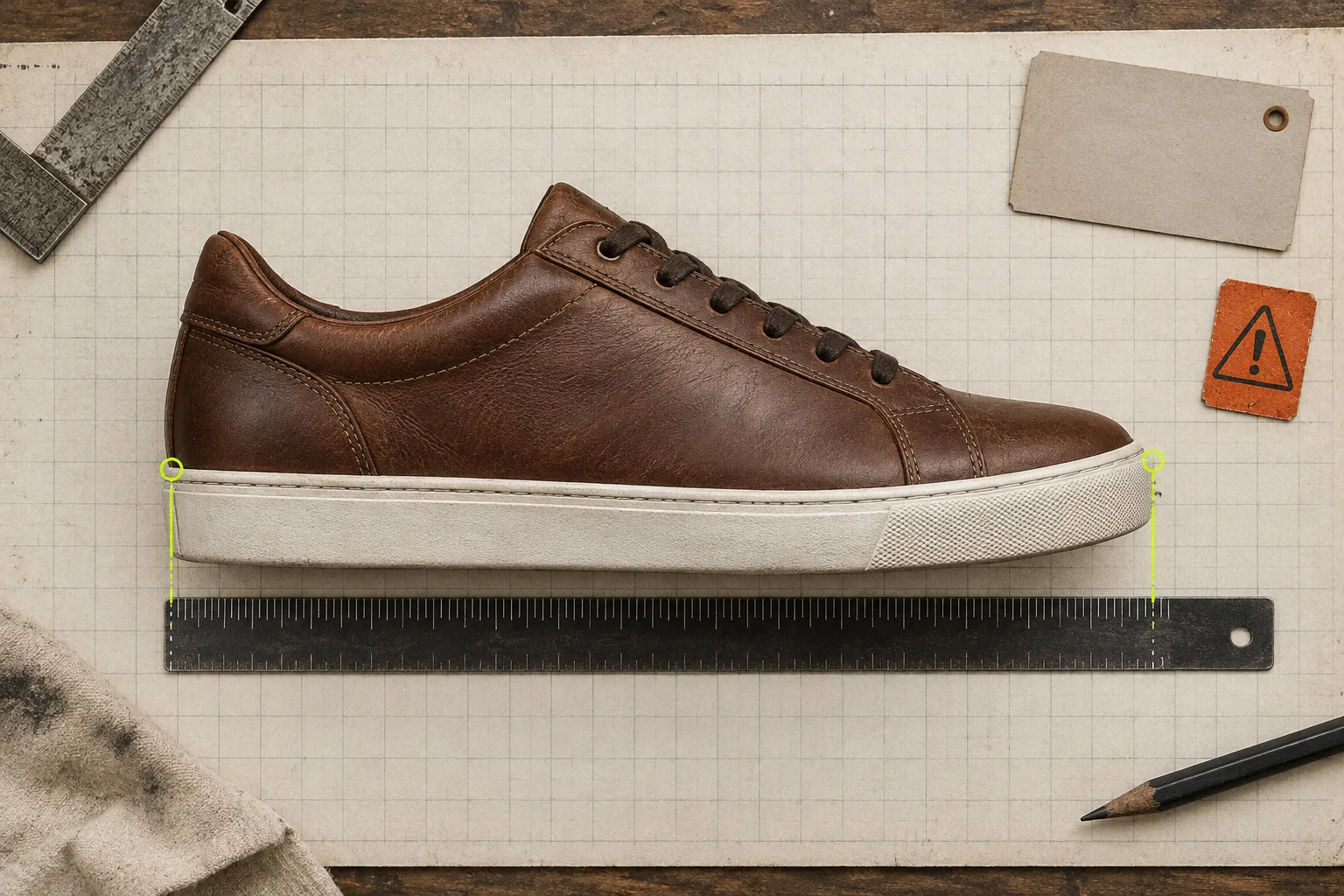
Do not build a heroic conversion matrix unless you can verify every conversion for that specific product. Different brands and lasts vary. A better note is: measure heel to longest toe while standing, then choose the row whose stated foot length covers that measurement. If the model runs narrow, wide, stiff, or intentionally roomy, say that in plain language beside the chart.
For footwear, a modal or accordion can work well when the size guide is substantial, but do not hide the sizing signal entirely. Put a visible “Size guide” trigger beside the variant picker. The display choice should follow the amount of information and the product-page layout; this guide to inline, accordion, and modal size charts shows the same principle: reserve the most prominent space for the decision the shopper must make now.
Accessories: measure the point of use
Accessories are where generic apparel tables do the most damage. A cap buyer needs head circumference, not chest width. A belt buyer needs the measurement range and where it is measured from. A bag buyer often needs width, height, depth, and strap drop; a case buyer needs the compatible device dimensions.
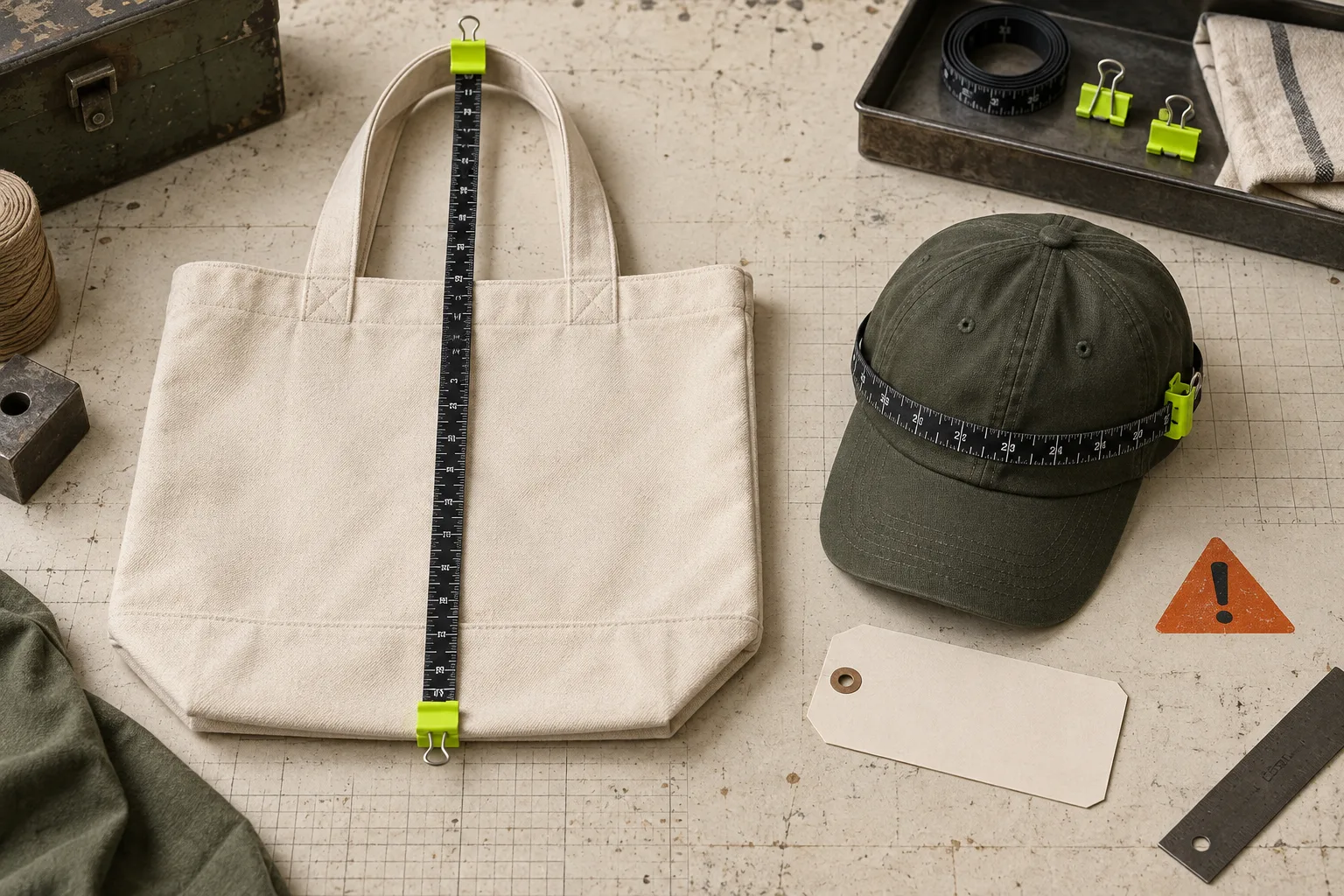
The useful chart is the one that helps someone picture the item in use. Put the one decisive measurement first, then add secondary dimensions only when they answer a real compatibility question. For example: “Fits laptops up to 14 in / 35.6 cm wide” is more useful than an unexplained three-column bag table.
Accessories also benefit from chart rules. A tag such as cap-size-guide or 14-inch-sleeve lets a single chart cover new products as they arrive, rather than creating a missed-task list for every launch. That is a safer system than the manual catalog work described in this checklist for maintaining size tables.
Pick a system you can revise
The first version of a chart will need adjustment. A customer question may expose a missing measurement; a new fit may require a split; a seasonal collection may need a different default. Keep the data outside product-description HTML so you can make those changes once.
Supra Size Chart stores charts in Shopify metaobjects, supports CSV and JSON import/export, and can apply a central chart through product, collection, type, vendor, or tag rules. Its theme app block can render the result as an inline table, accordion, or modal, with an optional metric/imperial toggle. The point is not to add another dashboard. It is to make the sizing system portable, visible, and cheap to maintain.
A five-minute pre-publish check
- Can a shopper identify the decisive measurement without guessing?
- Does the chart say whether measurements are garment, body, or foot measurements?
- Does the measurement guide show the same terms used in the table?
- Does the chart apply only to products with the same fit or compatibility logic?
- Can an international shopper read the unit they expect?
Run that check before every collection launch, especially when you reuse an old template. Then build the chart once, attach it with a rule, and test it on a real product page. Start with Supra Size Chart if you want the data to stay in your Shopify store instead of disappearing into a pasted table. The goal is simple: fewer sizing questions, fewer avoidable returns, and a product page that helps the shopper decide with confidence.