
How to Test Shopify UGC Video Hooks Without a New Shoot
A practical way to test Shopify UGC video hooks, scenes, and calls to action with AI avatars before funding a full creator shoot.

Your next UGC ad does not need a new shoot to answer a basic question: which opening earns the next second of attention? The expensive habit is treating every new hook as a production request. A better habit is to test the message first, then pay for the version that deserves a real creator, crew, or larger spend.
Supra UGC Maker is a Shopify app built for that middle ground. It lets you assemble UGC-style product videos from an avatar, scene, product reference, script, and voice/tone—then preview, trim, reorder, update, and regenerate clips inside a reusable project. That is useful when the bottleneck is not the idea; it is the time between an idea and a watchable variation.

Start with one product and one job
Do not test a full campaign at once. Pick one product and one job the video must do. For a moisturizer, that might be “make the texture and use case clear.” For a kitchen tool, it might be “show the awkward problem it removes.” For a seasonal offer, it might be “make the deadline feel concrete.”
Write that job at the top of your brief, followed by one shopper objection. This keeps the test from becoming a pile of cosmetic edits. If the opening is about convenience, do not also change the product promise, discount, audience, and landing-page destination. You will not know what moved the result.
Before filming anything, make sure the product itself is ready to be shown. A tight Shopify product photo shot list is still worthwhile: clean product references make every downstream creative easier to evaluate.
Build four hook variants, not twenty random videos
A useful first batch is four versions around the same product benefit:
- Problem-first: name the frustrating moment the shopper recognizes.
- Outcome-first: show the result they want before explaining how.
- Demo-first: put the product in use immediately.
- Proof-first: lead with a specific reason to believe, without inventing a testimonial.
Keep the body of the script mostly stable. Change the first line, the first visual beat, and perhaps the last call to action. This is the small-team version of a controlled experiment. It is also more practical than producing four unrelated “creative ideas” that cannot be compared.
Supra UGC Maker is designed around that iteration loop: choose a preset avatar or make a custom AI model, select a scene, add the Shopify product if useful, write the script, select voice and tone, then generate segments. Save the working scene so the next hook starts from a known baseline rather than a blank canvas.
Change one meaningful variable per round
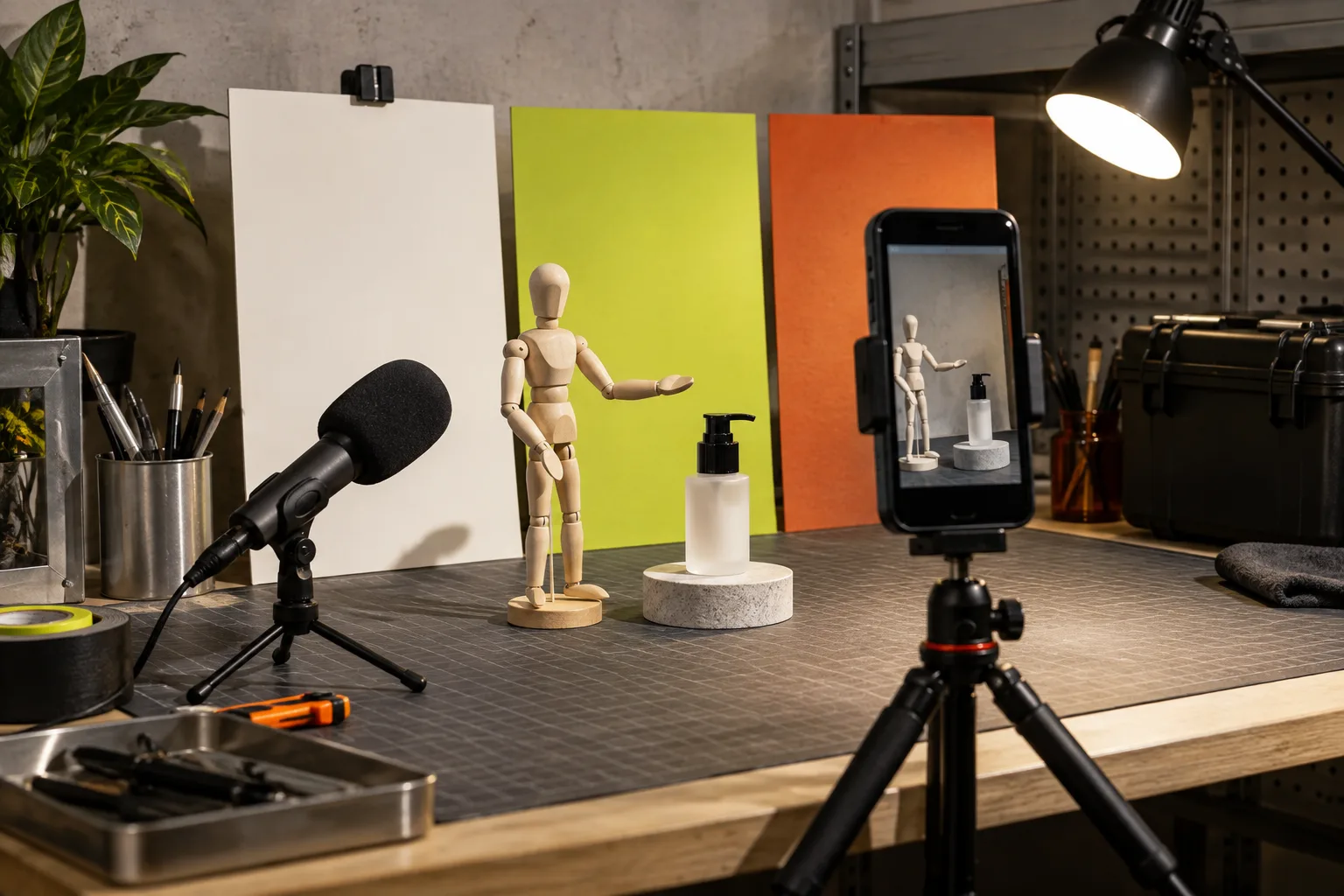
The cleanest early matrix uses four variables: hook, avatar, scene, and CTA. In the first round, change only the hook. If one hook wins, reuse it and test two scenes. Then test avatars or voice/tone only if the product and audience make that choice meaningful.
This is not a claim that an AI avatar is a replacement for a trusted creator. Real creators are often the better choice for community trust, lived experience, or an honest testimonial. AI UGC-style video is strongest when you need fast product explainers, launch variations, and inexpensive message testing before—or alongside—creator work.
A previous Shopify UGC creative testing matrix is a useful complement here. The key operating rule is simple: preserve a control version, name each variation clearly, and decide the next test before opening the editor.
Use a short script template
For a 15–25 second product video, try this structure:
- 0–3 seconds: the hook: “Still doing [unwanted task] the slow way?”
- 3–10 seconds: show the product and its direct role.
- 10–17 seconds: explain one benefit with a concrete use case.
- Final seconds: one next action: view the product, see the details, or shop the collection.
Do not cram product specifications into the spoken line. Put supporting detail on the product page, in captions where appropriate, or in a follow-up video. The first video’s job is to earn attention and make the product’s relevance obvious.
Place the winner beyond paid social
Once a version works, it should not live only in an ad account. Download the generated video and adapt it for the product page, launch email, social clip, or post-purchase education. One caveat: each placement has a different job. A product-page video can slow down and explain. An email teaser should create curiosity. A post-purchase clip should reduce confusion, not repeat acquisition copy.
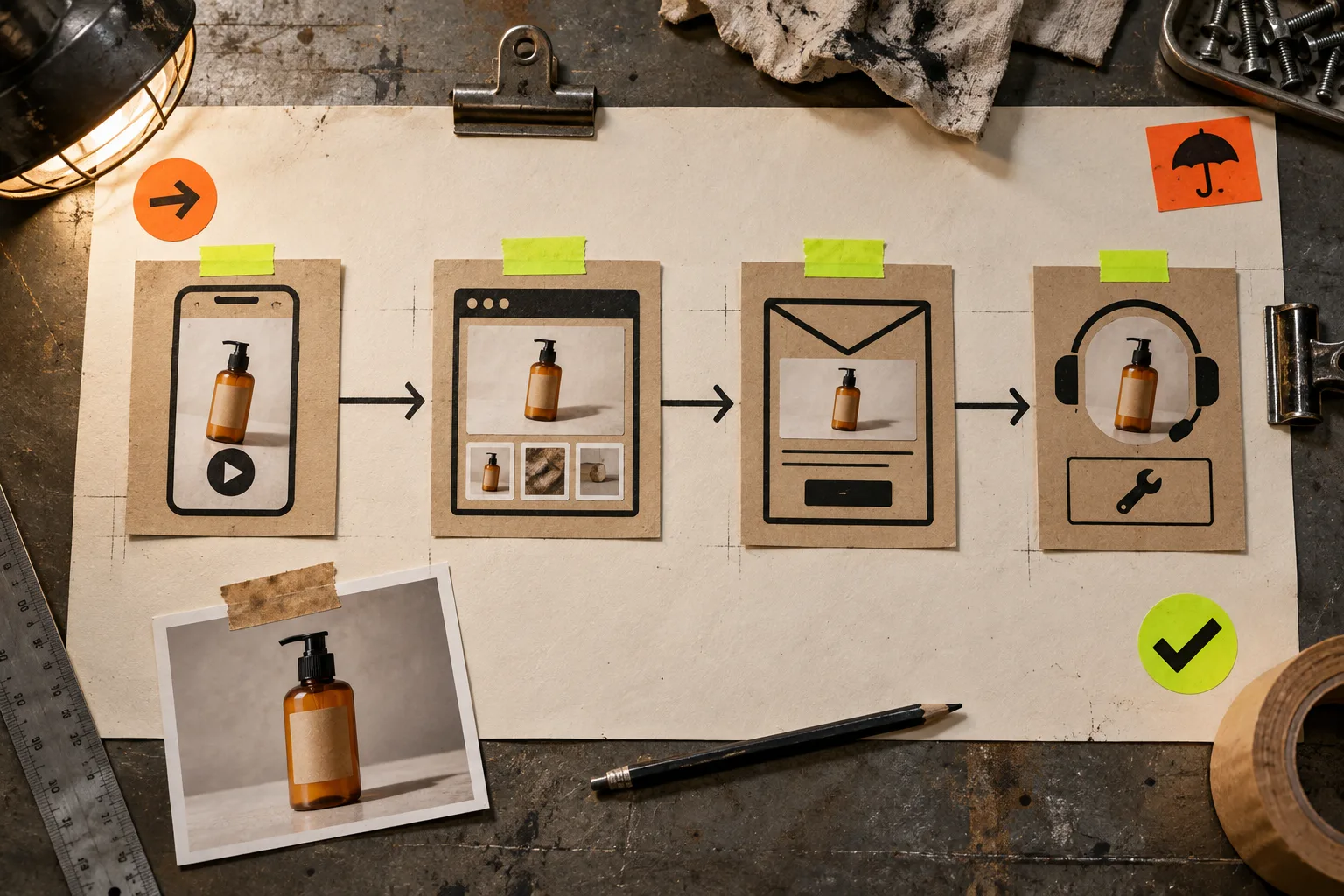
That handoff needs a simple approval check. This launch video approval checklist has a useful principle even outside SaaS: review the promise, claims, product accuracy, destination, and final call to action before the asset gets reused. For more disciplined scripting, borrow the brief-first mindset in this guide to turning customer research into a launch video brief.
A compact operating checklist
- Choose one product and one shopper problem.
- Write four hook lines around the same promise.
- Keep the body, product reference, and CTA stable for round one.
- Generate and preview the variations in one saved project.
- Pick a winner using your actual channel signal, not a team’s favorite script.
- Adapt the winner for the product page or lifecycle message, with a placement-specific CTA.
If your store needs more product video options but cannot justify a shoot for every idea, try Supra UGC Maker on Shopify. Start with one product, one controlled batch of hooks, and one decision. That is enough to turn video creation from a recurring production bottleneck into a testable workflow.