
How to Turn Customer Research Into a SaaS Launch Video Brief
A practical way to turn customer language into a clear, editable SaaS launch-video brief before you generate a first cut.
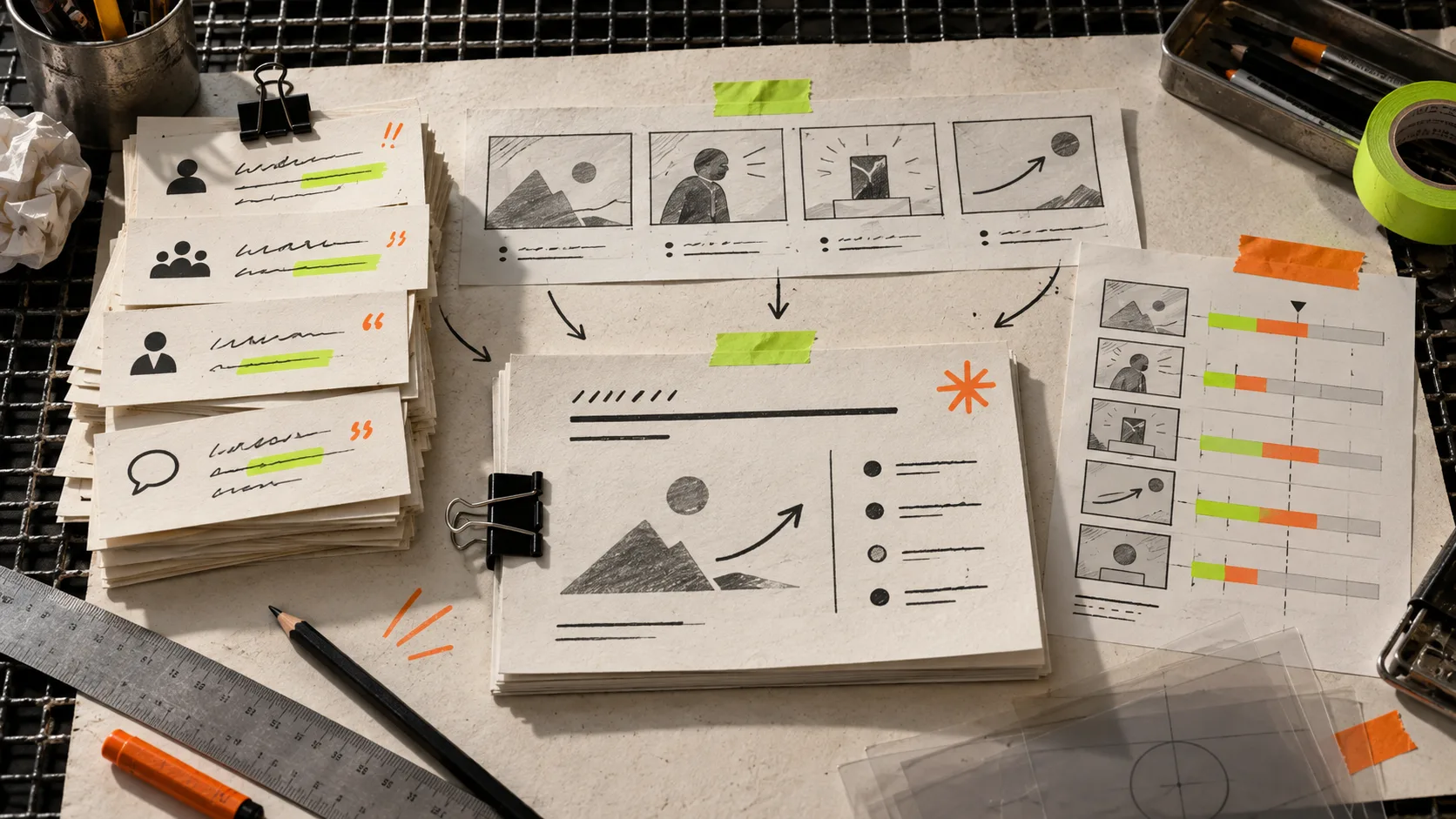
Your customer interviews are full of material for a launch video. The problem is that they are also full of detours: feature requests, anecdotes, polite praise, and several different jobs people hired the product to do. Feeding that whole pile into a video prompt is how you get a pleasant-looking film with no usable point.
The small, reliable move is to turn research into a one-page video brief before making a first cut. The brief chooses one audience, one painful before-state, one concrete change, and one proof point. That is enough direction to make a short SaaS trailer feel intentional without pretending it can explain every feature.
VideoFlow Studio is useful here because it starts from a website URL and a plain-language direction, plans a motion-graphics film, then lets you review and revise the result. The output remains an editable video document instead of a one-shot clip. That makes a brief a working tool, not a document you file away.

1. Pull out the words customers repeat
Read five to ten recent interview notes, sales calls, support threads, or usability sessions. Do not summarize everything. Mark only three kinds of evidence:
- The friction: what was slow, risky, confusing, or expensive before.
- The desired outcome: what the customer wanted to be true after they solved it.
- The proof: a specific workflow, moment, or result that makes the claim believable.
Keep the original language when it is vivid. “I need to see what changed before I send it” is better raw material than “customers value transparency.” It tells you what a scene should communicate.
This is the same discipline that makes a product release-notes video more useful: pick the change that alters a real task, then make that change visible.
2. Choose one job for one short film
A launch video is not a product tour. It is a decision aid. For a 30–60 second first cut, choose one primary job from the research. A founder may need a trailer that makes a waitlist visitor understand the category. A product marketer may need a short explainer that makes an update feel concrete. An agency may need a reviewable first direction before production expands.
Write this sentence: For [audience], show how [product] turns [before-state] into [after-state], using [proof].
For example: “For operations leads, show how the platform turns scattered approval requests into one reviewable queue, using the handoff before a deadline as proof.” It gives the video an audience, tension, promise, and scene anchor.
If your raw material is a website rather than interviews, you can still do the same pass. A URL-to-video workflow works best when the page is treated as evidence to edit, not as a script to recite.
3. Build a four-beat brief
Use four beats. It is short enough to protect focus and concrete enough for a creative tool or teammate to act on.
- Open on the friction. Show the old, costly, or clumsy state in one recognizable moment.
- Reveal the mechanism. Introduce the product through the action that changes the workflow.
- Show the proof. Make the valuable result visible: a cleaner handoff, a faster decision, a clearer output.
- Close on the next step. End with the outcome and a simple invitation to learn more or try it.
Add two guardrails beneath the beats: the brand mood (calm, technical, playful, urgent) and what must stay accurate. That second line matters. It prevents a video from inventing a claim or turning a generic feature into a promise your product cannot keep.

4. Generate the first cut, then inspect the job
Give Studio the site URL and the brief in plain language. Ask it to prioritize the single job, the proof moment, and the brand guardrails. Studio can plan the video, render it, and inspect encoded frames for visual problems before delivery; you can then request changes in a sentence or adjust layers, timing, colors, and text in its built-in editor.
The first cut is a test, not a verdict. Watch it with three questions:
- Would the intended viewer recognize their problem in the first few seconds?
- Does every scene support the same promise, or does one wander into feature-tour territory?
- Is the proof concrete enough to trust without a voiceover explanation?
A fast initial render is especially valuable when a launch has several possible narratives. It is the same reason a startup launch trailer comparison should begin with the job at hand. Code-first tools such as Remotion make sense when a developer wants to author a video application; an agent-driven Studio workflow makes sense when a team needs a designed first narrative from a URL and a brief.
5. Revise the weak beat, not the whole film
Most useful feedback is surgical: “Make the opening feel more like a missed deadline,” “put the approval moment earlier,” or “remove the second feature callout.” Because Studio keeps an editable structured document behind the render, you can direct those changes without restarting the project from a blank prompt.

Keep a small revision log beside the brief. Note what changed, why it changed, and which customer evidence supported the new choice. That keeps late opinions from turning the video back into a feature collage. It also makes later variations easier: you can adapt the same core story for a homepage, launch email, or a different audience without losing the original logic.
If you are deciding whether to make video at all, start with the kind of product where a visual sequence can clarify a change better than a screenshot. The 3D capture readiness test is a good parallel: choose the items that benefit from the format rather than forcing every item into it.
Start with the evidence, not the effects
A polished trailer cannot rescue an unclear promise. Take an hour to reduce customer research to one job, one before-and-after, one proof point, and four beats. Then use VideoFlow Studio to turn that brief and your website into a reviewable motion-graphics first cut. Watch it against the customer language, revise the weak beat, and export only when the story earns its runtime.