
How to Build a Reviewable Seasonal Shopify Content Calendar
A practical way to plan seasonal Shopify blog posts, automate the repetitive work, and keep a useful human review gate.

Your Shopify blog does not need another ambitious spreadsheet that dies after two weeks. It needs a small seasonal system: a handful of product-aware topics, a publishing rhythm you can sustain, and a checkpoint where a human can stop bad assumptions before they go live.
That is the useful middle ground for Shopify blog automation. Let software handle the repeatable assembly; keep editorial judgment where it matters. Supra Blog Automation is built around that division of labor: it can generate SEO-focused posts and visuals, add internal links and product context, then either publish or save the work as a draft.
Start With Product Moments, Not a Blank Content Calendar
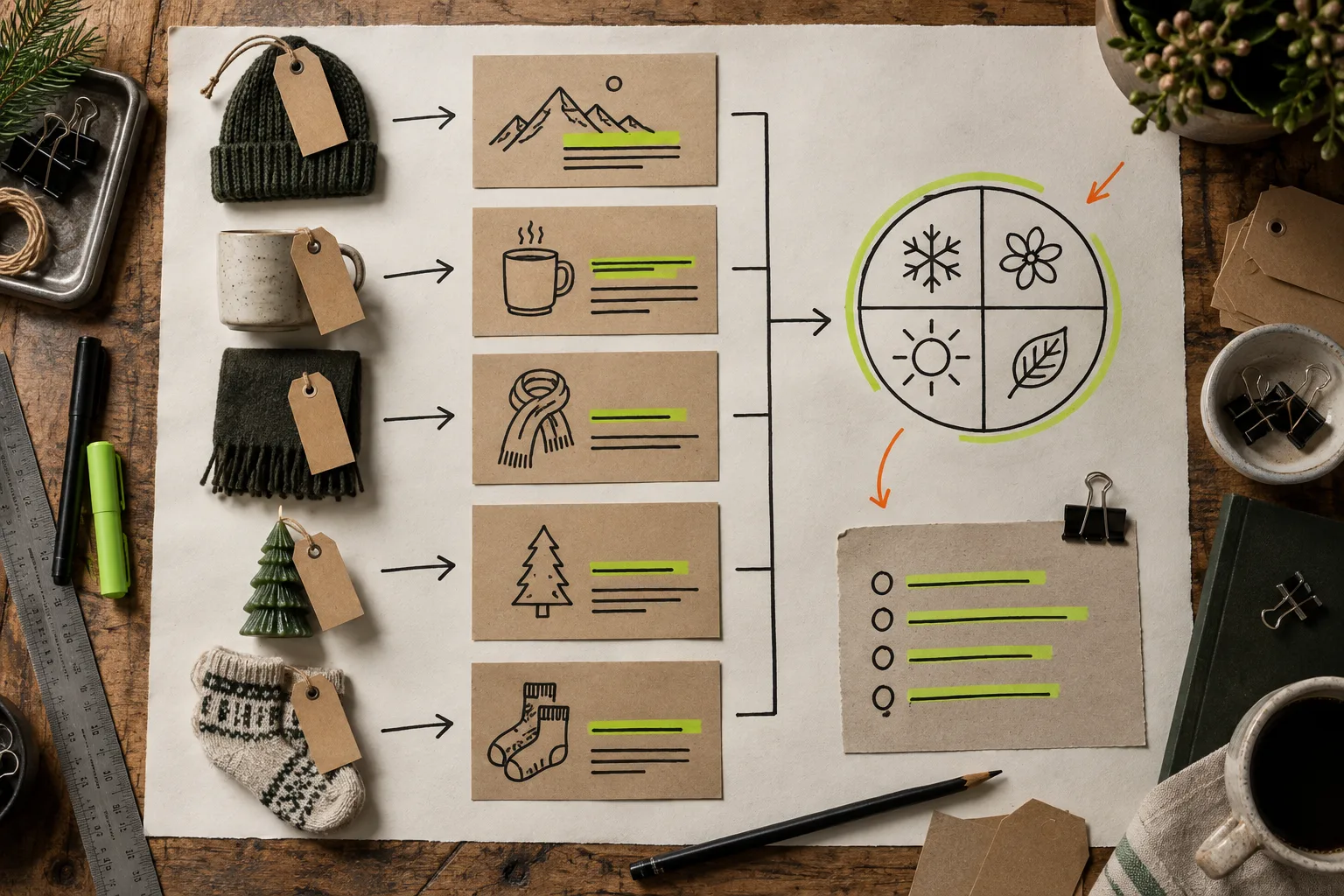
The most reliable calendar begins with events already happening in the store. A new collection, a fit concern, a buying decision, a seasonal use case, or a recurring support question can each become a useful post. The rule is simple: every topic needs a reader problem and a real product or collection that helps solve it.
For example, an apparel shop entering cold weather might plan a fit guide, a layering guide, a care explainer, and a gift-buying checklist. A home-goods shop could turn a new collection into a room-by-room buying guide, a materials comparison, and a maintenance post. This is far stronger than telling an AI tool to write something about your category.
Keep each entry to five fields: season or launch, target reader, question, relevant products, and desired next action. If the product information is fuzzy, fix that first. A reusable Shopify product-page content system gives the blog something dependable to draw from.
Choose a Cadence You Can Review
Weekly publishing is plenty for many small stores. The right cadence is the one that leaves enough time to check claims, links, stock status, and brand voice. Two reviewed posts a month beat eight generic posts that nobody wants attached to the business.
A practical 90-day setup looks like this:
- Weeks 1-2: one discovery post that answers a category question.
- Weeks 3-4: one product or collection guide tied to a current shopping decision.
- Weeks 5-8: repeat the pattern with a fresh angle or seasonal problem.
- Weeks 9-12: publish a roundup, checklist, or comparison that links back to the earlier guides.
This format creates a small internal-linking network without turning the blog into a link farm. A fit article can point to a mobile-friendly size-chart guide; a product-color explainer can connect to linked-product swatches. Each link should help the reader take the next sensible step.

Automate the Assembly, Not the Accountability
Once the inputs are clear, automation is excellent at turning the plan into a first draft. In Supra Blog Automation, choose the topic, goal, tone, products or collections to feature, and image sources; then create a one-off post or a recurring automation. The app can assemble SEO structure, internal links, visual options, product mentions, and a call to action.
But set the workflow to save important posts as drafts when the subject is sensitive, factual, or commercial. That one choice avoids most avoidable mistakes. Before publishing, scan for these four issues:
- Claims: Are benefits, policies, materials, or delivery promises accurate today?
- Product context: Does every featured item actually fit the problem in the article?
- Links: Do product, collection, and internal links resolve to live destinations?
- Voice: Does the article sound like your store, not a generic content machine?
This is also why a reviewable recurring setup is better than treating automated publishing as magic. For a broader setup walkthrough, see how to set up a reviewable recurring Shopify blog.
Make Images Earn Their Place
Blog images should either clarify the decision or make the product world more concrete. Use real product photos when detail matters: color, fit, texture, scale, or included components. Use generated or stock visuals when you need to explain a workflow, a seasonal scene, or an abstract buying problem.
The useful constraint is consistency. Give the generator the same product context and visual rules you give the writer. Supra Blog Automation supports product-based, stock, and AI-generated image sources, so the visual workflow can match the post rather than become a last-minute scavenger hunt.
Run a Small Preflight Before Each Publish
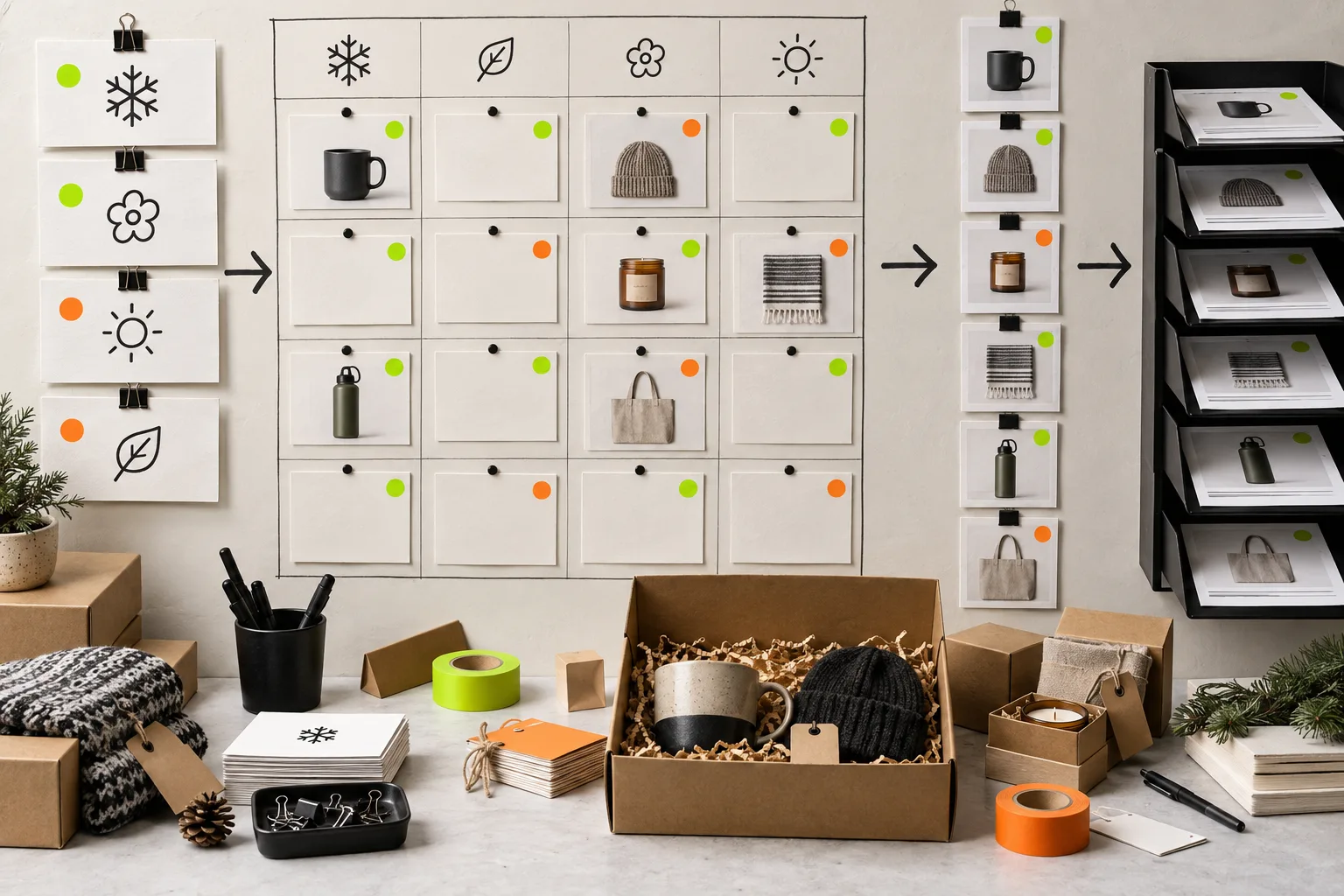
Put a ten-minute preflight on the calendar. Open the finished post on a phone, click every link, verify every product reference, and ask one hard question: would this help a shopper even if they did not buy today? If the answer is no, add a concrete example, comparison, or decision rule.
Then look at the calendar as a whole. Do the posts cover different questions? Are you repeatedly promoting the same product? Is there a useful next link from each article? That is how a Shopify blog becomes an asset instead of a pile of disconnected posts.
The First Workflow to Build
Start with one upcoming collection or seasonal problem and plan four posts around it. Add the product context, choose a modest cadence, and generate the first post as a draft. Review it with the preflight above. When that loop feels steady, turn it into a recurring workflow.
You can try Supra Blog Automation on a real collection and build the habit before expanding the calendar. The goal is not to publish more words. It is to make it easier to publish useful, accurate Shopify content when your attention is already needed everywhere else.