
How to Archive a Retired Webflow CMS Collection as Static HTML
A practical Webflow CMS archive workflow: capture routes, assets, metadata, and redirects before a collection disappears.
How to Archive a Retired Webflow CMS Collection as Static HTML
Retiring a Webflow CMS collection is usually treated as housekeeping: unpublish the template, remove it from navigation, and move on. That is tidy until a sales page, an old support email, a campaign, or a customer’s bookmark points to a vanished URL. A better move is to keep a small, static archive before the collection goes away.
This is not a full-site migration. It is a controlled preservation job: retain the public routes, rendered content, media, and enough metadata to make the material findable later. If the collection matters to SEO, support, compliance, or a client handoff, the archive is cheaper than reconstructing it six months from now.
Start with the collection’s public contract
Before exporting anything, write down what the collection promises the web. The useful inventory is not a list of fields in the Webflow Designer; it is the things a visitor can actually request.
Capture the collection-template route pattern, every published item URL, pagination or category routes, linked images and documents, on-page links, canonical URLs, titles, descriptions, and any redirects already pointing into the collection. Also note what is intentionally not part of the archive: search, forms, gated material, checkout, and live personalization do not become functional merely because an HTML file exists.
This distinction is why a Webflow CMS audit before a static move is useful even for a small retirement project. A page that looks complete can still depend on a forgotten script, an image loaded after scroll, or a navigation path that only appears on mobile.
Export the rendered site, not just the records
A CSV is a database backup. It is not a reader-friendly archive. For a durable public copy, capture the rendered site: HTML, CSS, JavaScript, fonts, images, media, and the CMS-derived pages that visitors used.
ExFlow’s Webflow exporter is built for this exact handoff: enter a published Webflow URL, collect the site’s static files and CMS pages, then download a ZIP or sync the output to Git, S3, or FTP. It is a more sensible starting point than a generic downloader when a collection contains platform-shaped routes, lazy-loaded media, interactions, and asset references.
For a collection archive, use the smallest scope that still preserves context. Include the template pages plus their index or category page, the global CSS and JavaScript they need, and the assets those pages reference. Keeping the archive scoped makes review faster and makes it obvious which historical content is still intended to be public.
Run a route-first acceptance check
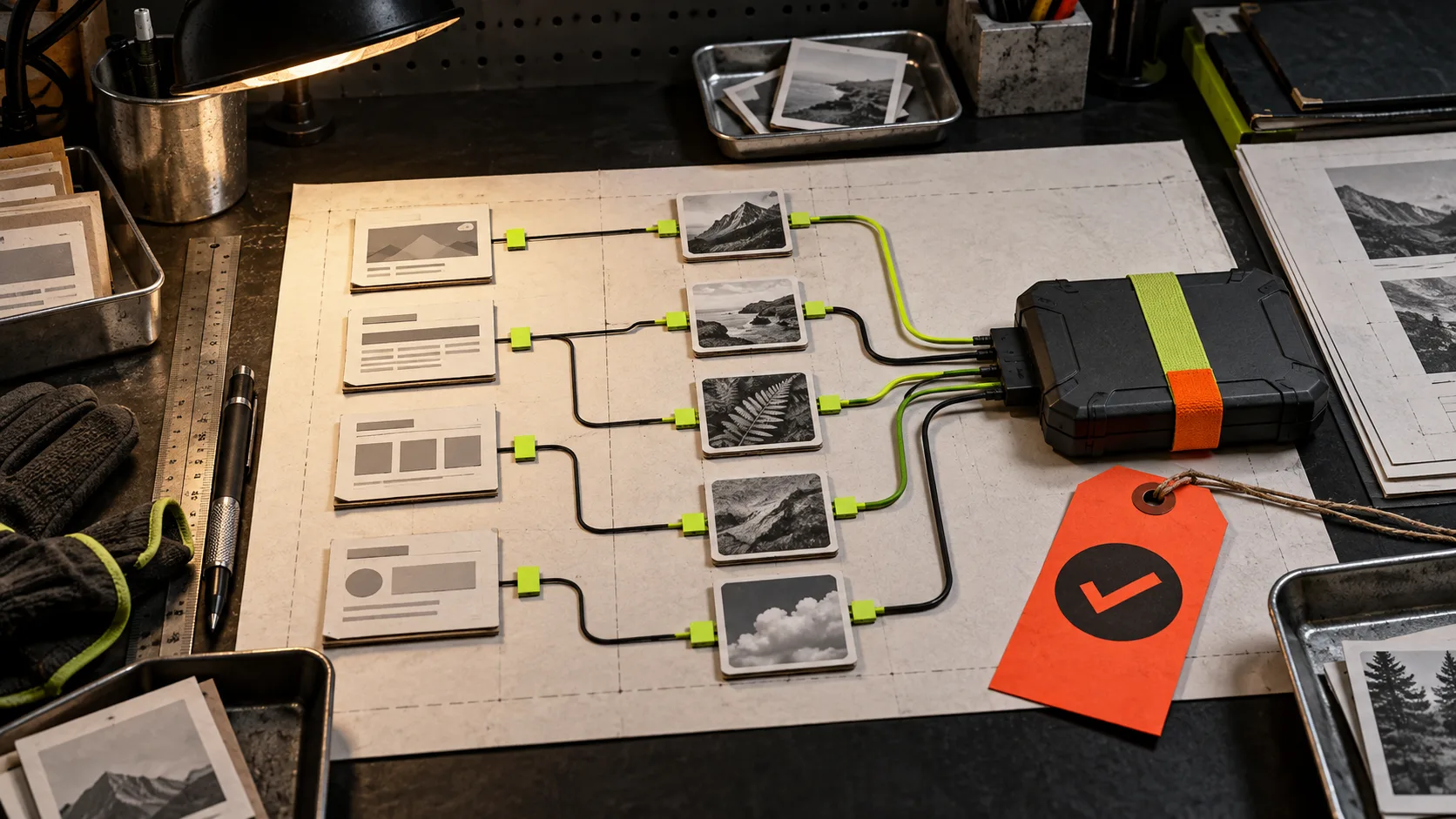
Treat the export as a deliverable, not a folder that merely exists. Open the static copy locally or on a private staging host and test from the outside in.
- Paste ten representative item URLs directly into the browser, including the oldest, newest, longest, and media-heavy entries.
- Follow every obvious internal path: collection index, related content, navigation, and footer.
- Check page titles, descriptions, canonical tags, social-image references, and headings. These are often the bits a future team needs when they revive or redirect content.
- Test desktop and a narrow mobile viewport. Look for broken image sizing, missing typefaces, and interactions that depend on a live platform script.
- Make a redirect decision for every retired route: preserve it in the archive, redirect it to a successor, or return a deliberate 410/404. Do not let it become an accidental 404.
That last point is the expensive one. If the collection has traffic or inbound links, publish redirects alongside the archive. If it has no reason to remain public, keep a private copy in version control and remove it cleanly from the live domain.
Put the archive somewhere boring and versioned
The best archive host is usually unglamorous: a Git repository with a tagged release, a small static host, or a client-controlled storage bucket. The important part is that the output is portable and the deployment choice is documented.
A practical handoff has three pieces: the export ZIP, the deployed static directory, and a short README describing the original domain, capture date, retained routes, known non-functional features, and redirect rules. This turns a pile of files into something another operator can safely use. The same discipline is helpful when you are exporting Webflow CMS pages to static HTML; the copy only becomes a backup when someone can locate and validate it.

Keep one clear boundary around live behavior
Static output is excellent for published articles, resource libraries, case studies, and retired catalogs. It is not a magic replacement for every live Webflow service. Forms, search, member areas, commerce, and dynamic integrations need a separate plan. Name those gaps in the README rather than implying the archive is a production clone.
For larger changes, make the archive before touching navigation or collection rules. A rollback copy before changing Webflow navigation gives you a known-good reference if the live change has an unexpected effect. And if the next handoff is a Framer project rather than Webflow, the same test mindset applies to a Framer static export.
ExFlow also supports Squarespace and Framer, but start with the platform-specific exporter and the route inventory in front of you. That keeps the project concrete.
The useful next action
Pick one Webflow CMS collection you would be uncomfortable losing. List its public routes, make a static export with ExFlow for Webflow, and test five pages before you unpublish anything. A small, verified archive is far more useful than an optimistic promise that the content is “somewhere in the CMS.”