
How to Add a Video Review Step to a React App
Build a practical React video workflow where generated VideoJSON can be previewed, edited, approved, and rendered without losing the source of truth.
How to Add a Video Review Step to a React App
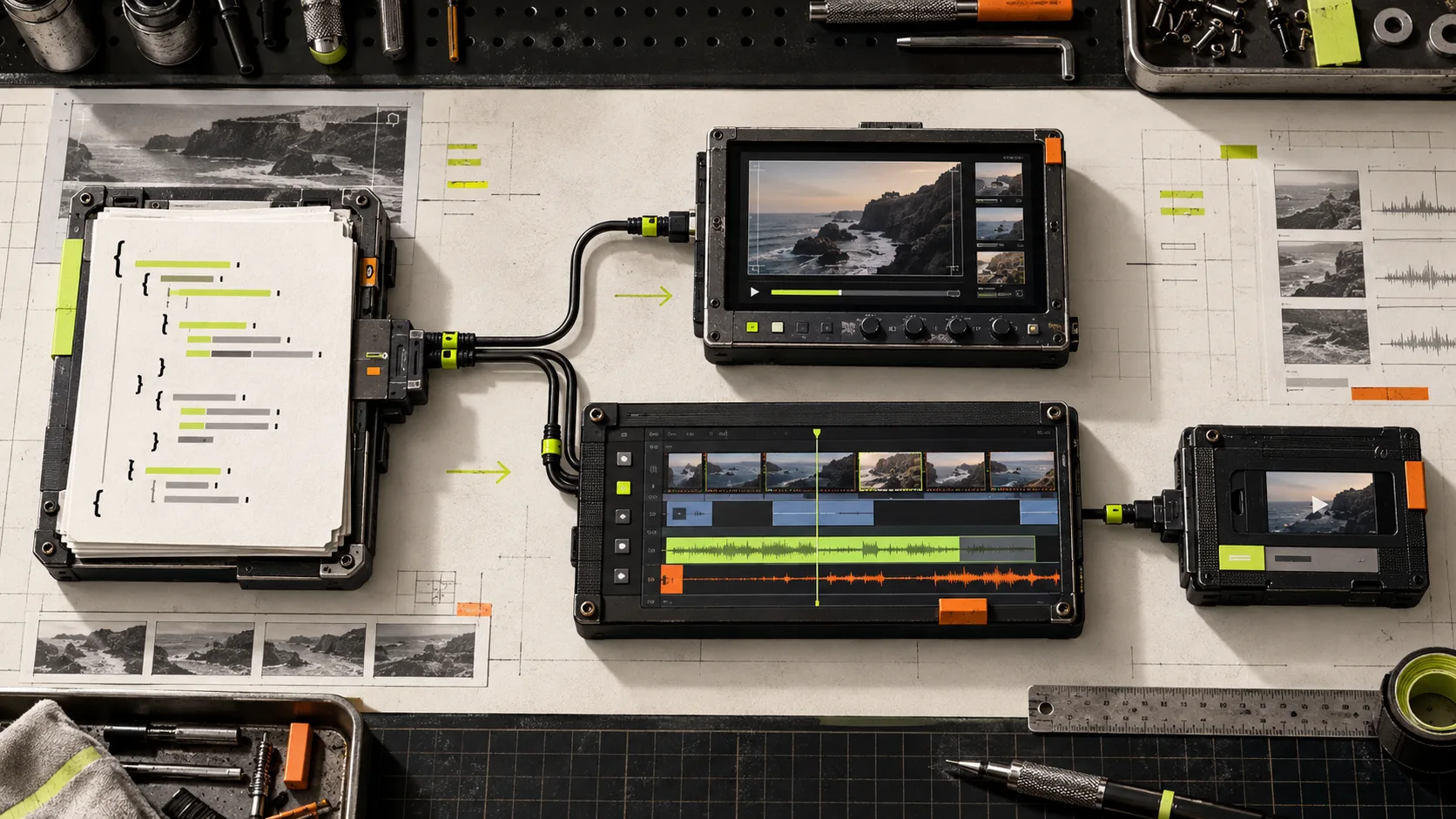
Generated video is useful right up until somebody needs to change a line, trim an awkward beat, or replace an image. If the only output is an MP4, that small request becomes a rerun or a support ticket. The simpler design is to keep a structured video document in the middle of the workflow, then let a reviewer work on that document before the final render.
VideoFlow’s React Video Editor is a practical fit for this pattern. It is a drop-in React component with a multi-track timeline, live preview, type-aware controls, keyframes, transitions, uploads, and MP4 export. More importantly, it works with portable VideoJSON rather than a one-way export.

Start with a document, not a file
Give your generator one job: create a valid video document. That generator can be a form, a product-data pipeline, or an AI assistant, but its output should be VideoJSON with the fields your application allows. Store the JSON beside the request, template version, and source assets.
That choice pays off immediately. You can validate required layers before a human sees the result, version changes in Git or your database, and rebuild an export when a renderer changes. It also means review is an edit to the source of truth, not a list of vague notes attached to a finished movie. This is the same useful boundary behind a reviewable AI video draft: structure first, rendering second.
For code-generated templates, VideoFlow Core compiles a fluent TypeScript composition into VideoJSON. Keep template-owned details—brand fonts, safe zones, locked timing—out of the reviewer’s editable controls. Let reviewers change copy, media, approved colors, and only the timing ranges you are willing to support.
Put the editor at the approval boundary
Do not build a timeline just to make a five-second correction possible. Mount the editor only after your draft passes basic validation, then save the returned JSON whenever the reviewer makes a meaningful change. A compact integration looks like this:
import { VideoEditor } from "@videoflow/react-video-editor";
import "@videoflow/react-video-editor/style.css";

export function ReviewVideo({ videoJSON }: { videoJSON: unknown }) {
  return (
    <VideoEditor
      video={videoJSON}
      onChange={(next) => saveDraft(next)}
      onSave={async (next) => await approveDraft(next)}
      onUpload={async (file) => await uploadAsset(file)}
      theme="dark"
    />
  );
}
The important part is not the component name; it is the contract. onChange saves a reviewable draft. onSave marks one explicit revision as approved. Your render request should use that approved JSON revision, not whichever document happens to be newest. Add an approval timestamp and the renderer choice to the record so an export is reproducible later.

Choose the renderer after the edit
One JSON document can feed a live DOM preview, a browser export, or a server job. That gives a small product team a clean decision instead of three competing video systems.
- Use a DOM preview while someone is reviewing. It supports scrubbing and frame-accurate seeking without creating an MP4 on every change.
- Use browser rendering for short, user-initiated exports where keeping source media on the client matters and the device can do the work.
- Use server rendering for queued, scheduled, or batch exports. This is the sensible route for a campaign with hundreds of variants; a product-data render queue is a good model.
VideoFlow’s renderer documentation covers the browser, server, and DOM options. The caveat is straightforward: do not promise browser export for every long or media-heavy project. Put a duration and asset-size threshold in your product, then route larger work to the server.
Make review fast enough to happen
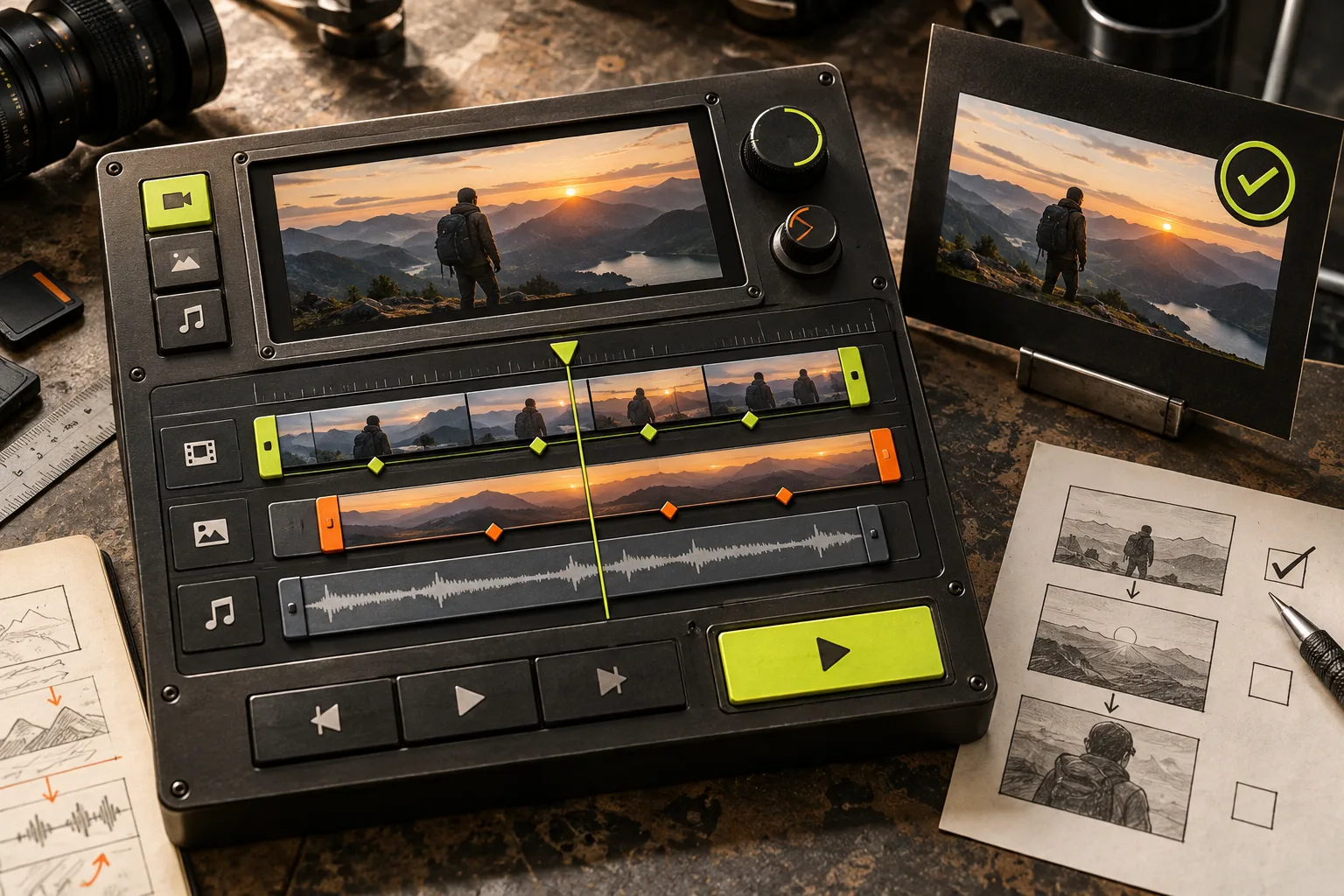
A review step fails when it is a full editing suite disguised as a modal. Start with three checks: does the copy fit, does the timing make sense, and does the selected media match the data source? Add a small checklist next to the editor and an explicit Approve button.
For generated content, also show where each layer came from. A reviewer should be able to tell whether a caption came from a CRM field, a prompt, or a human edit. If an input changes, mark the prior approval stale rather than silently reusing an old export. The result is more dependable than asking someone to compare two opaque MP4 files.
Keep the first version narrow
A good first release handles one template, one reviewer role, a small set of editable fields, and one export path. Do not begin with collaboration, comments, reusable asset libraries, and every transition control. The editor can grow after you know which corrections recur.
If you are still deciding how the input should be assembled, this SaaS demo brief guide is a useful companion: clear source material makes a review screen dramatically less busy. And if your team prefers a terminal-first implementation, the first-cut workflow shows the same principle from the other side.
The next move is simple: define a small VideoJSON schema for one template, save every revision, and place a React review screen before rendering. With VideoFlow, the generated draft stays editable, the human has a proper approval surface, and your final MP4 remains traceable to the data that made it.