
How to Turn a Startup Website Into a Launch Video You Can Revise
A practical workflow for turning a startup website into a reviewable, editable motion-graphics launch video with VideoFlow Studio.
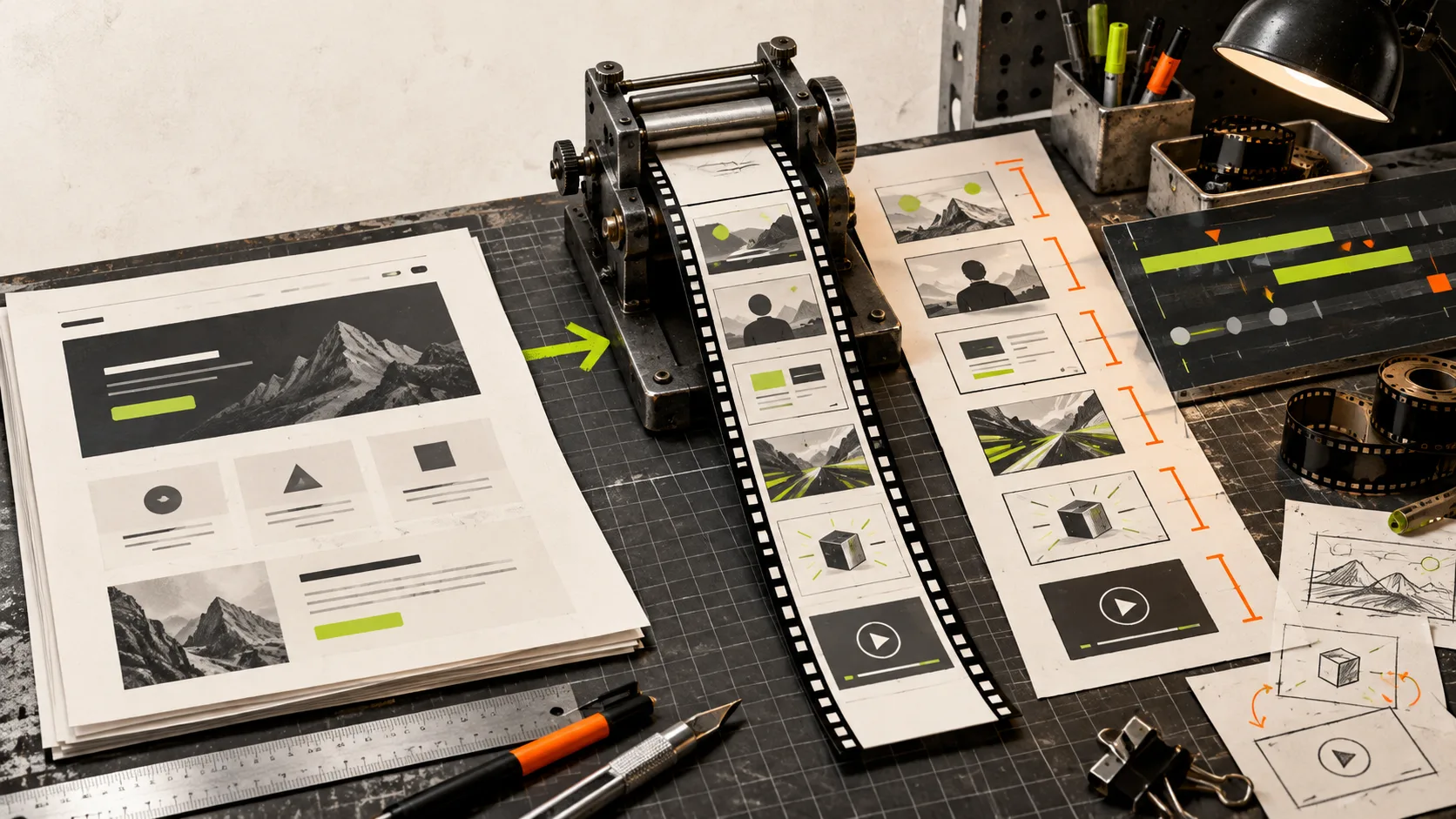
Most startup websites already contain the raw material for a credible launch video: a problem, a promise, a few proof points, and a next action. The hard part is turning that material into a short film without beginning with a blank timeline—or ending with a polished render you cannot sensibly change.
VideoFlow Studio is built for that middle ground. You give it a product URL from your terminal, then direct the work in plain language. It plans, builds, renders, and visually reviews a motion-graphics video; the result remains an editable video document rather than a one-shot clip. Here is a practical workflow for getting a useful first cut from a website while keeping the revision loop under control.

Start with the page, but choose one job for the video
A website is rarely a ready-made script. A homepage may try to explain the product, collect emails, reassure buyers, recruit partners, and rank in search—all at once. A launch video needs one job.
Before you open a tool, write three short notes:
- Audience and tension: Who should recognise their problem in the first few seconds?
- Product proof: What can you show or state that makes the promise credible?
- Single action: What should a viewer do after the final frame?
This is not busywork. It prevents the usual startup-video failure: a fast tour of every feature with no reason to care. If the site is broad, choose a narrow audience or a launch moment. A billing product, for example, might make a launch film about reducing month-end scramble rather than about every dashboard tab.
If you need a more detailed way to shape those notes, this guide to building a SaaS demo video brief that survives revision is a useful companion.
Give the agent a bounded first assignment
VideoFlow Studio runs from the terminal with npx @videoflow/studio. Point it at the page, then give it a direction that supplies editorial judgment—not just “make a video.”
A workable first request sounds like this:
Turn this homepage into a 35-second launch video for small SaaS teams. Open with the manual problem, show the product’s strongest proof, keep the tone practical, and end with a clear trial CTA. Use no more than five scenes.
The useful constraints are the audience, runtime, narrative order, and scene limit. They force a sequence of decisions. Studio reads the product, category, brand, and strongest narrative angle, develops a plan, and creates the motion-graphics film using the underlying open-source VideoFlow engine.
That distinction matters. Studio is the operator-facing product for URL-to-video work and iterative direction. VideoFlow is the underlying engine and editor stack. If you want to build a custom video application in code, the engine and its GitHub project are the relevant starting point. If you need a launch trailer from an existing product page, Studio is the shorter path.
Treat the first render as evidence, not delivery
The first render should answer specific questions: Does the opening earn attention? Does the product appear soon enough? Can a viewer understand the action without reading a paragraph? Is the CTA visible long enough to use?
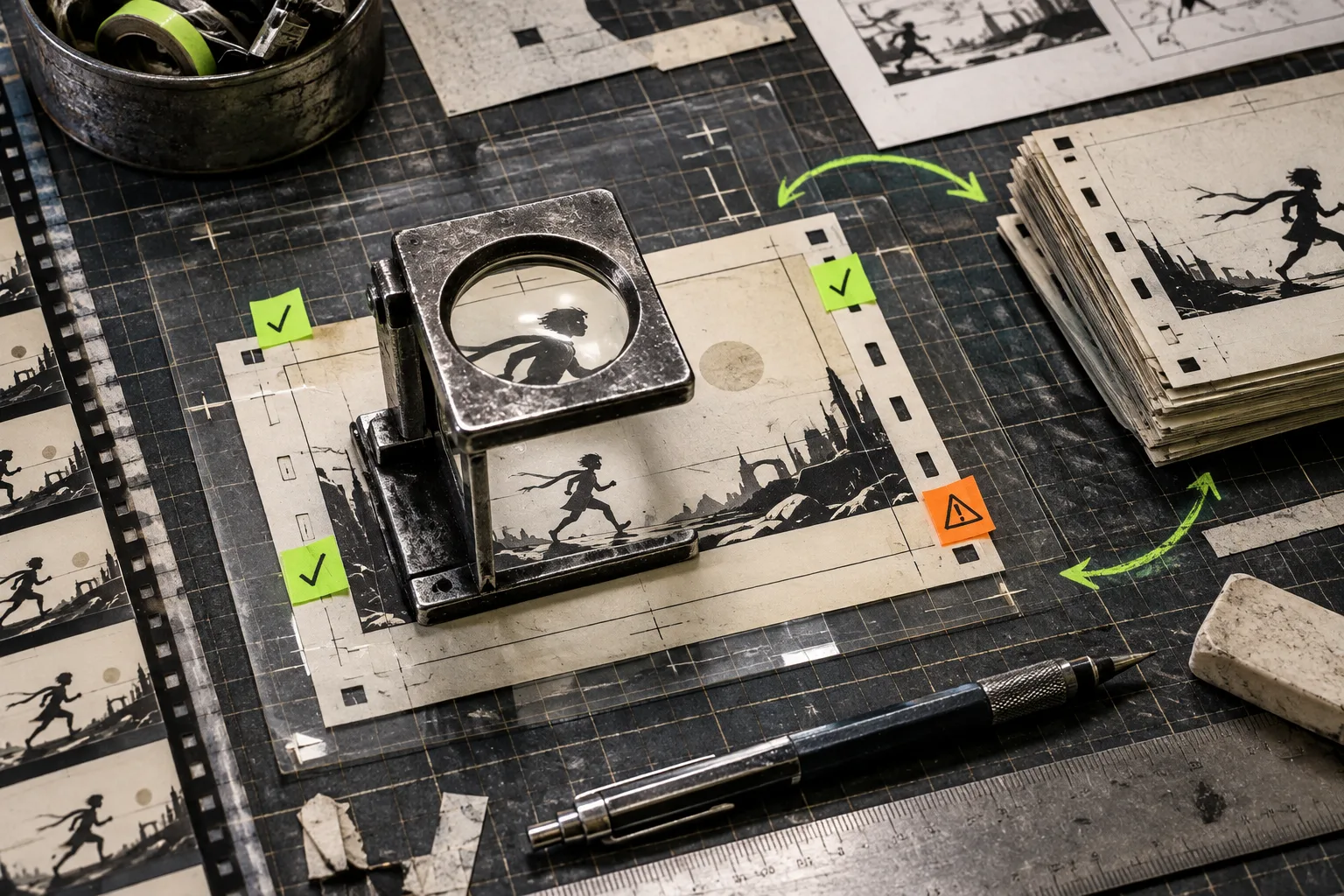
This is where VideoFlow Studio has a useful edge over a workflow that produces a clip and leaves you to spot problems by eye. It reviews encoded frames, checks the visual output, and can re-render corrections. That does not make it a substitute for taste. It does mean alignment, contrast, and legibility can be part of the production loop instead of an afterthought.
Use a small review checklist:
- Watch once with sound off. The story should still make sense.
- Find the one scene doing too much work and split or simplify it.
- Check every key claim against the website; do not let a dramatic edit invent a feature.
- Confirm the final frame states one action, not three competing links.
For a perspective on formalising this step, see how one startup workflow added a review gate.
Revise with a change ledger, not a new prompt
Avoid restarting from “make it better.” That discards the decisions that already work and makes it hard to tell what changed. Instead, make a short change ledger with one request per scene or issue:
- Scene 1: replace the generic opening with the customer’s before-state.
- Scene 3: hold the product proof for another second.
- End card: remove the secondary CTA and increase contrast.
You can send those changes to Studio in a sentence, or make manual layer, timing, colour, and text changes in the built-in editor. The point is that the film stays a portable, structured document behind the render. You are revising a real composition rather than trying to regenerate the same lucky clip.
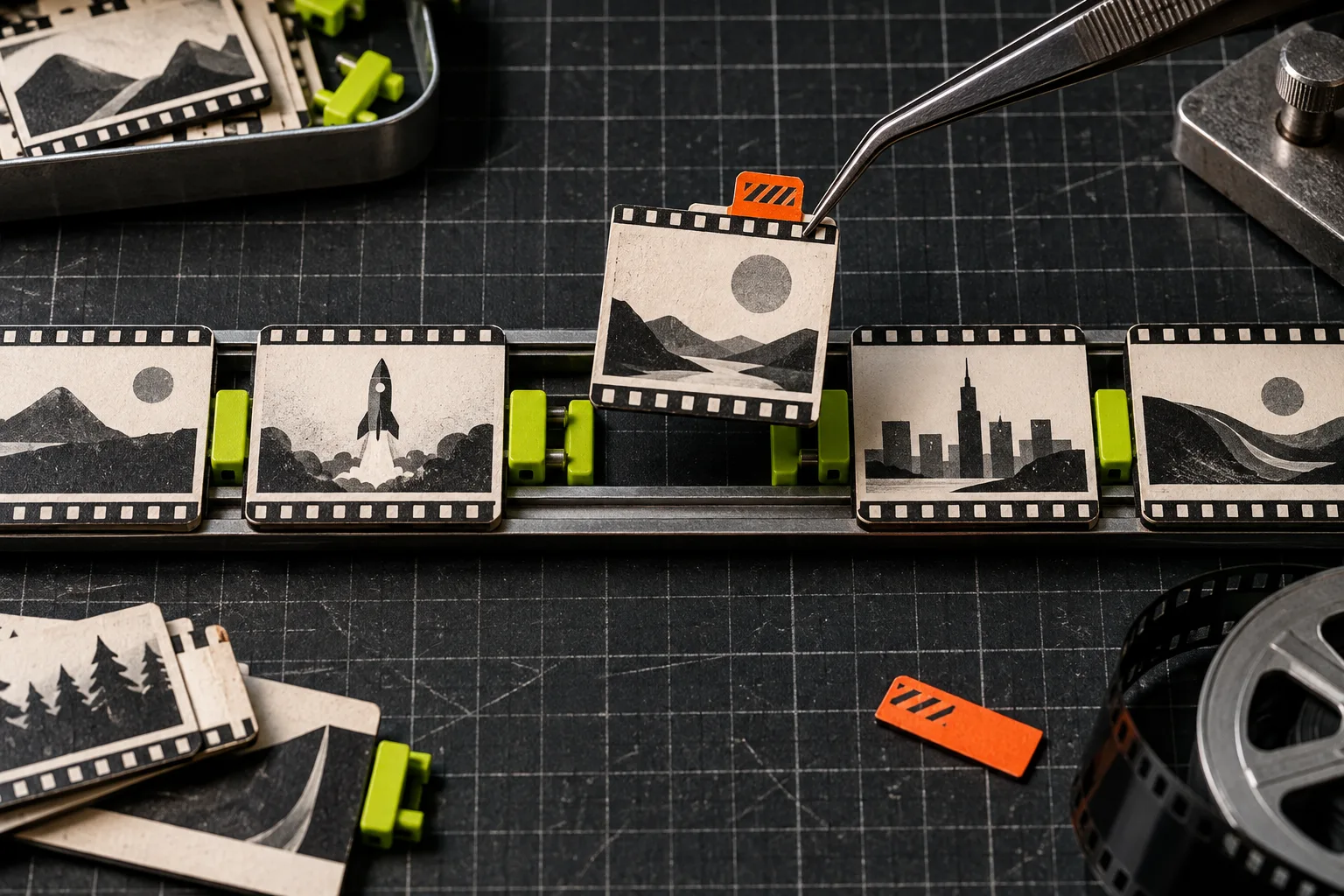
This approach is especially useful for release announcements. The page may not have changed much, but the narrative has: a new capability, a customer proof point, or a deadline. Start with the new material, preserve the best scenes, and update only what the release changes. You can also borrow the framing in this guide on turning release notes into a product trailer.
Know where this workflow fits
A URL-to-video agent is not a replacement for every production job. Bring in a filmmaker, illustrator, or editor when the story depends on original footage, performance, a complex brand campaign, or a highly art-directed visual system. A code-first framework is also a better fit when a developer needs total programmatic control over a video application.
Studio is most useful when the job is structured motion graphics: a startup launch, product explainer, update trailer, or SaaS demo that needs a strong first cut and several accountable rounds of revision. The public site currently lists a free plan with monthly renders or edits and paid tiers; check the current pricing and limits before planning a launch around a quota.
Make the next launch video easier than the last
Save the short brief, the approved scene order, and the change ledger alongside the final export. The next video then starts with a tested narrative structure rather than an empty page. If you already have a startup website with a clear promise, open VideoFlow Studio, feed it the URL, and ask for a five-scene first cut. Review it as a draft, revise the scenes that matter, and keep the editable document for the next announcement.