
How to Test a Shopify Tag Cleanup Before Applying It Storewide
A practical, low-risk workflow for testing Shopify tag cleanup rules on a sample before applying them across a catalog.
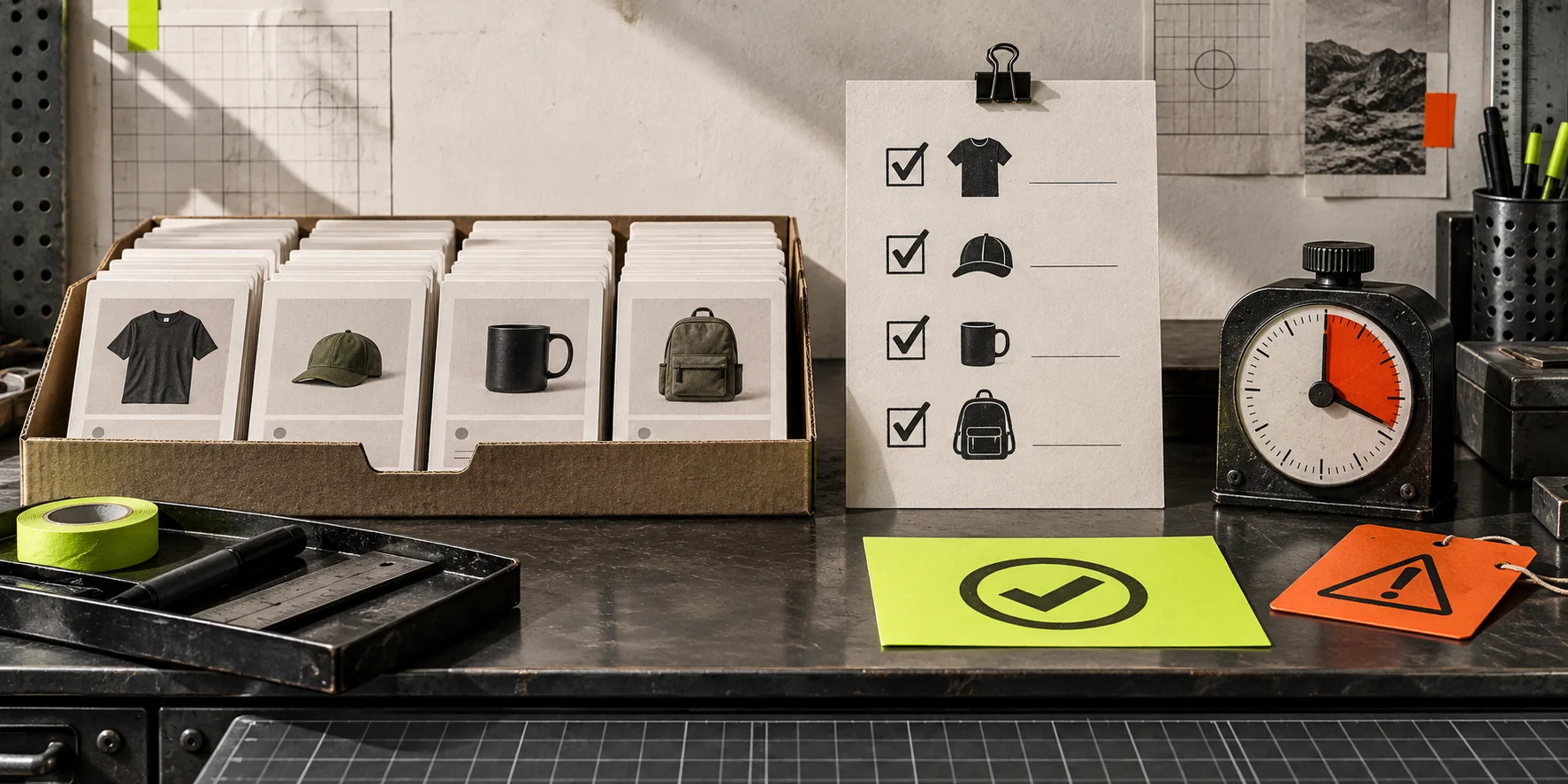
Your Shopify product tags should help people and systems find the right products. But a cleanup can do the opposite if a broad rule catches items that only look similar. The boring part—testing the rule on a small, deliberately chosen sample—is what keeps a tidy catalog from becoming a recovery project.
This is a field-tested way to trial a tag cleanup before you apply it across the store. It works particularly well when you are consolidating old campaign tags, standardizing spelling, or removing tags that no longer drive a collection, workflow, or report.
Start With One Change You Can Describe in a Sentence
Do not begin with a pile of tag changes. Write the change in a form another operator could check: “remove summer-2024 from active products that also carry the current seasonal tag.” That sentence defines the action, the candidate set, and the exception you need to inspect.
A useful cleanup has one primary operation: remove, add, or replace a tag. If the job also changes product types, status, pricing, or variants, split it. Those are different risks with different evidence. The same separation makes variant bulk edits easier to reason about.
Before touching the app, answer four questions:
- Which exact tag is changing?
- What search criteria selects the products?
- Which products must be excluded?
- What visible outcome proves success?
For a tag cleanup, success is not simply a completed task. It is a product sample whose tags, automated collections, and storefront behavior still make sense.
Build a Sample That Can Prove You Wrong
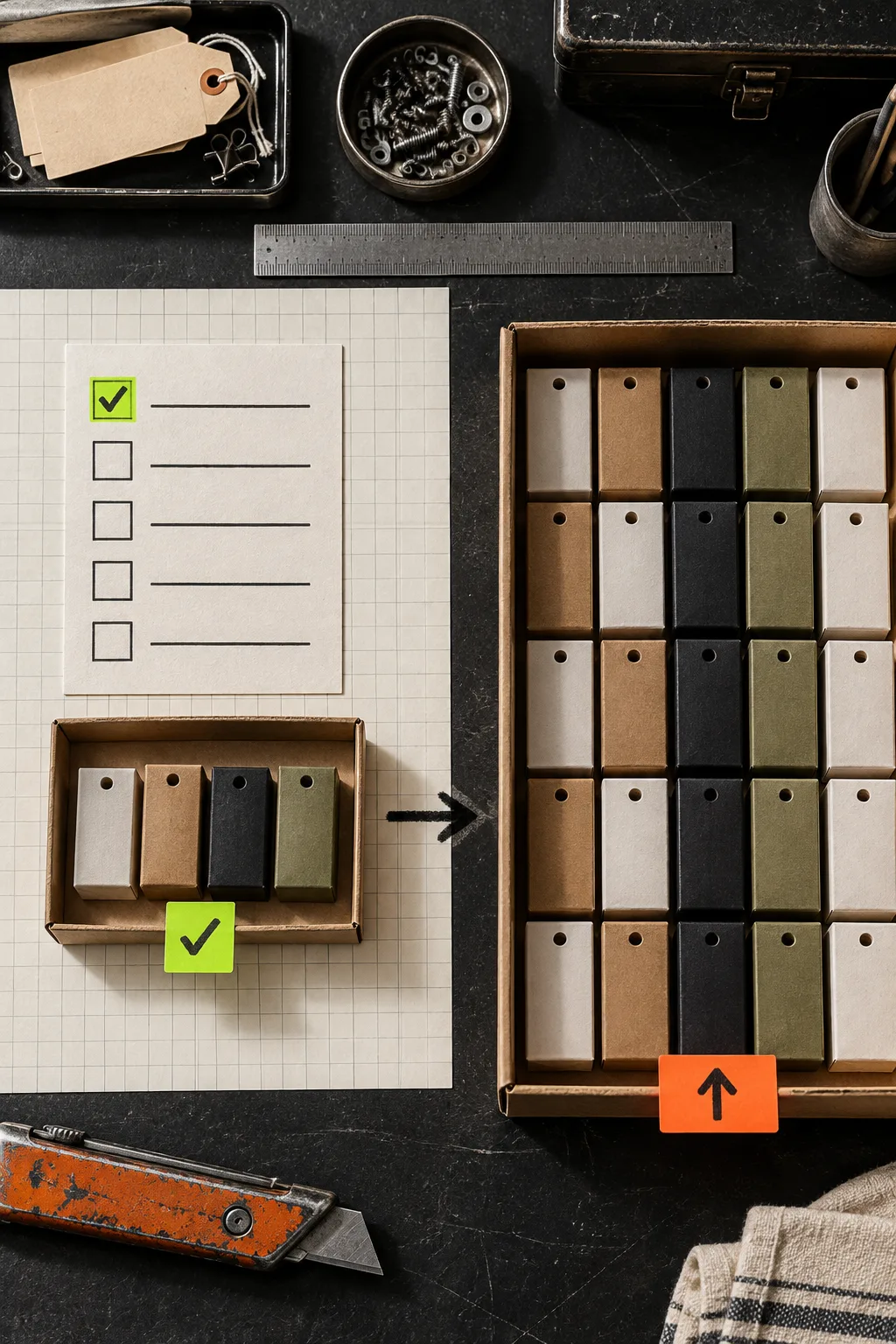
A random five-product sample is comforting, not useful. Pick 10–20 candidates with edge cases: a product that should change, one that should stay untouched, a product with multiple seasonal tags, an archived product if it is in scope, and an item used by a manual or automated collection. Include the awkward cases because they reveal whether your criteria are actually doing the selecting.
Then write down the starting state for those products. A plain spreadsheet, export, or checklist is enough: handle, current tags, expected tags, collection membership, and a pass/fail column. You are making a comparison point, not creating process theatre.
This is also the point to check search criteria in the Ultimator Bulk Editor Shopify app. Its workflow is intentionally simple: select products or variants with search criteria, define the field-level update, then run it immediately or schedule it. That simplicity is useful only if your selection is specific.
Configure the Task With a Single Field-Level Operation
Create a new bulk task and use your test criteria—not the entire catalog. Set the tag operation to the one action in your sentence. Avoid changing titles or descriptions while you are validating a tag rule; otherwise, a failed result has too many possible causes.
Ultimator Bulk Editor supports bulk changes to product fields such as tags, titles, descriptions, product types, collections, and metafields, as well as variant fields. It also supports different operations by field, so make sure the chosen operation matches the intent: removing a legacy tag is not the same as setting the full tag list.
For scheduled work, a rehearsal still matters. A safe price-change schedule has the same basic shape: define the cohort, isolate the field, confirm the resulting state, then scale.

Run the Sample and Inspect the Storefront Consequence
Run the test task. Then inspect the sample in two places:
- In Shopify admin: compare the final tags against the record you made. Check that excluded products did not change.
- Where the tags matter: open any automated collections, filters, integrations, or reports that use the tag. A technically correct tag change can still remove products from a collection customers rely on.
The second check is where many catalog cleanups fail. Tags are often quiet dependencies. A tag can be a collection condition, a merchandising signal, or a handoff to another tool. If an outcome surprises you, stop there and revise the search criteria or the rule. Do not compensate with a second wide update.
For more guardrails on the overall process, keep the three catalog checks before a bulk edit close at hand: scope, intended field change, and a practical result check.
Promote the Tested Rule, Not the Original Idea
Once the sample passes, duplicate or broaden the task only after checking the count and the search criteria again. The approved rule is the one you tested; do not quietly add more terms because the first result looked clean. If the full cohort is much larger than expected, pause and split it by product type, vendor, or collection.
Keep a short change record: task name, selection logic, field operation, timestamp, expected count, actual count, and a link to the sample results. That takes less time than reconstructing a bad update later. It also makes repeat work safer—especially campaigns, seasonal retires, and catalog normalization.

The Useful Rule: Small Proof, Then Scale
Bulk editing is not risky because it is fast. It is risky when selection and outcome are assumed. A small proof gives you a visible contract: these inputs, this field operation, this expected catalog state.
If you have a tag cleanup waiting, build the test task now in Ultimator Bulk Editor, run it on your edge-case sample, and promote only the version that passes. For larger catalog maintenance, pair that habit with a reversible bulk-update plan so every wide change remains explainable.