
How to Edit a PSD File Online Without Installing Photoshop
A practical, local-first browser workflow for reviewing and making small PSD edits without losing the editable file.
A PSD handoff is rarely a design project. Usually it is a small job: change a line of copy, replace one product image, soften a mask edge, or export a campaign-sized variant before the day ends. Installing a full desktop editor for that one correction can be more work than the correction itself.
ImageFlow is useful here because it is a free browser-based editor built around editable files, not one-shot image generation. It supports layers, masks, adjustment layers, smart objects, text, and PSD/PSB import and export. That makes it a credible Photoshop alternative for contained edits—provided you treat the original PSD as a production file, not a disposable image.
Start with a copy and a one-line brief
Duplicate the incoming file before opening it. Name the copy for the requested change, then write the task in one sentence: replace the spring headline, mask the new bottle photo, or export a 1200-pixel social crop. This small constraint matters. It keeps a quick handoff from turning into an uncontrolled redesign.
If the request is a product image, confirm which details must remain true: label text, color, finish, included accessories, and proportions. A clean edit that changes the product is not a clean edit. The same caution applies to any generated or retouched source. Our guide to clean ecommerce product cutouts is a useful companion when the task starts with background removal rather than a finished PSD.
Inspect the document before touching pixels
Open the PSD in ImageFlow and take sixty seconds to map the document. Look for the layer that owns the requested change, linked or smart-object content, clipping masks, adjustment layers, and text layers. Hide and show layers one at a time if the file is dense.
This is where browser editing earns its keep: you can make a limited correction without installing software or sending the file through an ordinary upload-to-edit workflow. ImageFlow describes ordinary editing and its on-device selection/background-removal tools as local to the device. That is helpful for sensitive assets, but it is not a substitute for your team’s actual data policy.
A quick review also tells you when to stop. If a file relies on unusual plug-ins, fragile effects, or a large, complex production setup, test the round trip on a copy before promising a final delivery. Browser tools are great for small, deliberate changes; they are not magic compatibility insurance.
Make the smallest editable change
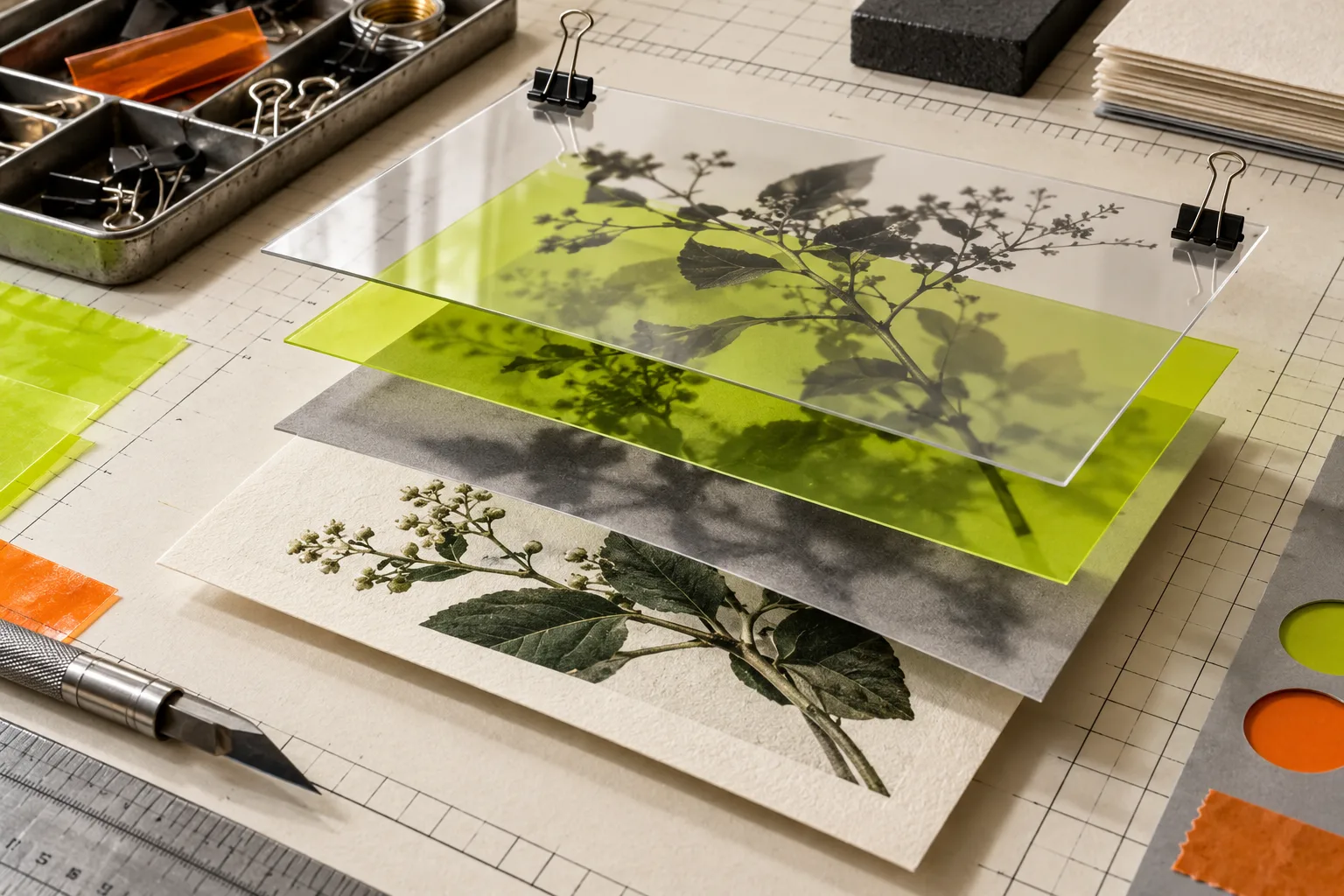
For text, edit the text layer instead of painting over it. For a replacement image, update the relevant smart object or swap the source in the document structure when possible. For exposure or color, start with an adjustment layer. For a background edge, use a mask rather than erasing pixels.
The working rule is simple: preserve reversibility. Layers, groups, clipping masks, layer masks, vector masks, smart objects, smart filters, and non-destructive adjustments all give the next person a way to inspect or revise the decision. ImageFlow lists those tools, along with 27 blend modes, so the browser workflow is not limited to flatten-and-export edits.
When you touch a selection, zoom in. Check fine edge transitions, transparent packaging, reflections, logos, and any label that can reveal a bad mask. Do not use content-aware fill or relighting to conceal a product defect, change what is included, or imply a color the customer will not receive. The goal is an accurate, polished asset—not a fictional one.
For a related quality-control mindset, read how to check product-photo metadata before an asset leaves your laptop. File provenance and visible accuracy are two different checks, and both matter.
Create variants from the master, not from exports
If the team needs an email crop, an ad crop, and a social version, keep the PSD as the master and build each export from it. Duplicate a group or artboard-like arrangement, change only the crop and required copy, then export each output deliberately. Do not reopen a JPEG, add another edit, and call it the master. That path is where sharpness, masks, and version confidence disappear.
This approach is especially helpful for small marketing teams. A single editable document can hold the product, its shadow, the background, and the campaign text in separate layers. If the price or headline changes next week, you have a controlled update rather than another rebuild. The French-language walkthrough on creating visual variants without losing the original shows the same principle from a variant-production angle.
Run a short preflight before export
Before you export, use this four-point check:
- Toggle the changed layer and confirm it is the only intended change.
- Zoom to 100% around mask edges, labels, seams, and shadows.
- Compare the visible product to the approved source; color and proportions should still be truthful.
- Save an editable PSD copy, then export a separate delivery file at the requested dimensions.

This check is less glamorous than an AI button, but it catches the expensive mistakes: a stray mask halo, a clipped logo, a flattened master, or an export with the wrong crop. It also makes a handoff easier to review. If the asset is part of a structured delivery, the no-upload JSON review workflow for API handoffs is a useful model for keeping review artifacts small and explicit.
The practical call
Use ImageFlow when you need a real, editable browser workflow for a focused PSD correction: text, masks, layers, smart-object updates, non-destructive adjustments, and exports. Keep a copy of the original, make the smallest sensible change, and test any complex file before it becomes a deadline.
Open ImageFlow with one non-critical PSD first. Replace a line of text or make one masked correction, inspect it at full size, and export a test. That ten-minute pilot tells you far more than a feature list about whether the browser workflow fits your next handoff.