
How to Add Shopify 3D Product Media Without Rebuilding Your Theme
A practical field guide to choosing a first SKU, capturing it with a phone, publishing a GLB, and testing Shopify 3D media before rollout.
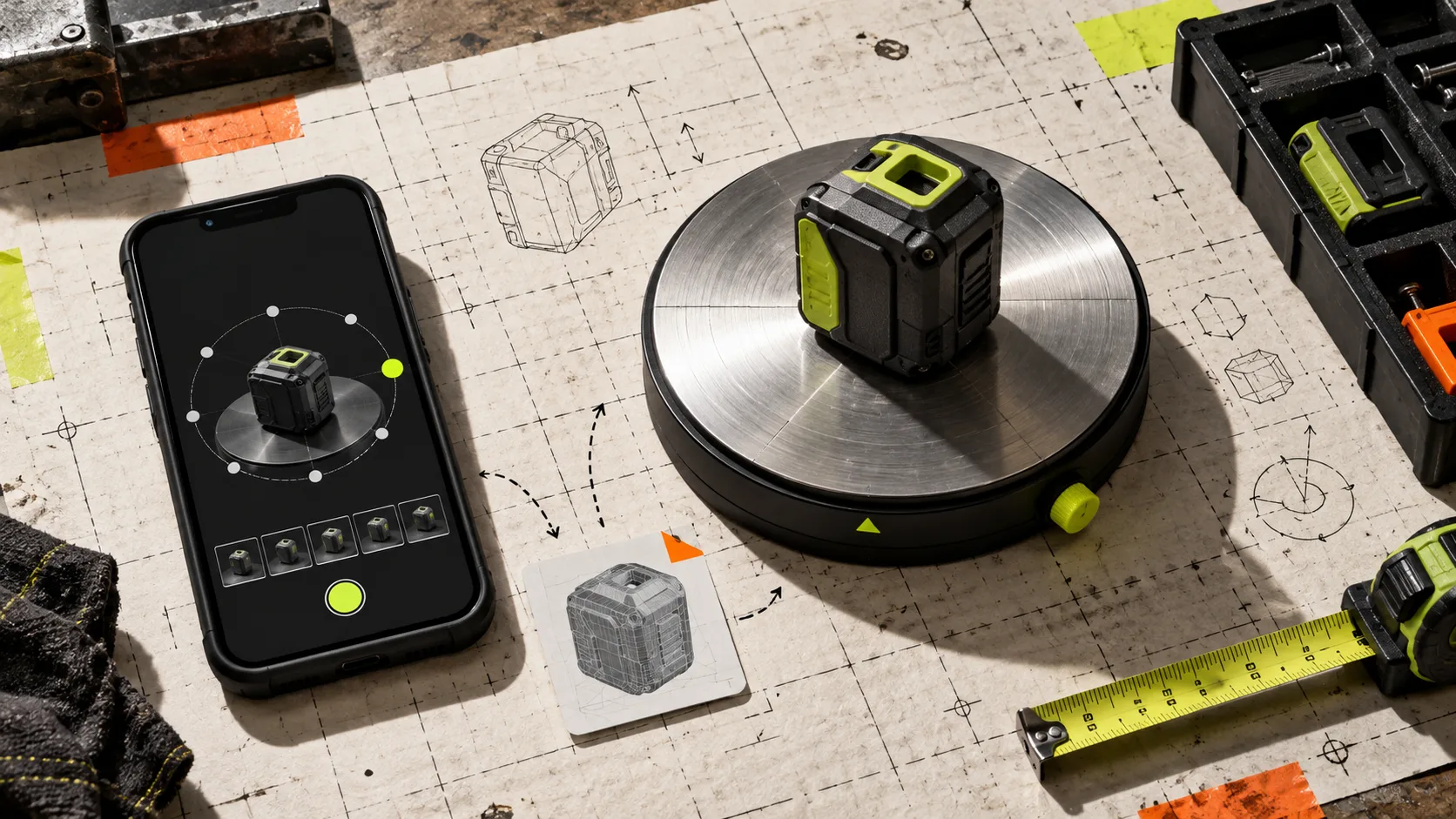
Static photos can be perfectly competent and still leave the costly question unanswered: what does this object actually look like from the side, underneath, or in the hand? That gap is where Shopify 3D product media earns its place. The good news is that adding it does not have to become a theme-rebuild project or a 3D-art department.
Supra 3D Capture takes a short, guided set of phone photos and turns it into a web-ready GLB model you can attach to Shopify product media. On a compatible theme, shoppers can rotate the model in Shopify’s native 3D viewer; when placement needs more control, the app also offers an Online Store 2.0 app block. The small-team version of the job is simple: choose one forgiving SKU, capture it cleanly, publish it in one controlled place, and test the shopper experience before expanding.
1. Pick a first SKU that makes the test easy
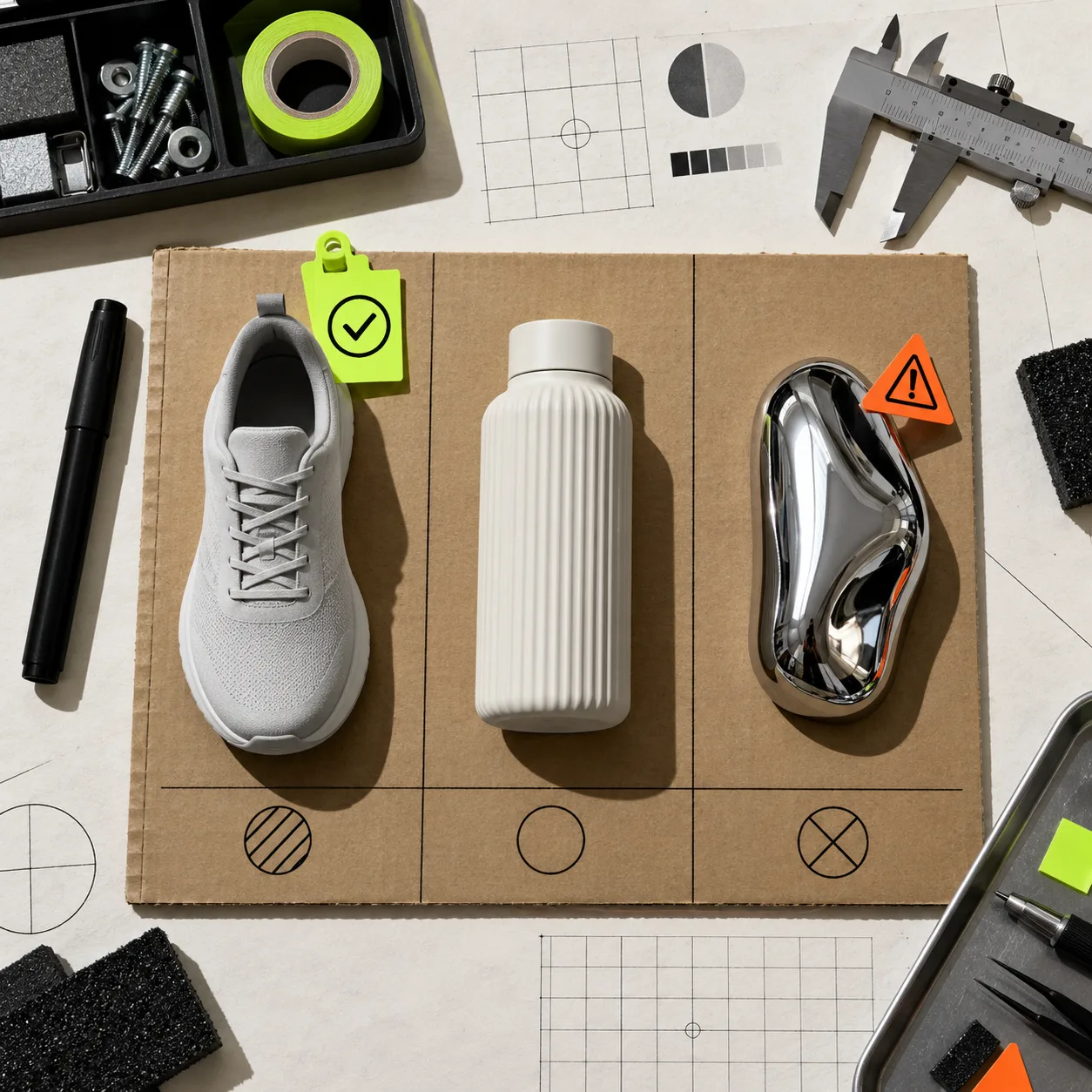
Do not start with the highest-revenue product just because it is important. Start with the product that gives you a fair test of the workflow. A matte, structured item with visible depth and stable details is a better first candidate than something reflective, transparent, very dark, hairy, or highly repetitive. Those products can be worth modeling later, but they introduce capture variables before you have proved the basic system.
A good pilot SKU has three properties:
- Its shape matters to the buying decision: a bag, shoe, bottle, tool, accessory, or home object is often easier to understand when it can be turned around.
- It has a clean physical sample and can sit still while you orbit it with a phone.
- Its current gallery leaves a real question unanswered about thickness, texture, openings, or side profile.
If you need a more formal selection pass, use the same discipline as choosing a first Shopify 3D SKU: rank items by visual ambiguity and potential customer uncertainty, not by catalog prestige. A small pilot is supposed to produce a dependable method, not a dramatic before-and-after claim.
2. Prepare the object, light, and product page
Photogrammetry works from overlap. Your phone needs multiple clear views of the same object, so make the capture surface boring on purpose. Use even, diffuse light; keep the product still; remove loose tags; and make sure there is space to move around it. A glossy object near a window can show a different reflected world in every shot, which makes reconstruction harder.
Before you start, decide where the finished model will appear. If it belongs in the normal media gallery, check that your theme presents Shopify’s native 3D media sensibly on desktop and mobile. If a model deserves a more deliberate place in the story, plan an app-block location near the use-case explanation, dimensions, or buying controls. This is a placement decision, not a reason to edit template code.
That preparation is similar to a good product-photo handoff: establish source quality before adding a new format. The checklist in this product-photo QA workflow is a useful reminder to inspect the physical sample and destination before generating more media.
3. Capture an orbit, not a collection of hero shots
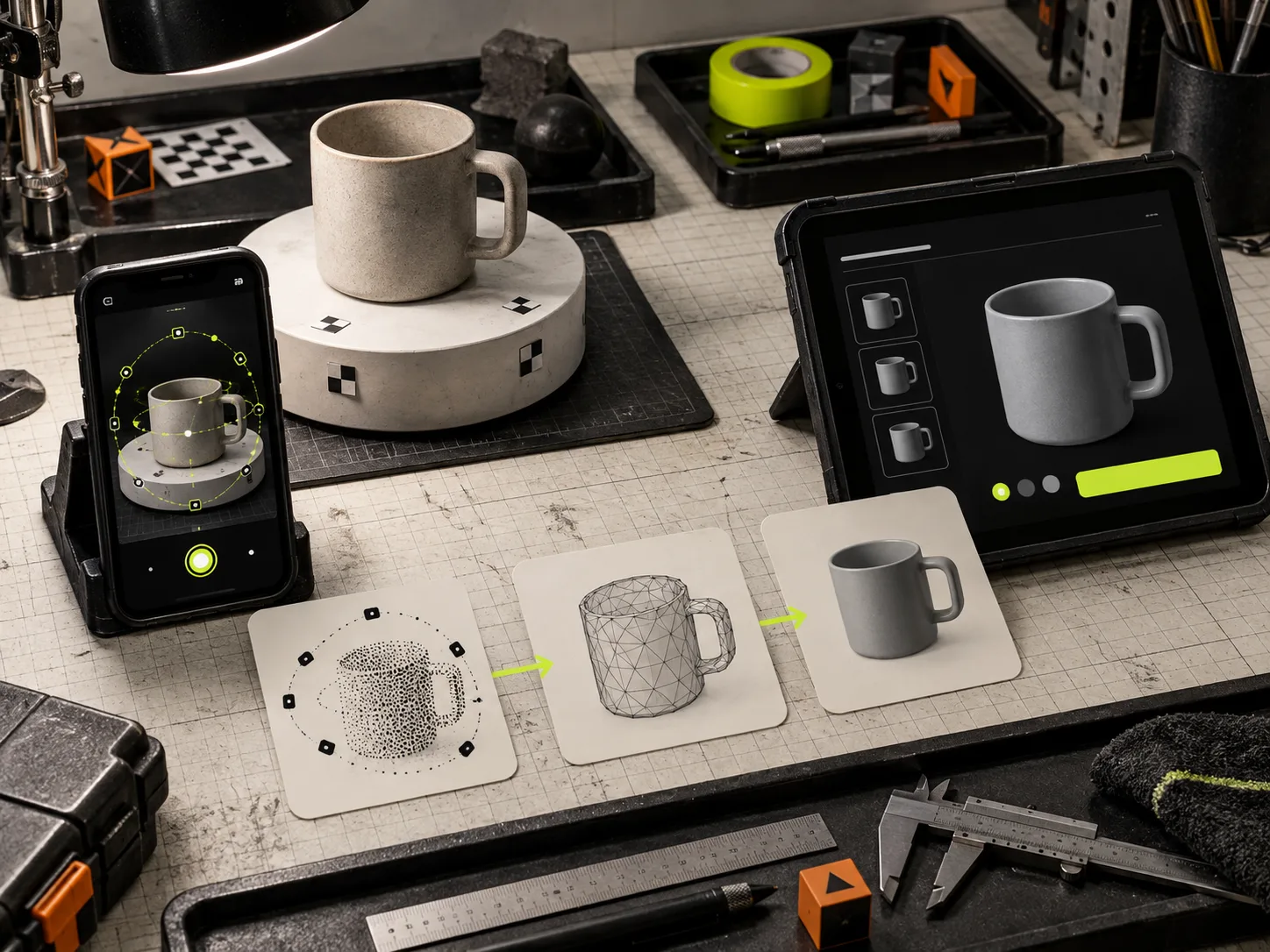
With Supra 3D Capture, open a guided session on a regular smartphone and move around the product while keeping it in frame. The app is built around a guided orbit and asks for 10 or more photos, then uploads them to its processing pipeline. Think like you are documenting continuous coverage: each frame should overlap the last, and each new angle should reveal a little more surface.
Keep the distance and height reasonably steady. A first ring around the middle is useful; then vary elevation enough to describe the top and lower edges. Do not rush through the one angle that contains the key feature—a clasp, sole, handle, connector, or texture change. That is often the angle customers cannot infer from a front image.
The aim is not studio perfection. It is an honest, inspectable model that makes the object easier to understand. If the object is shiny, clear, or fuzzy, run a smaller experiment and expect more setup work rather than judging all 3D media by that difficult case.
4. Publish the GLB where shoppers can actually use it
After processing, Supra 3D Capture produces an optimized GLB for the web and can publish it directly into Shopify. Attach it to the assigned product, then open the product page in a fresh browser session. Check that the viewer appears where you expected, that the first visible media still sells the item at a glance, and that the interactive model is an addition rather than a hurdle.
This distinction matters. A 3D model is not a replacement for a sharp hero photo, dimensions, or plain-language product details. It is the thing a shopper reaches for when the gallery has made them interested but not yet certain. For decision-critical supporting information, pair the model with clear reusable sections; a well-organized Shopify product-details structure keeps the page from turning into one overloaded media panel.
5. Run a short release check on the actual storefront
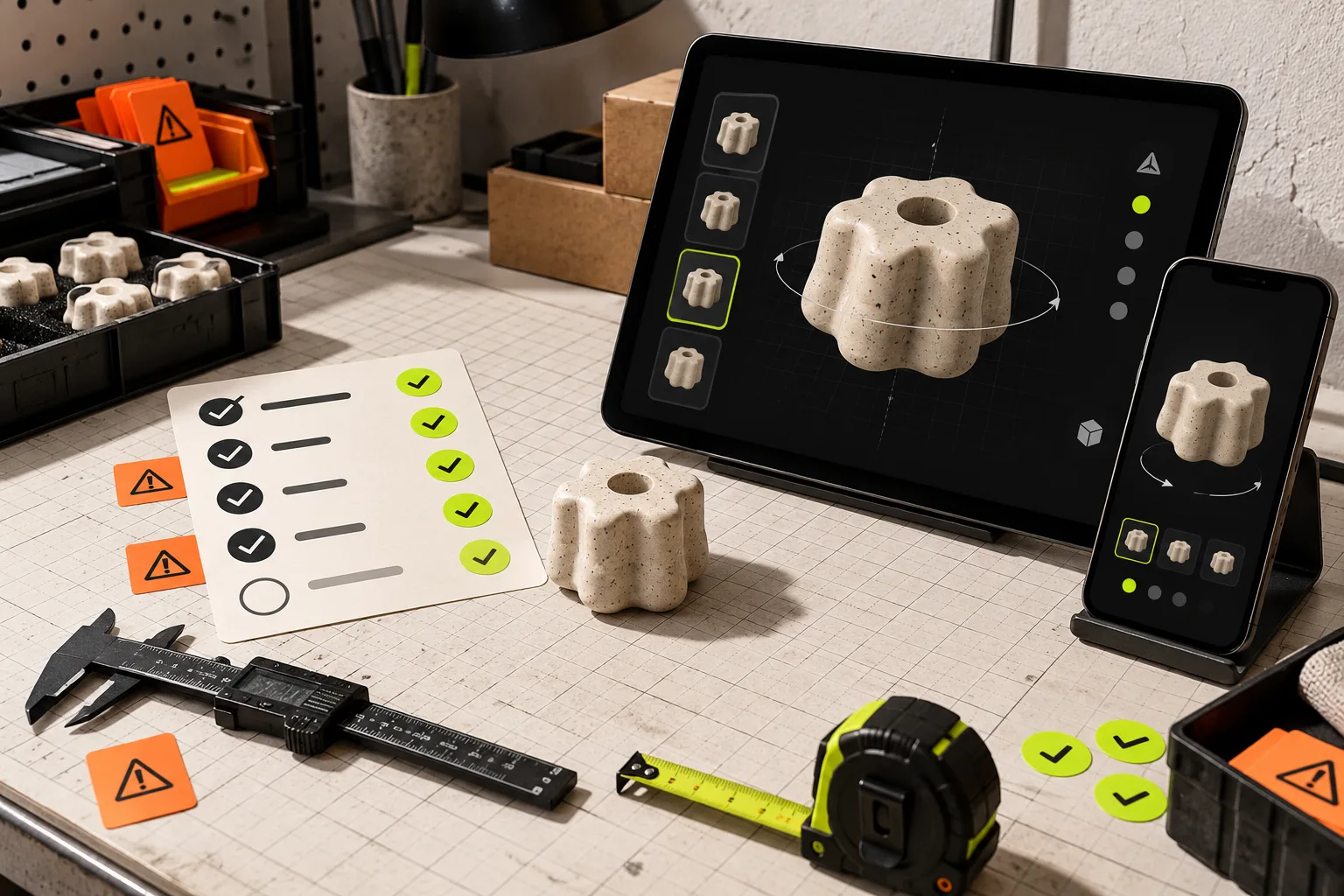
Do this after publishing, not only inside the app. On desktop, drag the model, change the viewing angle, and make sure it is not competing awkwardly with variant selection or page controls. On a phone, test the viewer with a thumb, confirm the initial load feels reasonable on a normal connection, and look for cropped or confusing placement around the add-to-cart area.
Then ask one practical question: did the model answer a question the photos could not? If the answer is yes, it is a strong candidate for the next five or ten similar SKUs. If the model is technically present but adds no clarity, change the SKU choice or capture setup before scaling. That is much cheaper than commissioning a catalog-wide media project on an unproven assumption.
Roll out from evidence, not novelty
Interactive product media works best as a confidence tool. Start with one product whose form, texture, or scale is hard to convey in flat images. Capture a clean phone-photo orbit, publish the GLB into Shopify, and test the live page on the devices customers actually use. Then keep only what makes the buying decision clearer.
You can start the pilot with the Supra 3D Capture Shopify app or explore its phone-to-3D workflow. The first success is not a flashy 3D demo; it is a repeatable capture and release process your team can use without rebuilding the theme.