
How to Build a Reusable Shopify UGC Video Test Kit
Build a small, repeatable UGC video test kit for Shopify: one product, four variables, clear QA, and reusable campaign assets.
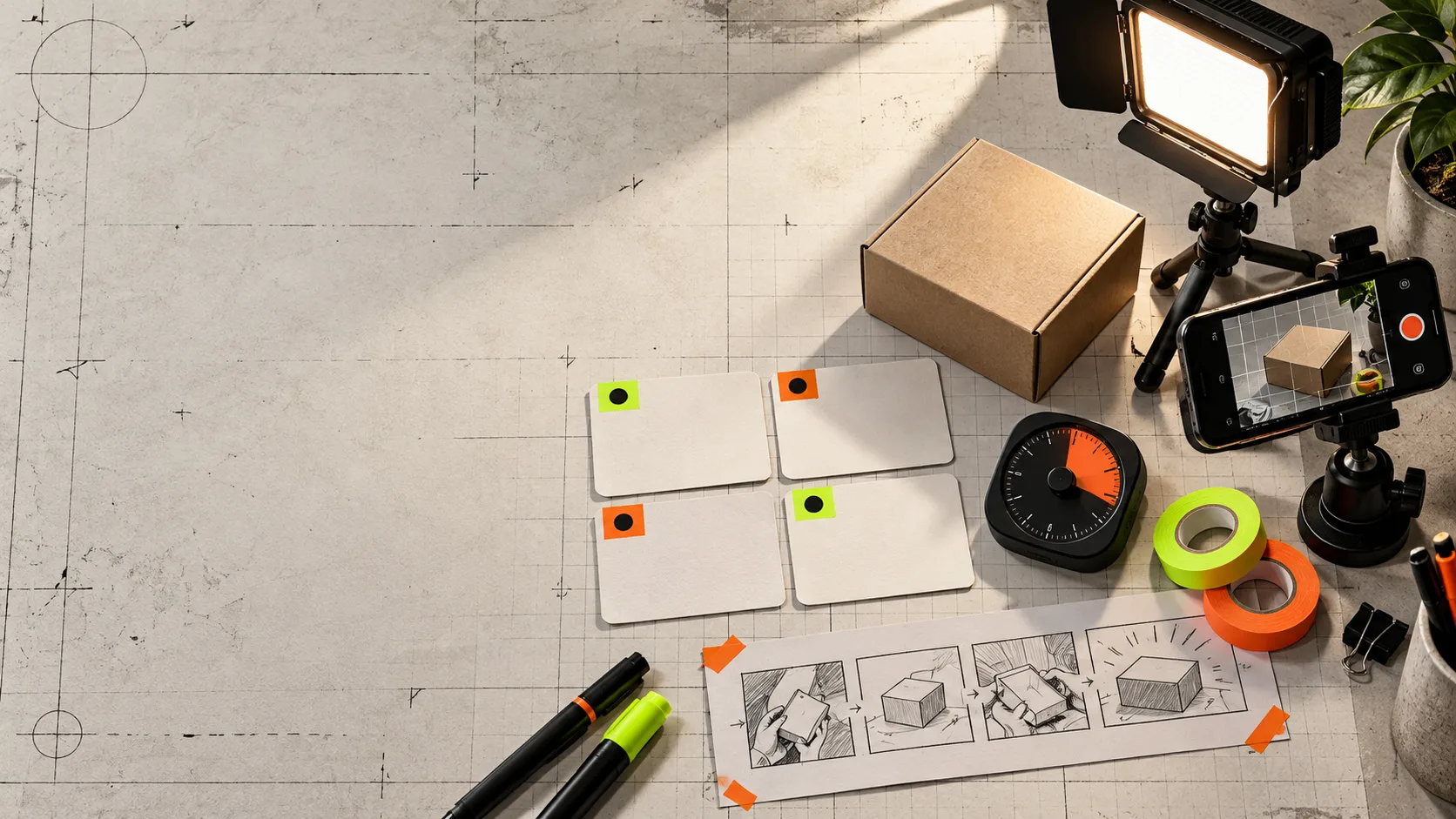
You do not need a new production plan every time a product needs an ad. You need a small test kit that makes the next variation cheap to produce, easy to compare, and safe to reuse.
That is the practical use case for Supra UGC Maker: choose an avatar, scene, product reference, script, and voice/tone; preview the scene; then update, reorder, trim, or regenerate clips inside a reusable project. The point is not to pretend an AI avatar replaces a customer or a trusted creator. It is to give a Shopify team a fast way to test UGC-style product video before commissioning a larger shoot.
Make the first test deliberately small
Start with one product and one buyer problem. A skincare brand might test whether the product solves a rushed-morning routine; a home-goods brand might test a small-space setup; a supplement brand might test a simple use cue. Pick a job that can be shown in 15 to 30 seconds.
Then write one base script with four beats:
- A hook that names the situation, not the product.
- A visual use moment.
- One specific product benefit supported by your real product information.
- A clear next action, such as visiting the product page.
Do not pile every claim, feature, and offer into the first cut. The base script is a control. If it is muddy, every variation will teach you nothing. This is the same discipline behind a product video review rubric: judge a single message, scene job, rendered frame, and revision path before adding more creative.
Change one variable per cut
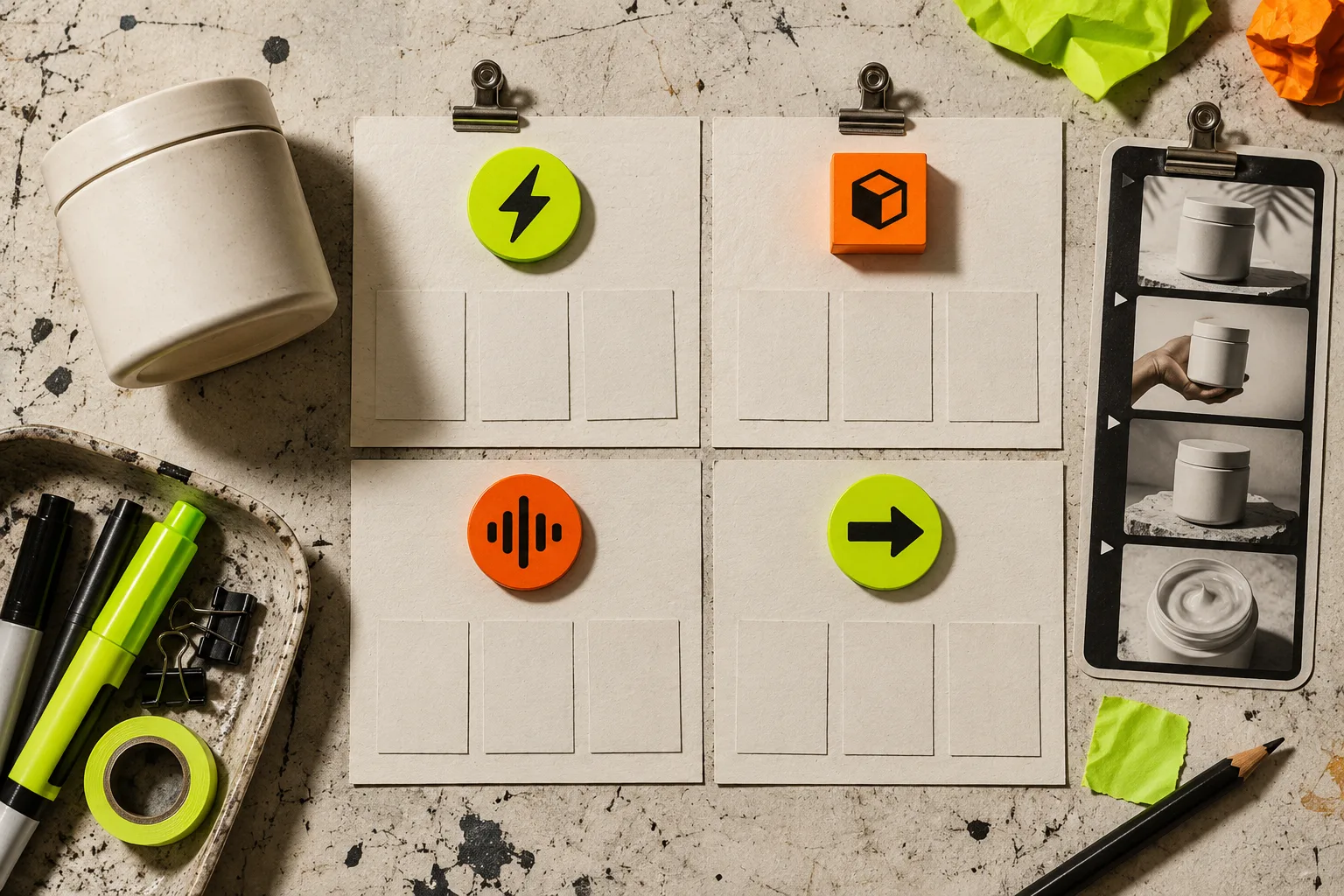
A useful test kit has named slots. Keep the product, core promise, and destination fixed, then change one of these at a time:
- Hook: problem-first, result-first, or objection-first.
- Scene: clean studio, product-in-use, or a brand-appropriate setting.
- Avatar and voice: match the buyer context without making claims that the person is a real customer.
- Call to action: product page, collection, email signup, or a limited campaign destination.
That creates a compact matrix rather than a pile of unrelated clips. In Supra UGC Maker, reusable scenes and projects mean a good setup does not have to be rebuilt for every new hook. Save the stable pieces, then regenerate the line or scene that is actually under test.
This also protects the team from the familiar “more creative” request. If a campaign needs four new ads, ask which variable each ad is meant to answer. Four changes at once may look productive, but it leaves no useful learning for the next batch.
Build assets for more than the ad slot
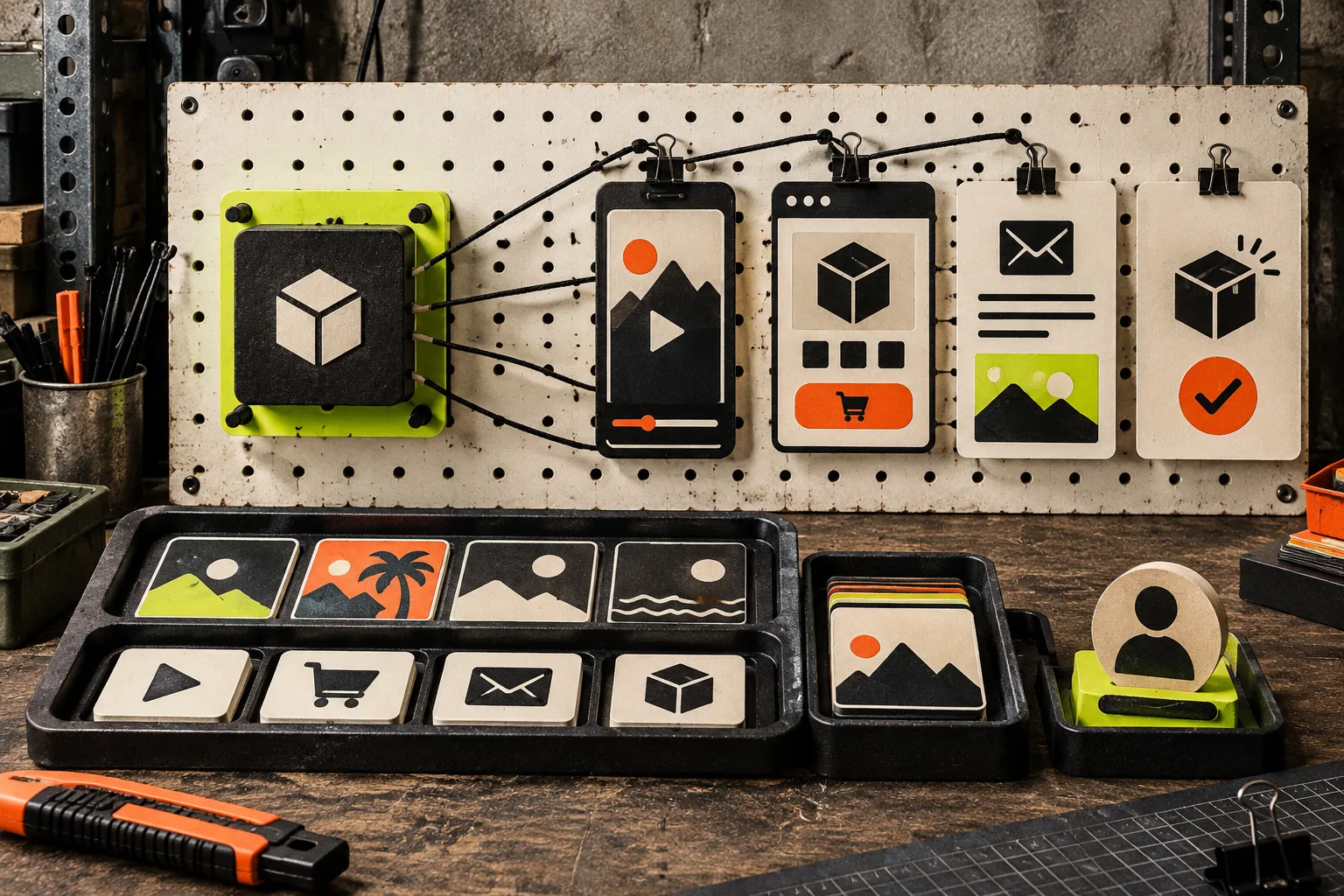
A winning vertical cut should not be trapped in an ad account. Plan a short list of reuse destinations before generation: the product page, a launch email thumbnail, a social post, and a post-purchase explainer. Each destination has a different job.
For example, an ad can open with the problem. The product page cut can slow down for a clearer demonstration. The email version can make the campaign offer visible in its surrounding copy. The post-purchase version can answer a common setup question. This is where a reusable project earns its keep: the same product reference and visual world can support more than one customer moment.
If the product image itself is doing weak work, fix that upstream. A product-photo QA workflow is a better starting point than asking the video to conceal unclear packaging, bad crops, or inconsistent color. And if your product details are scattered, organize the decisions shoppers need with reusable tabs before driving more traffic there.
Add a review gate before download
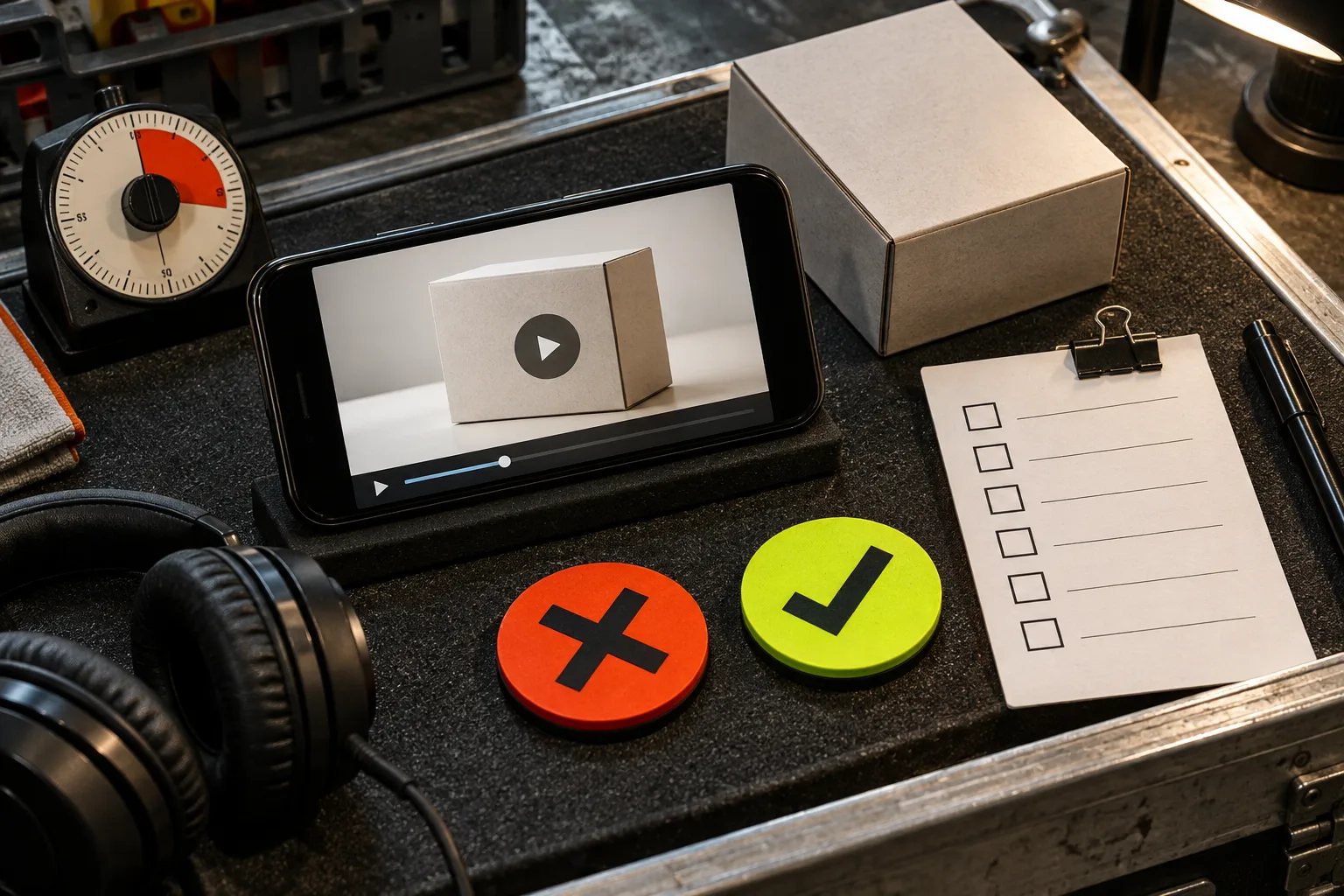
Preview is not a ceremonial last click. It is where you catch a misleading visual, a rushed line, an unrecognizable product, or a voice that does not fit the brand. Review each cut in this order:
- Watch with sound off: can a viewer understand the situation and product?
- Watch with sound on: are the script and voice natural, accurate, and appropriately paced?
- Check every product fact against the product page and approved source material.
- Watch at the actual placement size, especially on a phone.
- Name the exported file with the hook, scene, and version so results can be traced later.
Be particularly strict with testimonial-shaped copy. AI UGC is useful for scalable creative testing and product explainers; it should not be presented as a real customer endorsement when it is not. For a broader release habit, borrow the logic of a Shopify blog release gate: verify the reader job, the facts, the links or assets, then decide whether the piece is ready.
Keep the scorecard boring
For an initial creative test, track only what can change the next decision: hold rate or early drop-off, click-through rate, product-page engagement, add-to-cart rate, and the qualitative reason a cut failed. Do not declare a winner from a handful of views. Use the scorecard to identify the next variable to test.
A clean record can be as simple as: product / audience / hook / scene / avatar / voice / destination / version / result. That line turns a batch of video exports into a library the next launch can build on.
The free plan and higher-volume options are listed on the Supra UGC Maker Shopify App Store page. Start with one product, one honest buyer problem, and four controlled variations. Once a combination earns its place, save the project and reuse the parts that worked—without mistaking speed for proof.