
How to Check a PSD Handoff Before Exporting Ecommerce Assets
A practical browser-based checklist for reviewing an editable PSD handoff before product images, ads, or campaign graphics go live.
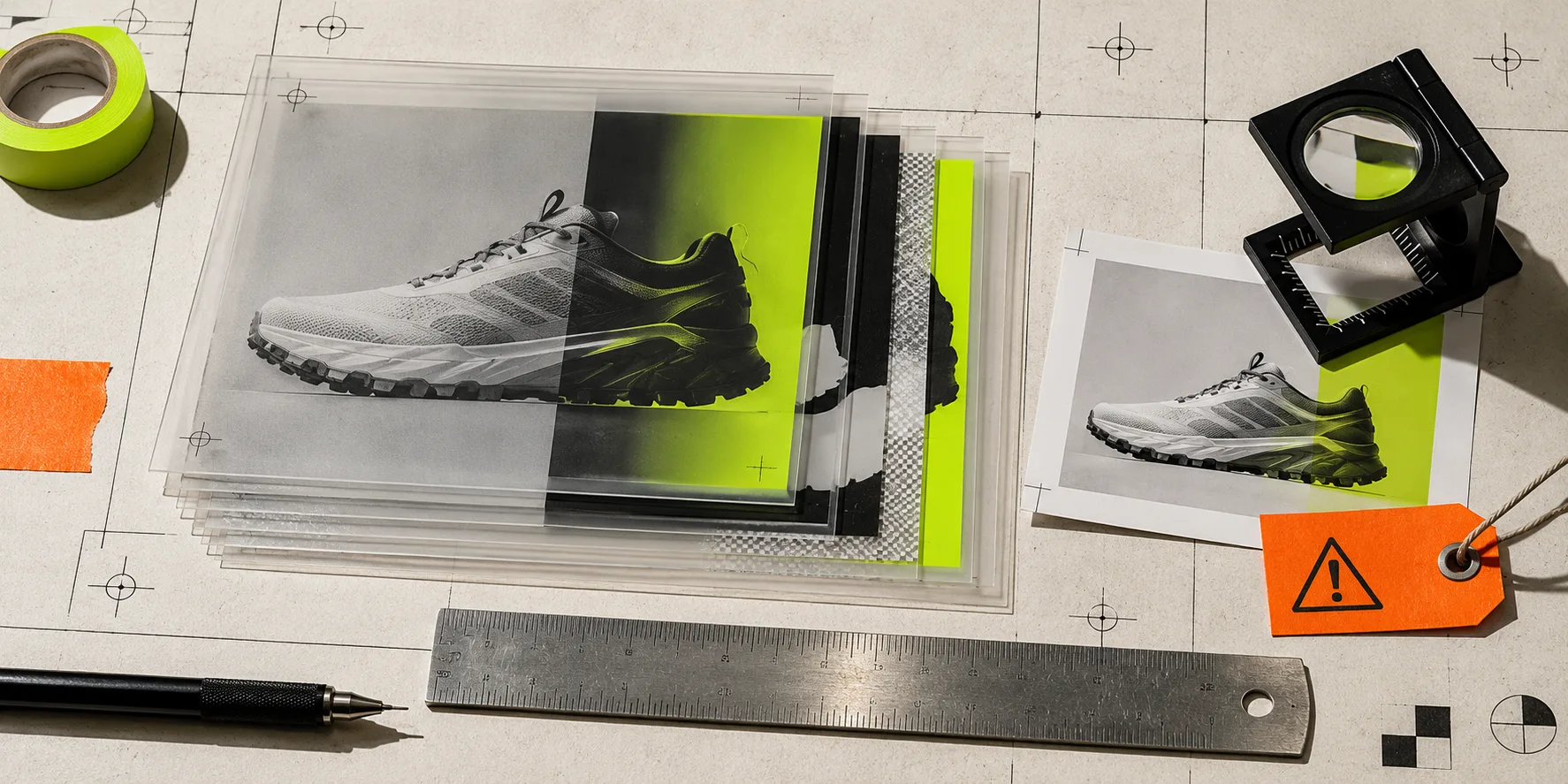
A PSD handoff can look finished and still be a trap. The product cutout is clean at thumbnail size, the headline sits in the right place, and the export folder has three promising filenames. Then someone needs a mobile crop, a price change, or a new background—and discovers the product was flattened, the mask is rough, or the only editable file is missing a linked asset.
The small-team fix is a short review before you turn an editable master into campaign exports. You do not need a desktop install to perform it. ImageFlow is a free browser-based editor with layers, masks, adjustment layers, smart objects, and PSD/PSB import and export, so it is a practical place to inspect a handoff while keeping the working document editable. Its normal editing workflow stays in the browser rather than requiring an ordinary upload.
This is not a demand for ceremonial design ops. It is a 15-minute check designed to catch the expensive mistakes before the asset reaches a product page, ad, or email.

1. Open the master, not the last JPEG
Ask for the PSD or PSB first. A flattened preview is useful for approval, but it cannot tell you whether a headline can be corrected, a background can be swapped, or a product shadow is independently editable. In ImageFlow, look for a readable layer stack: product, mask, background, type, and any adjustment or effect layers should be deliberately separated where the campaign needs them.
Do not expect a browser editor to reproduce every feature of a large desktop workflow. Instead, test the change you actually need: toggle a layer, adjust one line of copy, or replace one approved background element. If the file contains complex smart objects, unusual fonts, or production color settings, make a small test export before declaring the round trip safe.
That simple distinction—editable master versus final proof—is also what makes a browser PSD workflow useful rather than merely convenient.
2. Inspect every edge at the size shoppers will see
Background removal is where attractive proofs most often fail. Zoom in around handles, translucent materials, hair-like fibers, embossed labels, holes, and tight corners. A cutout that looks fine in a chat preview can show a bright fringe, missing detail, or an accidental sliver of the old background in a collection grid.
ImageFlow includes masks plus on-device selection and background-removal tools, but automation is a starting point, not a final verdict. Refine the mask when the product needs it, and keep the original layer underneath until the review is done. This preserves a route back if an edge needs a human correction. The same principle appears in a more focused product-mask QA workflow: inspect the edges that carry the most trust before publishing.
For honest ecommerce imagery, do not use cleanup to change the product’s color, dimensions, included accessories, or material. Removing a stray reflection is one thing; making a finish look like a different finish is another.
3. Keep the changeable parts separate
A reusable campaign asset should have a few obvious levers: the product, the backdrop, the headline, the badge, and the crop. If changing one of those requires painting over pixels, the file is not ready for routine reuse.
Use layers and layer groups to make intent visible. Use masks rather than erasing when you may need to recover an edge. Use non-destructive adjustment layers for tonal corrections where possible. ImageFlow also supports smart objects and smart filters, which can help retain a working-document mindset instead of baking each experiment into the source.
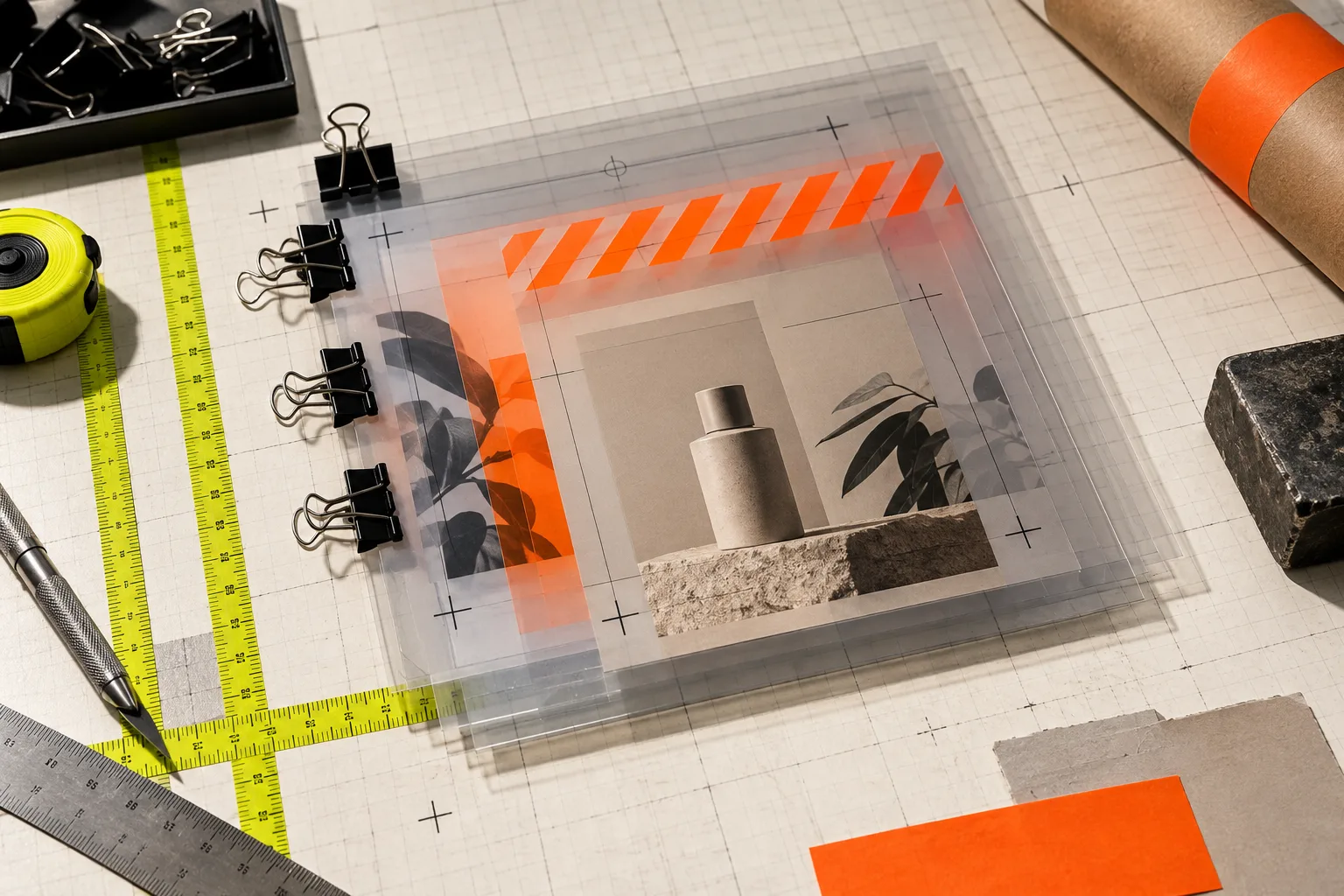
This is especially valuable when one product image becomes several assets. Start with a verified product master, then make deliberate variants for a collection tile, an email hero, and an ad crop. If the team is still deciding whether to generate a new lifestyle scene, first use a product-photo QA pass to confirm that the source image itself is accurate and clean.
4. Run a three-export proof
Before you send the file onward, make three small exports: the expected storefront crop, the tight mobile crop, and the widest campaign crop. Put them side by side. Check that the product remains fully visible, its real color remains believable, and the important text does not collide with a platform-safe area.
This proof also catches hidden assumptions. A transparent background may work perfectly for a product detail page but disappear against a marketplace white background. A dark type layer may pass on a lifestyle image and fail on the collection version. If an export needs a different composition, make it a named variant rather than silently overwriting the master.

For batch work, keep the filenames boring and explicit: product-master.psd, product-grid-01.png, and product-email-hero-01.png are more useful than final-final-new. The goal is not aesthetics; it is letting the next person find the editable source without guessing.
5. Record the one thing that could break next
Finish the handoff with one short note: which font, linked image, product fact, or crop constraint needs attention on the next edit? That note can prevent a tiny campaign update from becoming a scavenger hunt. If a different team will use the resulting assets in video, it is worth connecting the image decision to a reviewable catalog-to-video workflow rather than treating stills and motion as unrelated files.
A clean PSD handoff is not a trophy file. It is evidence that the next change can happen without rebuilding the image or misrepresenting the product. Open one real campaign master in ImageFlow, make the smallest safe edit, and run the three-export proof before the asset goes live.