
How to Retire Shopify Color Swatches Without Confusing Shoppers
A practical protocol for renaming, merging, or retiring Shopify color swatches while protecting product choices and shopper clarity.

How to Retire Shopify Color Swatches Without Confusing Shoppers
When a color is renamed, merged, or discontinued, do not simply delete its swatch and hope the catalog stays intelligible. First decide whether the underlying sellable item is unchanged, consolidate the display language, then test the changed choice everywhere a shopper can make it. A small controlled rollout is safer than a catalog-wide color cleanup.
This matters because a Shopify variant is more than a colored dot: price, inventory, SKU, media, and availability can live at the variant level. Shopify also lets stores connect variant options to reusable category metafields, which can make a carefully planned name change propagate consistently. That is useful—but it is not a substitute for checking the actual storefront. Shopify’s variant documentation is clear that each option-value combination is a variant, with its own settings.

Start with the decision, not the swatch style
Put each proposed change into one of three buckets before you touch the theme or app settings:
| Change | Use it when | Keep the old sellable item? | Shopper-facing action |
|---|---|---|---|
| Rename | The physical item, SKU, and promise are unchanged; only the vocabulary is wrong or inconsistent | Yes | Replace the label, keep the visual reference |
| Merge | Two names describe one indistinguishable shopper choice and one should become the standard | Usually, during a transition | Choose one canonical label and redirect the content process to it |
| Retire | The color is no longer orderable, or is a genuinely different replacement | No, once inventory and merchandising agree | Remove it from the active choice path; preserve order and catalog records separately |
A rename is not permission to silently turn Stone into Taupe if product photography, supplier naming, or customer support use those words differently. Treat that as a new customer-facing claim and compare the material, images, and product copy first. Likewise, a merge only works when a buyer would not reasonably expect the two choices to differ.
If separate product pages represent color families, make that determination before relinking them. Shopify’s Combined Listings guide describes a different model—separate child products shown as one listing—and notes its plan and theme constraints. Do not assume a swatch cleanup converts variants into that structure.
Make a one-page color change card
For every color, create a lightweight card with: current label, proposed label, decision bucket, product handles or SKUs affected, canonical hex/image source, inventory state, collection exposure, and the person who approved it. The card is your rollback tool.
Use this simple rule: if you cannot say where the color appears and who owns the decision, it is not ready for a bulk update. A seasonal launch is exactly when old names leak into collection cards, filters, search snippets, and support replies.
For stores with connected category metafields, a rename can be less repetitive because Shopify says a shared color entry can be edited once and update wherever it is connected. Still, take before screenshots and export the affected product list. Reuse is a convenience, not a safety net.
Run the smallest possible pilot
Choose three products: one ordinary single-color item, one with multiple sizes or another option, and one product that also appears in a collection grid. Change only that sample first. If you use Supra Swatch Colors, configure the swatch mapping or linked-product grouping for that sample rather than rolling every color family at once. Its product listing describes support for both variant and linked-product swatches, including collection-page use; confirm your own theme’s behavior rather than treating a capability claim as a guarantee.
Then check these paths:
- Product page on desktop: label, selected state, price, stock state, image, and add-to-cart behavior.
- Product page on a narrow viewport: can a shopper still tell which color is selected without relying on color alone?
- Collection card: do the swatches match the product page, and does a click land on the expected item?
- Search and any color-sensitive filters: is the retired or renamed wording still creating a misleading path?
- Cart and order confirmation: did the selected variant keep the expected option value and SKU?

This is the same kind of sample-first discipline worth using in a Shopify tag cleanup: test one bounded rule, inspect dependencies, then promote it. The visual QA is also related to checking collection swatches before a product template.
Retire colors without creating a dead-end
For a discontinued color, decide what a shopper should see instead. The honest answers are usually: no replacement, a clearly named successor, or a closely related in-stock alternative. Do not auto-select a successor merely because its chip looks adjacent. That can turn a legitimate out-of-stock decision into an accidental substitution.
Remove the retired choice from active swatches only after inventory, product media, merchandising, and support copy agree. If a discontinued product still has search or campaign traffic, leave a plain-language availability note on its destination page rather than a mysterious missing option. For linked products, verify that the group no longer presents an orphaned or empty member.
Keep a tiny swatch ledger
Your color taxonomy will drift again. Keep a dated log with the old label, new label, decision, affected product family, source of truth, and rollout date. It takes minutes and saves future teams from recreating why Deep Navy replaced Midnight or why Sage was retired rather than merged.
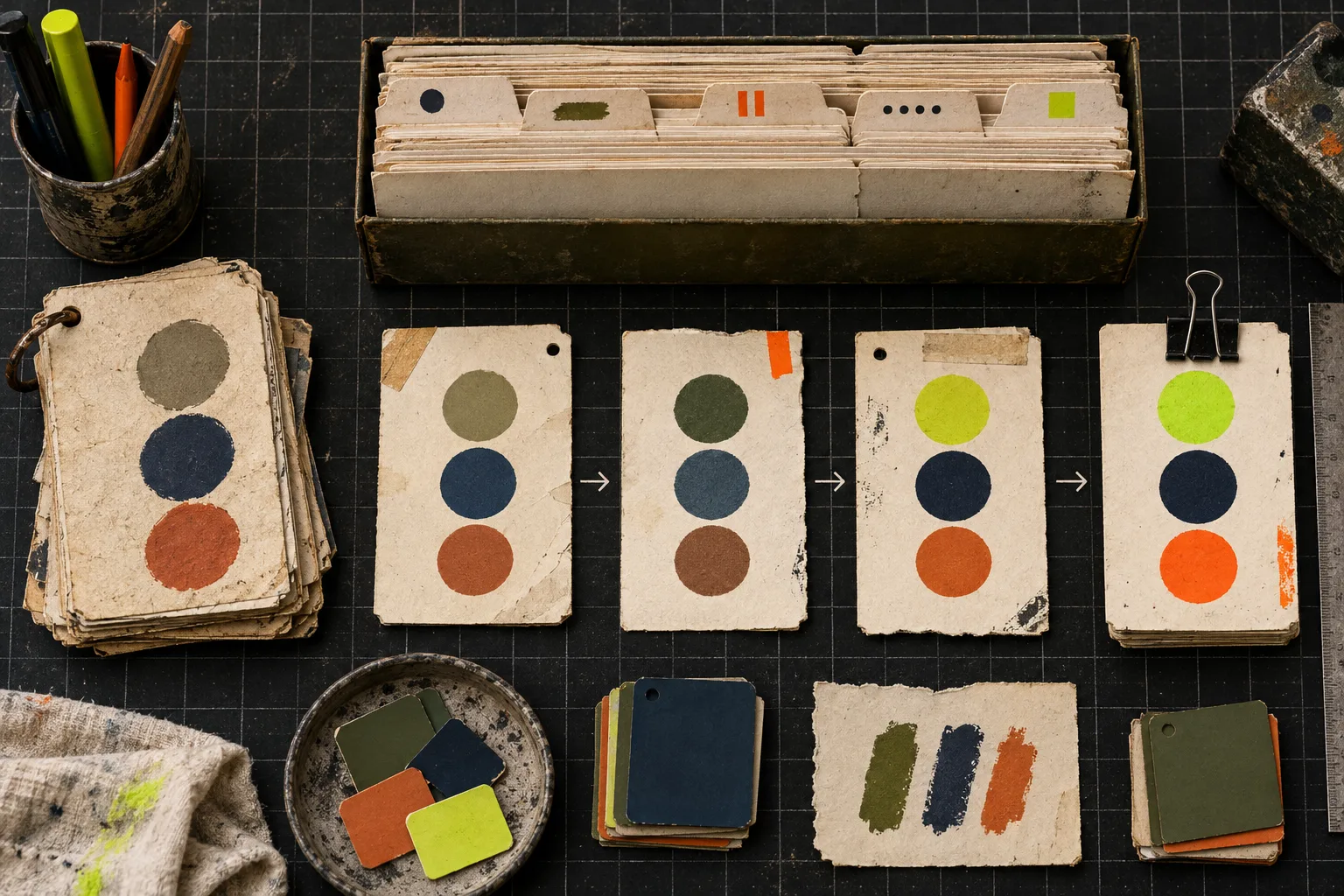
This ledger is particularly useful when product photography changes. A product-photo export checklist can catch mismatches between the product’s actual material and the image used to represent its swatch. And if the issue is not the color name but the way customers choose between sizes and product types, a size-chart rule audit is a separate, useful check.
The release rule
Ship the full cleanup only when the pilot gives the same answer on product pages, collection cards, and mobile: the shopper can identify the choice, select it, understand availability, and receive the intended variant. If any path fails, revert using the change card and fix the mapping before expanding the scope.
A color swatch is a compact catalog promise. Give it a clear name, a truthful visual, and an explicit retirement path. Start with one family in Supra Swatch Colors, record the result, then scale the protocol—not just the swatch styling.