
How to Revise a Startup Video From Your Terminal
A practical terminal-first workflow for turning a startup URL into a reviewable motion-graphics video, then revising the right details before sharing.
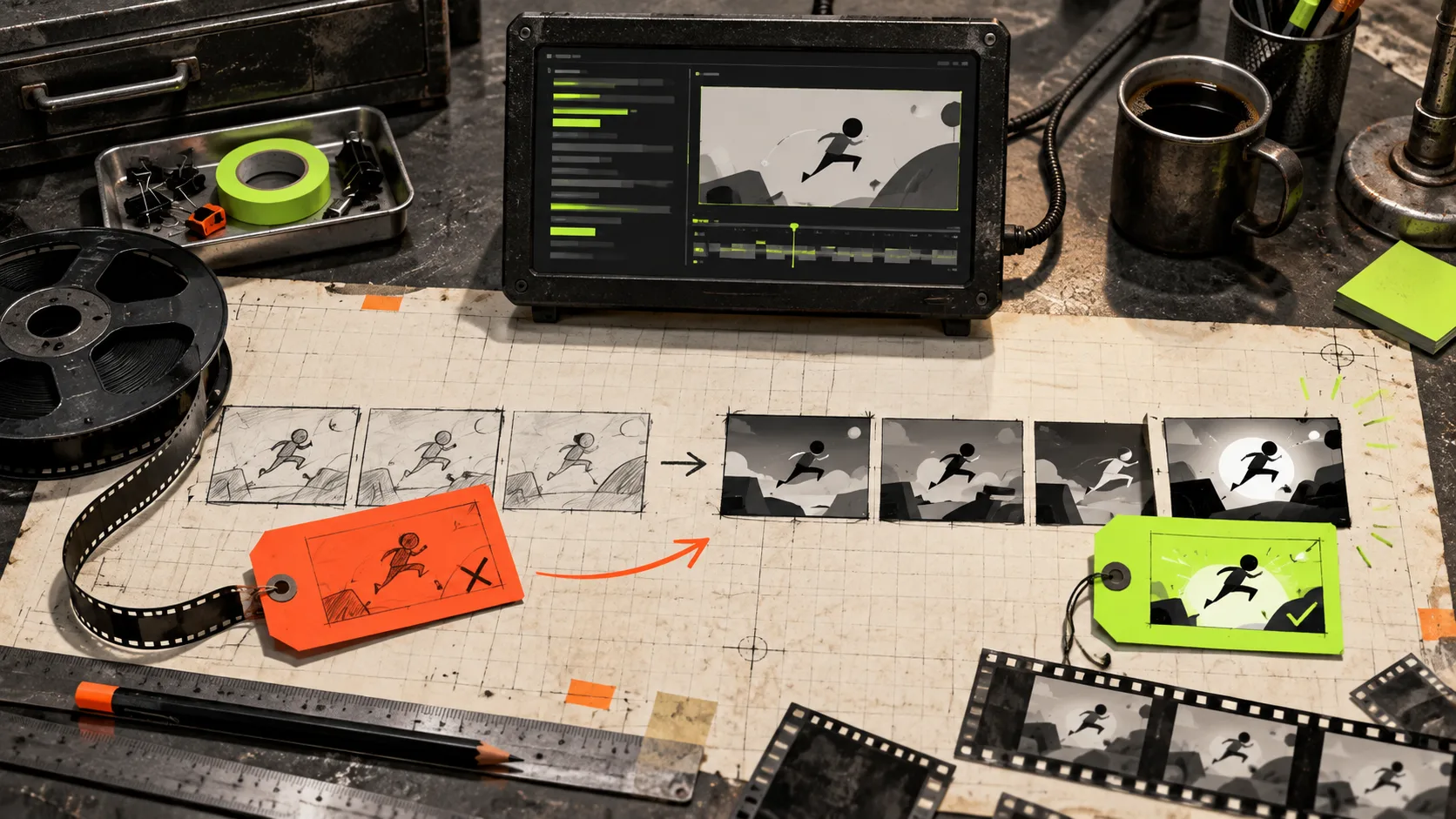
A startup video usually gets stuck in an awkward place: it is too important to publish unreviewed, but too expensive to hand off every small change. The first cut may be nearly right, except the opening takes too long, the end card says too much, or the visual hierarchy gets muddy on a phone.
The useful unit of work is not ‘make a video.’ It is make a specific correction, inspect the result, then decide whether it improved the message. That is where VideoFlow Studio is interesting for small teams. You give it a website URL from your terminal, it plans and builds a motion-graphics video, and you can ask for changes in plain language. The result remains an editable video document rather than a dead render.
This is a practical loop for revising a startup video without turning every adjustment into a production project.
1. Start with a brief small enough to test
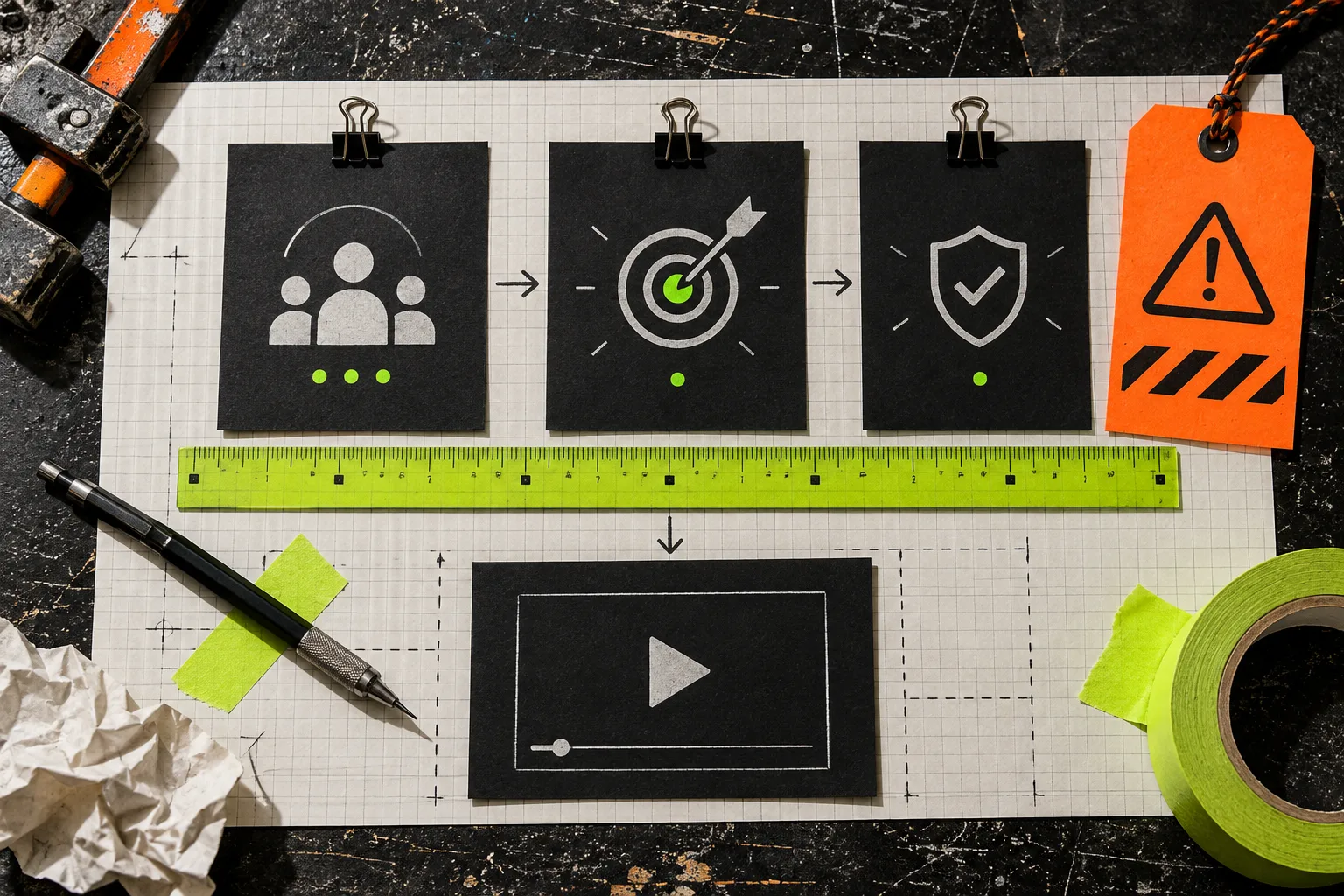
Before opening a terminal, write three lines:
- Audience: who should care right now?
- Promise: what single change or outcome should they remember?
- Proof: what page, product behavior, or visual evidence earns that promise?
That constraint prevents the most common revision mistake: responding to an unclear first cut by adding more claims. If a scene feels weak, first ask whether it is failing the audience, promise, or proof. A change request such as ‘make it more exciting’ is vague; ‘move the product proof before the feature list and shorten the opening by one beat’ gives the work a testable purpose.
If you are still deciding whether a URL-first workflow fits, this site’s earlier guide on turning a startup website into a launch video you can revise is a useful companion. The distinction here is what happens after that first cut exists.
2. Generate the first cut from the real product page
VideoFlow Studio is designed to be directed from a terminal with npx @videoflow/studio. Give it the page that contains the actual product language and visuals, not a vague company homepage if a sharper landing page or release page exists. The agent can develop a structured plan before it builds the motion-graphics film.
Treat that first result as a hypothesis. It should answer: did the tool identify the right category, audience, and narrative angle? It does not need to carry every detail your company knows. A clean 30–60 second explanation with one job is usually more reviewable than a miniature product tour.
Studio sits on the open-source VideoFlow engine, but the jobs differ. Studio is the operator-facing workflow for turning a URL and direction into a reviewable film; the engine is the underlying editable video stack. That distinction matters if you are comparing a creative tool with a code-first framework.
3. Review frames, not just the feeling
Play the video once with the sound off and once on a phone-sized screen. Then make a short defect list. I use four checks:
- Message order: is the product benefit visible before the supporting details?
- Frame hygiene: are text, logos, and UI elements comfortably inside the safe area?
- Brand truth: do the colors, interface details, and product claims match the source page?
- Pacing: does any scene linger after the viewer has already understood it?
This is less glamorous than asking whether it ‘looks professional,’ and far more useful. VideoFlow Studio’s workflow includes rendering, visual inspection, measurement, correction, and re-rendering. Give it one or two related instructions at a time. For example: ‘Reduce the opening to one scene, keep the product proof, and give the final CTA more contrast.’ Then check the new frames against the same list.

A terminal-first loop is especially good for product marketers working with a founder or developer: the change request is visible, bounded, and easy to approve. It also avoids the ceremony of rebuilding an edit just to learn that the original pacing was better.
4. Keep manual edits available for the last ten percent
Natural-language revision gets you through the large decisions quickly. But the final ten percent can be fussy: a timing nudge, a color adjustment, or one line that must exactly match approved copy. Studio includes an editor for manual changes while retaining the agent context, so use the right mode for the job.
The rule is simple: use a request when you are changing an idea; use the editor when you are positioning an exact element. That keeps a small manual tweak from becoming an excuse to abandon a structured, editable source. It is the same discipline behind a safe Shopify tag-cleanup pilot: make one literal change, inspect the downstream result, then scale the rule.
5. Run a release gate before you share
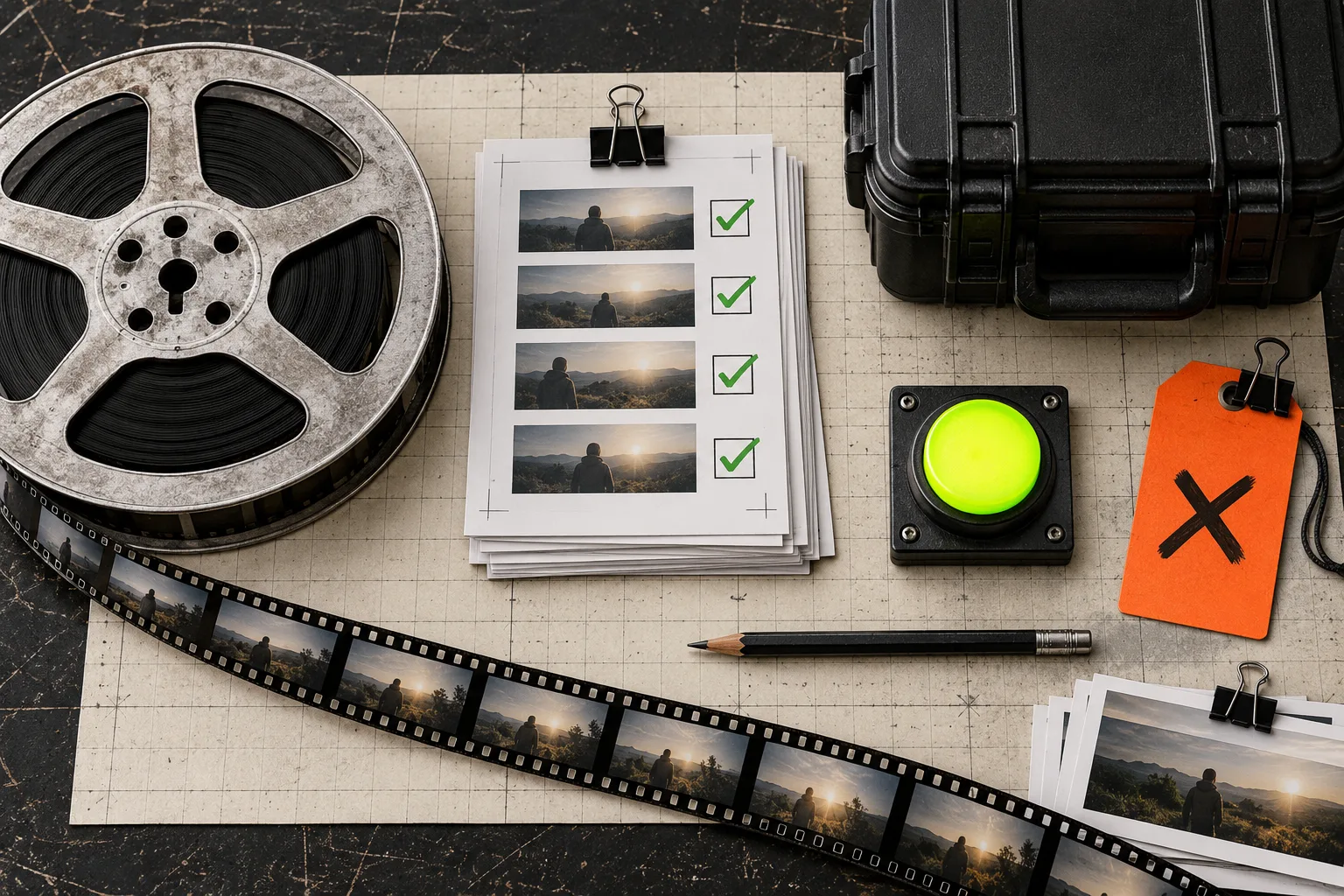
Do not call a render final because it exported successfully. Make a small release gate:
- The opening says the product’s real promise.
- The strongest proof appears before the call to action.
- Important elements survive a small-screen view.
- Brand names and product UI are current.
- The ending tells the viewer one next action.
If one item fails, create a targeted revision instead of accumulating notes for a mysterious ‘v2.’ That is cheaper, clearer, and much easier to hand back to a teammate. The same careful-source habit applies when you are preparing visual material elsewhere—see this field guide to preparing a product photo for a marketplace listing in a browser.
The practical choice
A terminal-driven video workflow will not replace a full creative team for every campaign. It is strongest when you need a structured, brand-aware motion-graphics first cut, a clear review loop, and an editable file for the next change. If that matches your launch or update, start with one focused URL, one audience, and one proof point.
Try VideoFlow Studio on a single landing page, review the rendered frames against a short checklist, and only then decide whether the first cut deserves another round.