
How to Split Shopify Size Charts by Fit Family
A practical method for grouping Shopify products by fit family, assigning the right size chart, and catching exceptions before a collection-wide rule misleads shoppers.
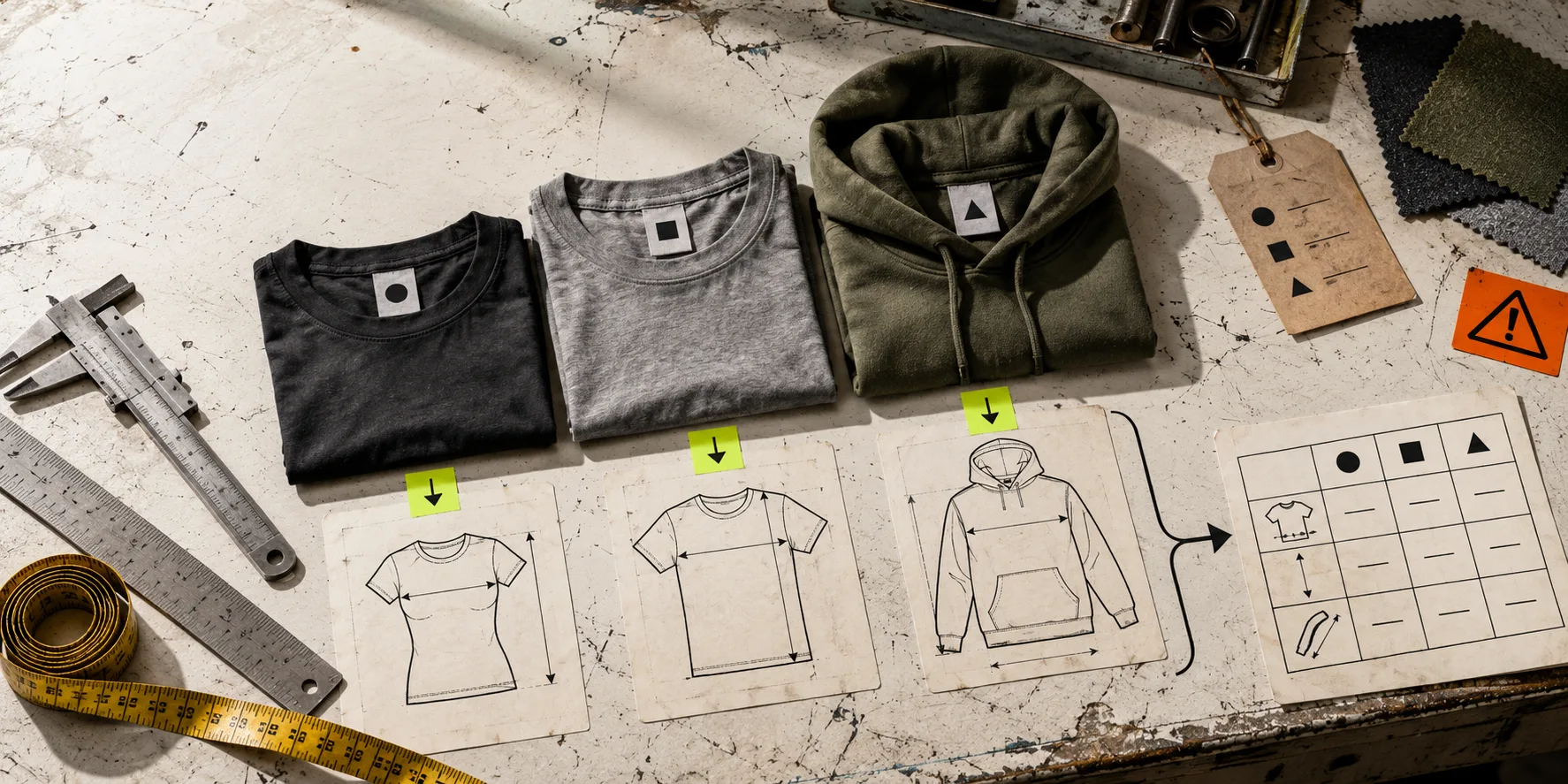
A collection rule is powerful right up until it puts the wrong chart beside the wrong variant. The usual cause is not a broken Shopify theme. It is treating a product category as a fit category. A regular tee, an oversized tee, and a cropped tee can all be called “T-shirts” internally while requiring very different measurement expectations.
The fix is boring in the best way: define fit families before you automate chart assignment. Then a rule covers the products that truly share a decision, while the outliers get their own chart. Here is a compact way to do that without turning your catalog into a spreadsheet project.
Start with the shopper’s comparison
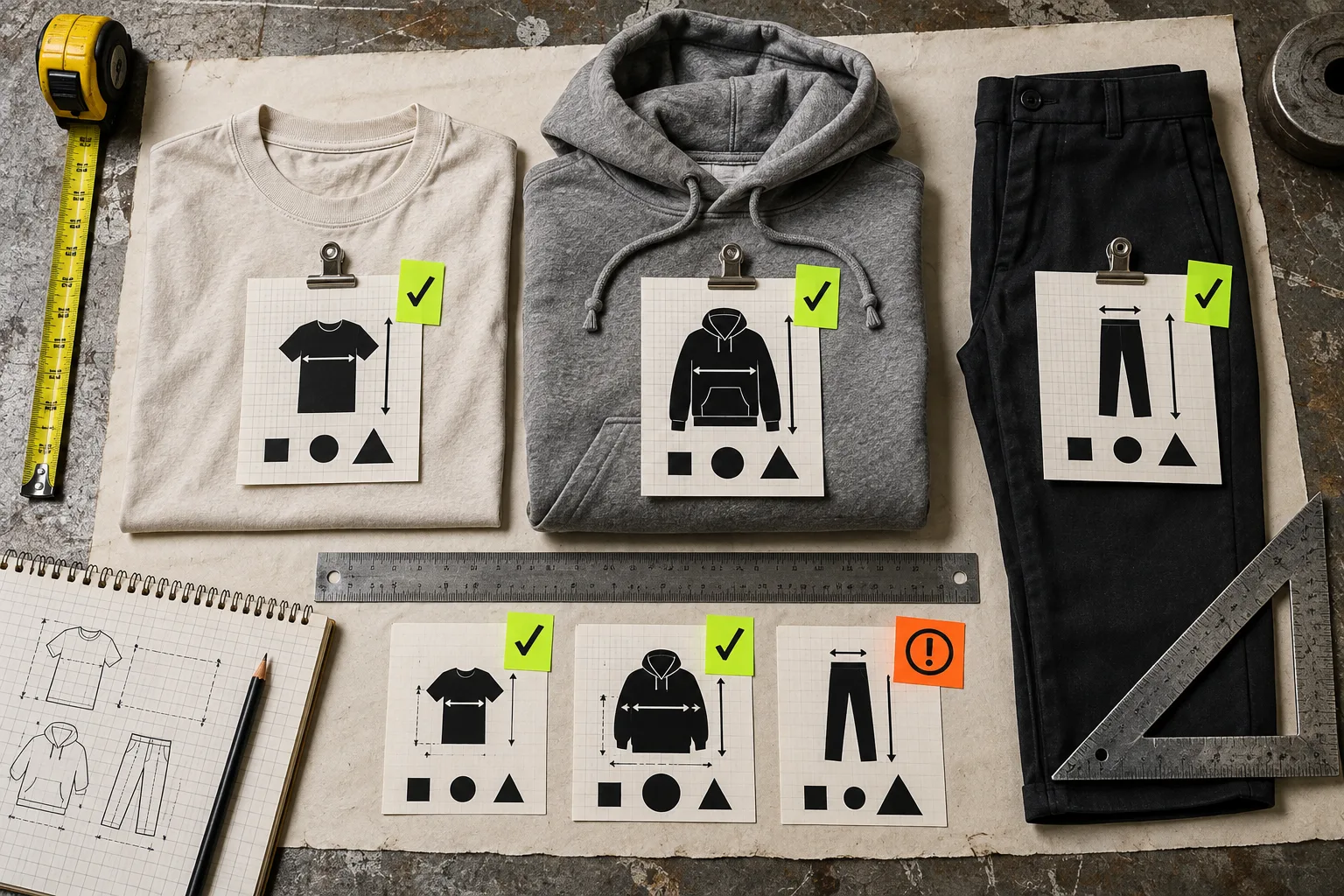
Do not begin with the collection name. Begin with the thing a shopper will compare. For a top, that might be chest width, body length, and sleeve length. For trousers, it may be waist, rise, inseam, and leg opening. The useful question is: could a shopper use the same instructions and the same columns to choose across these products?
Make a short fit card for each product group. It needs only four fields: garment type, intended fit, measurement method, and exception notes. “Regular cotton tee, measured flat, chest and length” is a fit family. “Oversized tee, measured flat, wider chest with dropped shoulder” is a different one, even if both are sold in S–XL.
This is more reliable than copying labels. Size labels are a naming system; measurements are the decision system. Before deciding your fields, use this guide to choosing the right measurements for a Shopify size chart.
Run a 20-minute fit-family audit
Pull one representative product for every likely family. Lay the product specs beside the sample, or measure the garment flat if the source data is uncertain. Look for these splits:
- Silhouette: fitted, regular, relaxed, oversized, cropped, longline, or tapered.
- Construction: a raglan sleeve, dropped shoulder, high rise, or elastic waist can change what must be explained.
- Measurement method: body measurements and flat garment measurements are not interchangeable.
- Promise: “true to size” and “intended oversized fit” do not belong under one silent rule.
Use an exception list, not a false sense of uniformity. A fabric that stretches substantially, a unisex cut, a collaboration capsule, or a made-to-measure product may deserve its own chart and a plain-language note. If you are preparing a new range, pair this with a collection-launch size-chart audit before the inventory arrives.
Turn each family into a reusable chart
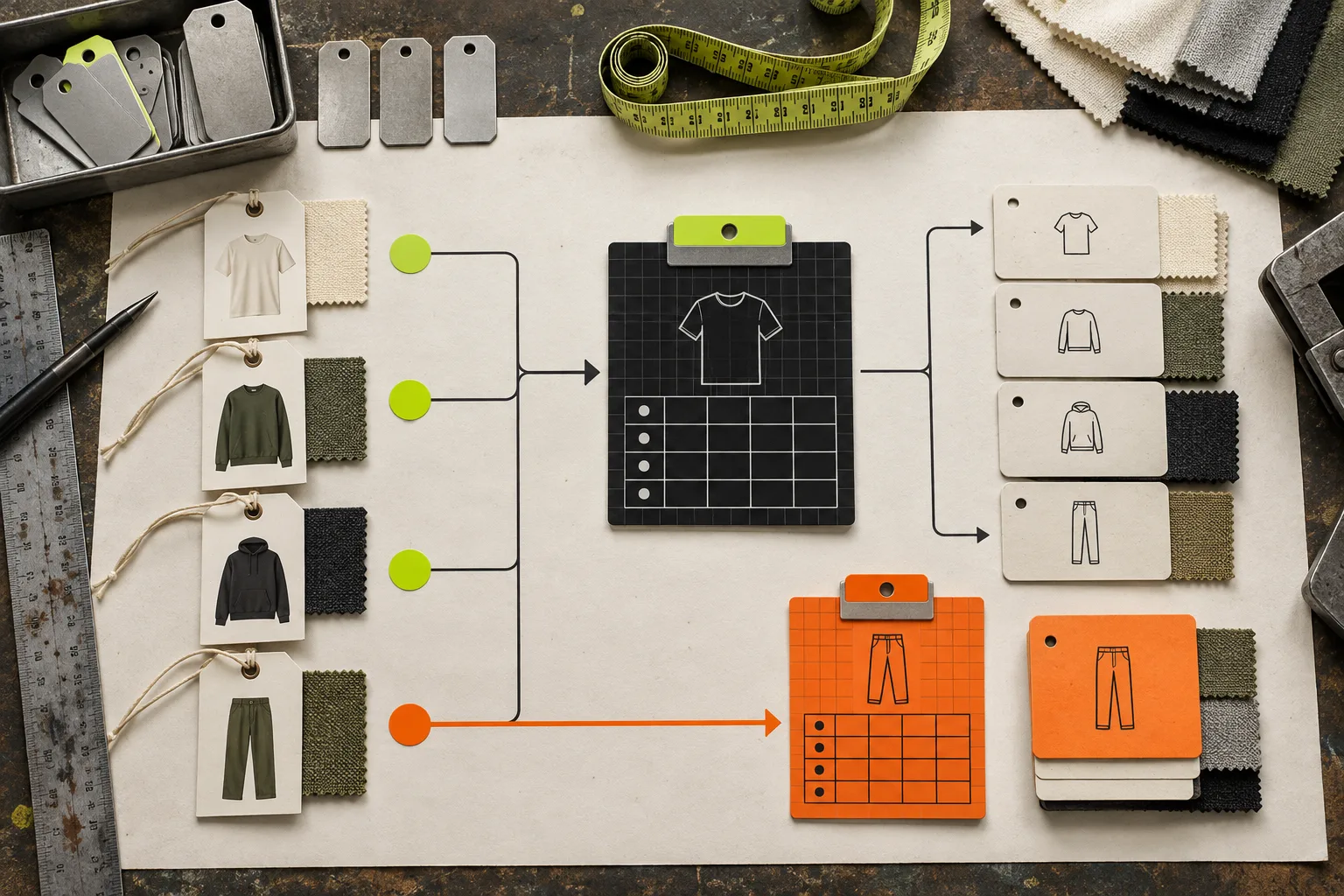
Now build one chart per family, not one chart per product. Include only columns a shopper can act on. A regular tee chart might have size, chest width, and body length, plus a note that measurements are taken flat. An oversized version can use similar columns, but its own values and a visible fit note. A trouser chart should not inherit tee fields just because it shares a collection.
This is where Supra Size Chart is practical: its spreadsheet-style editor keeps chart data central, and its labelled measurement guides can explain where a width or length is taken. You can reuse a guide across related charts, then give each fit family the table it needs. The charts live in Shopify metaobjects and can be exported as CSV or JSON, so the information is not trapped in product-description HTML.
For a broader category-by-category view, this field guide on building Shopify size charts for apparel, footwear, and accessories is useful. It is a good reminder that a footwear table, a cap guide, and an apparel chart answer different shopper questions.
Assign broadly, then make exceptions explicit
Once the families are sound, use the broadest rule that remains true. A collection rule may be perfect for a tightly edited regular-fit tee range. Product type, vendor, or tag rules can work when those fields actually represent a fit family. A specific product rule is the right escape hatch for an exception.
The mistake is choosing a broad rule because it is convenient to configure. A rule that covers 100 products is useful only when all 100 products share the same sizing decision. Start with a smaller trusted group; expand only after you have checked the edge cases. Supra Size Chart resolves rules by specificity and supports a store-wide default, so you can make that fallback useful without pretending it fits every item.
Check the chart where shoppers will see it
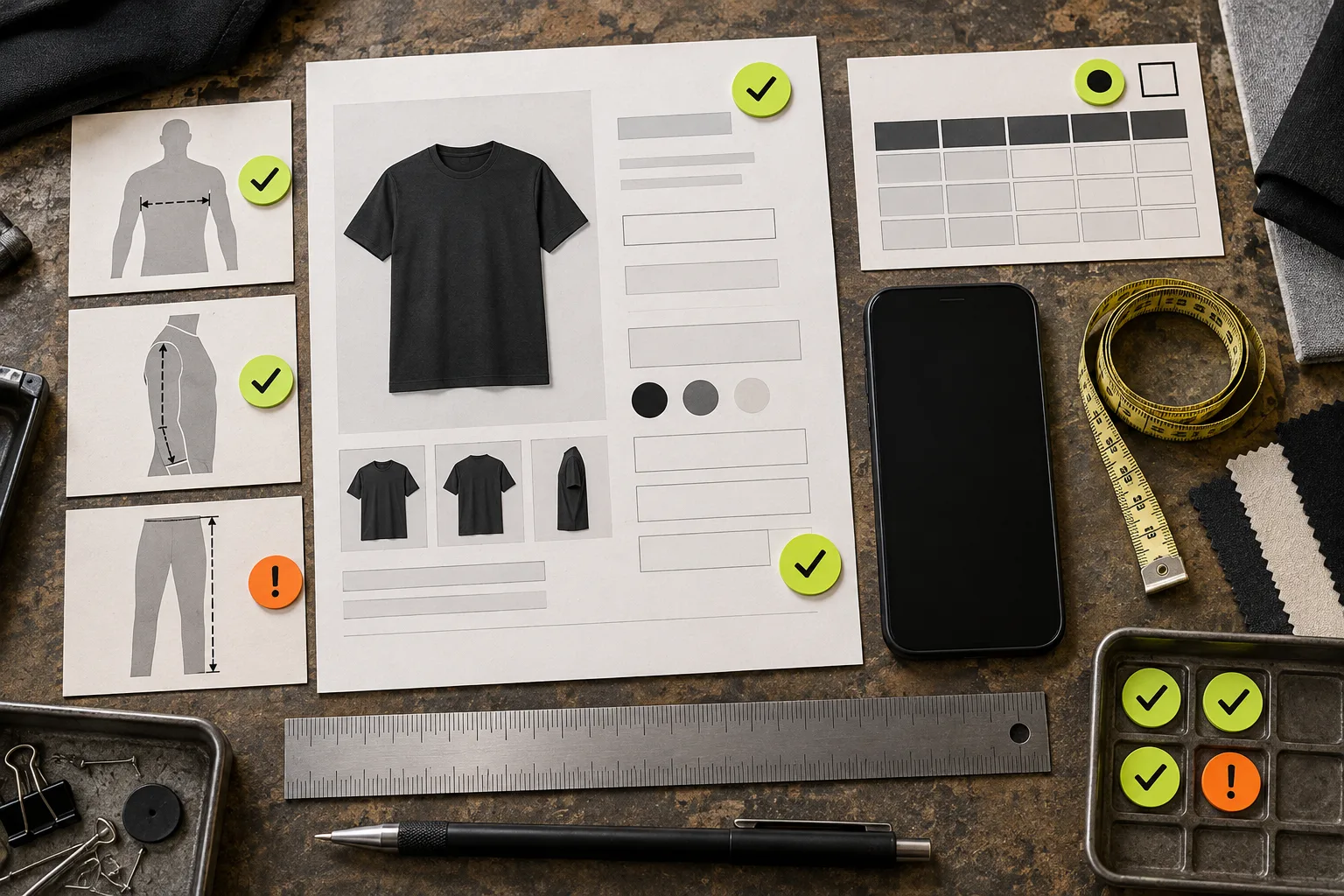
Open one product from every family on desktop and mobile. Confirm the chart appears beside the variant decision, the measurement guide matches the table, and the fit note is visible without a scavenger hunt. If you sell internationally, check the metric/imperial toggle too. Then test one known exception deliberately: an oversized style must not receive the regular-fit chart.
Readable presentation is part of accuracy. Keep the mobile table narrow, use clear labels, and do not bury the only sizing instruction inside an accordion that nobody opens. This guide to making Shopify size charts easy to read on mobile has a useful final-pass checklist.
The next action is simple: pick one collection with several silhouettes and make three fit cards today. If two products need different instructions or different measurements, split them before assigning a shared chart. A free Supra Size Chart setup lets you turn those families into maintainable product-page guidance instead of another round of pasted tables.